
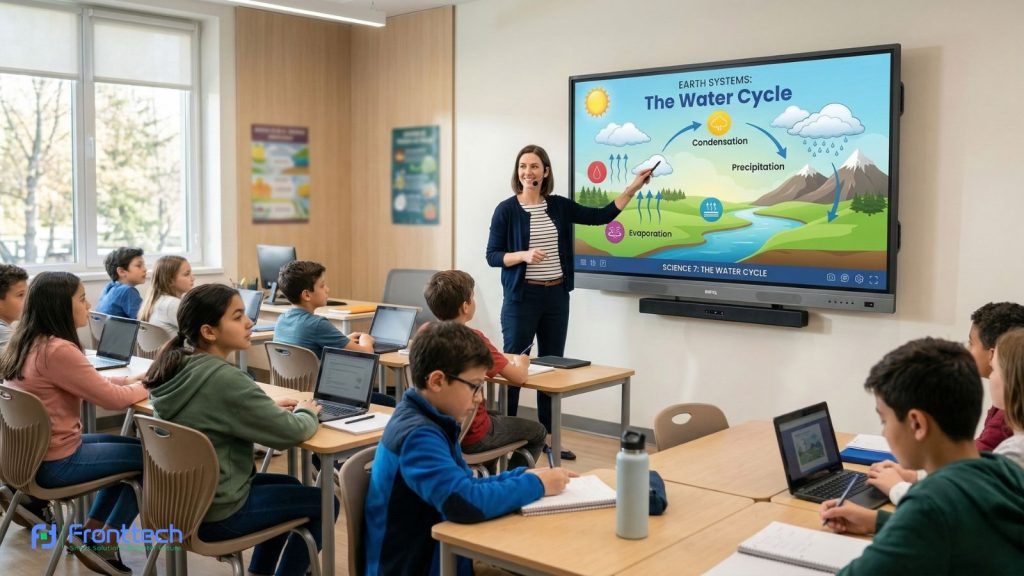
The way we work and learn in Bangladesh is changing fast. Gone are the days of dusty chalkboards and blurry projectors. Today, businesses and schools are switching to Interactive Flat Panels (IFP)—often called Smart Boards—to make meetings more productive and classrooms more exciting.
If you are looking for the best Smart Digital Board in Bangladesh, this guide is for you. At FrontTech360, we help you choose the right technology to stay ahead of the curve.
What is an Interactive Flat Panel (IFP)?
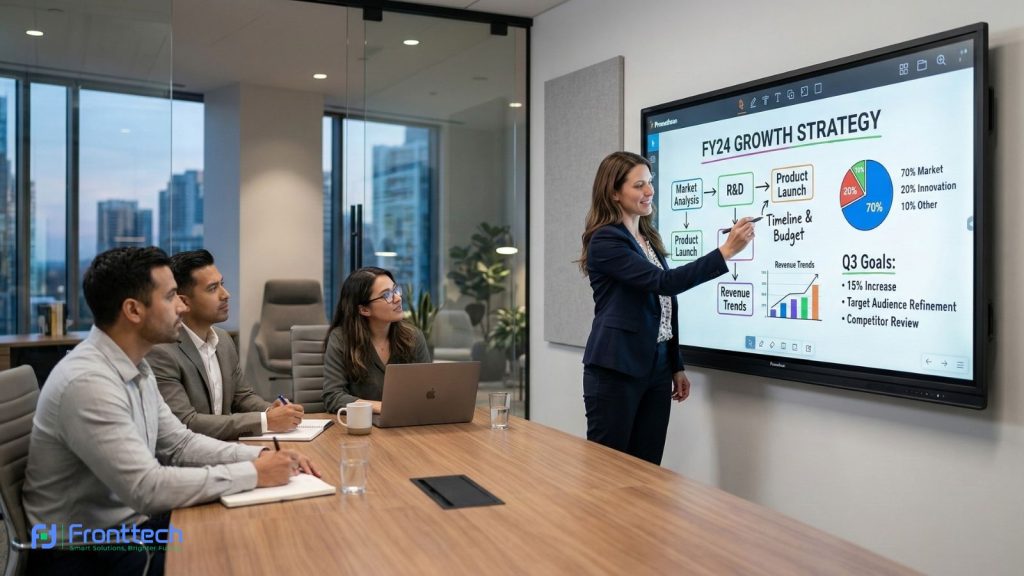
An Interactive Flat Panel is essentially a giant, high-performance tablet mounted on your wall. It combines a 4K television, a computer (Android or Windows), and a highly sensitive touch screen into one device.
Unlike a projector, there are no shadows, no need to turn off the lights, and you can write directly on the screen with your finger or a stylus. It is the perfect Digital Whiteboard for Education and a professional hub for Corporate Office Presentations.
Why Your Business or School Needs a Smart Board
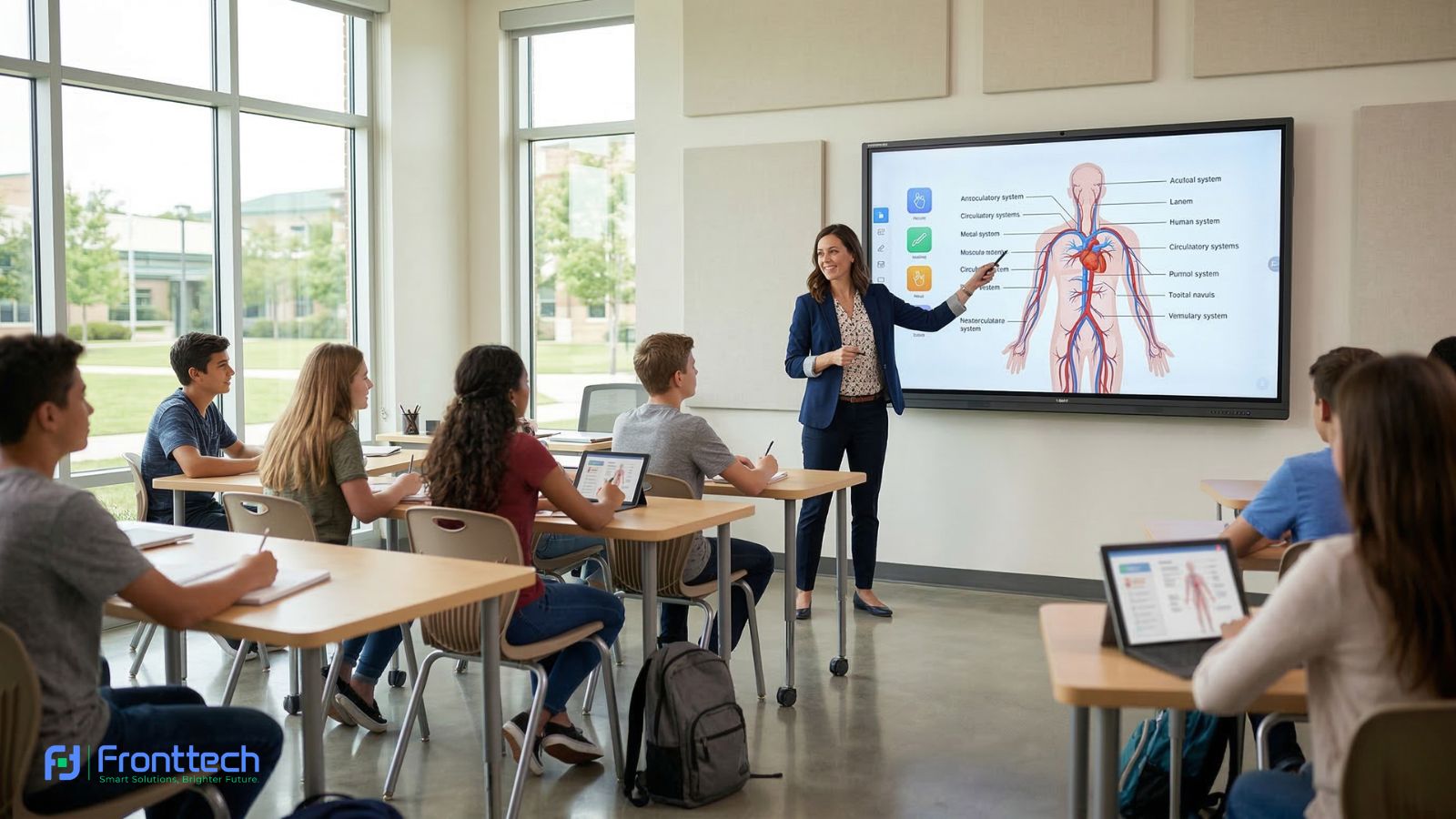
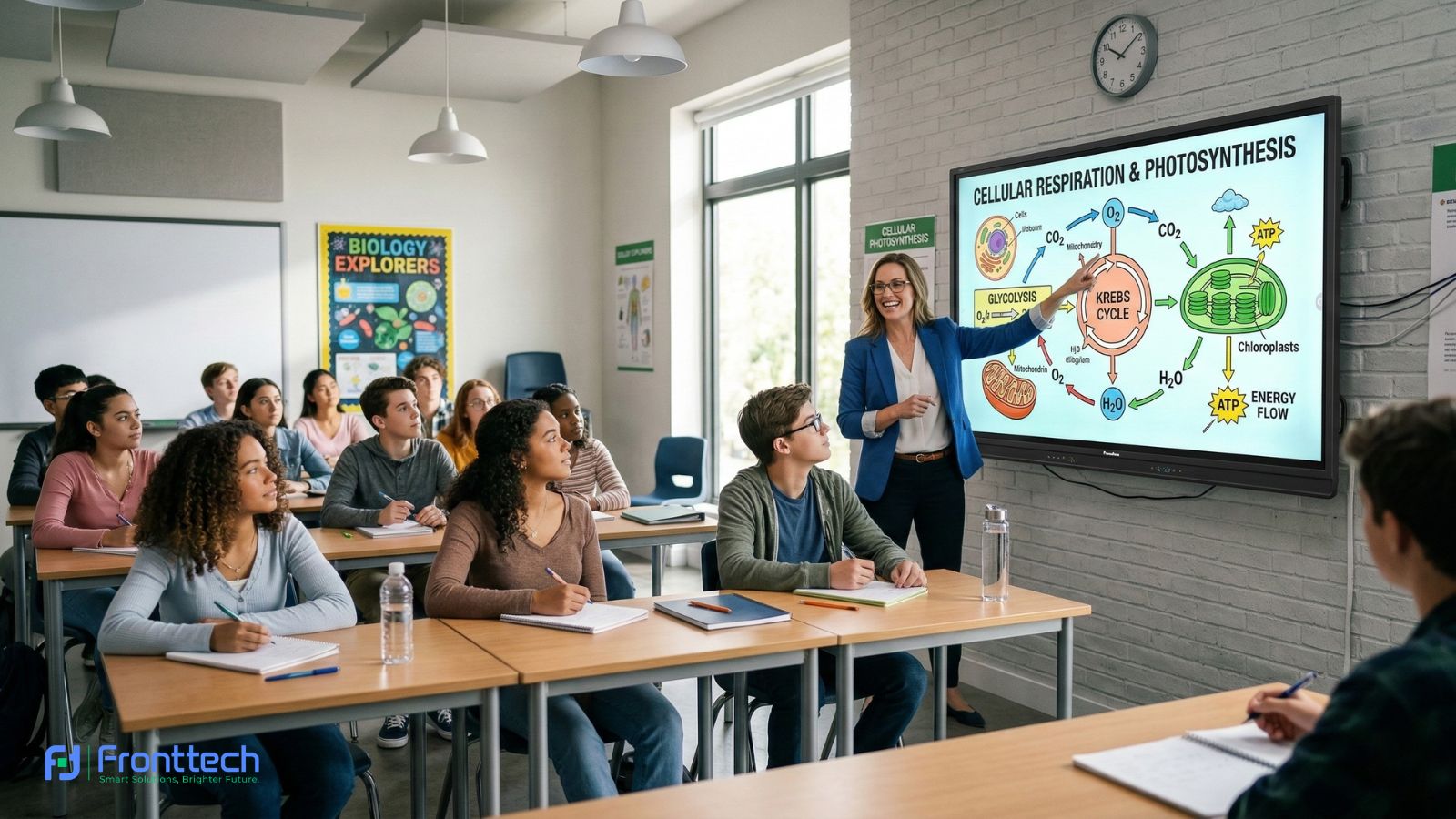
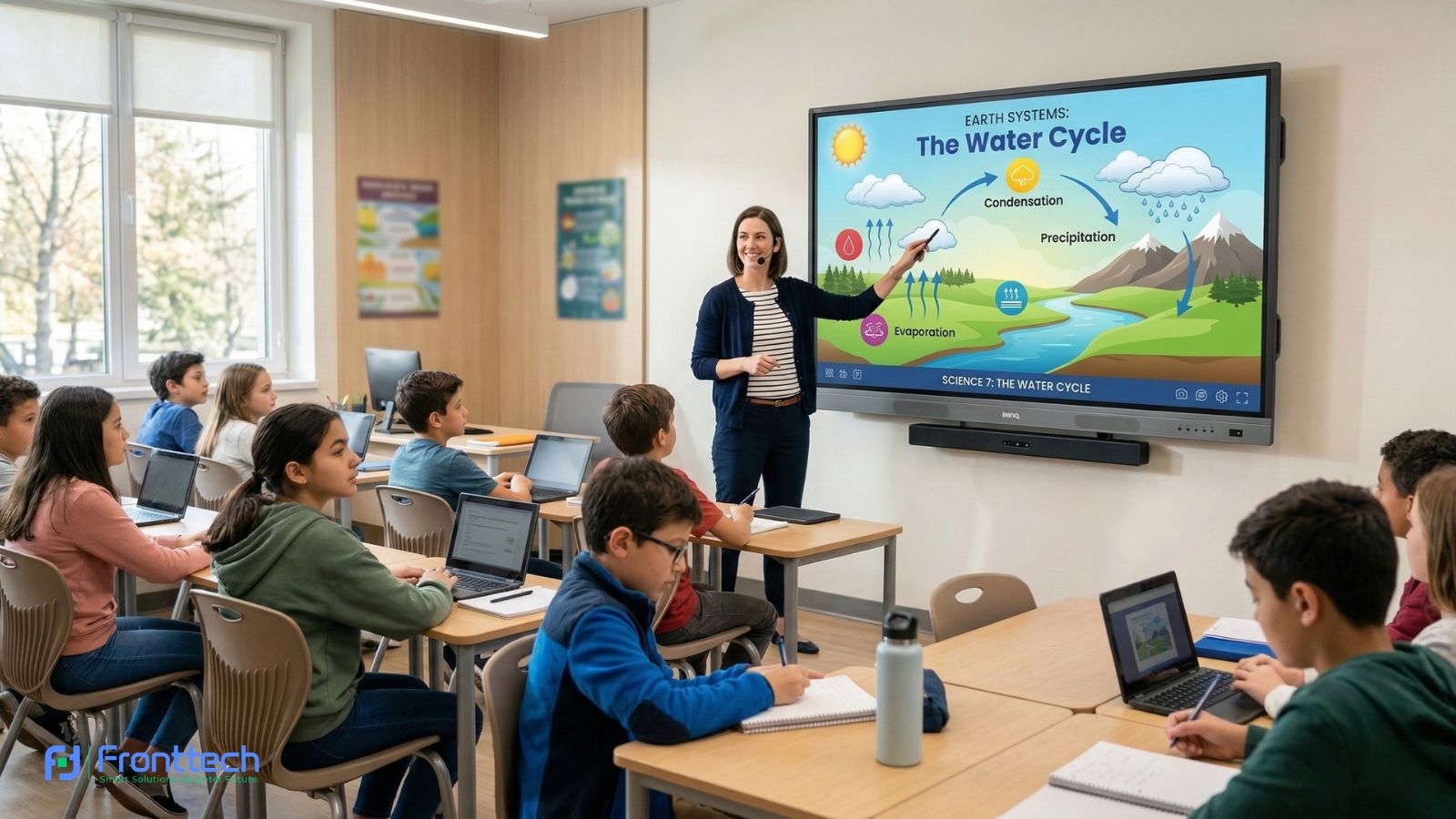
- In Education: It turns boring lessons into interactive experiences. Teachers can play videos, draw 3D diagrams, and save notes to share with students instantly.
- In Business: It makes brainstorming easier. You can pull up a spreadsheet, annotate it during a meeting, and email the results to your team with one tap.
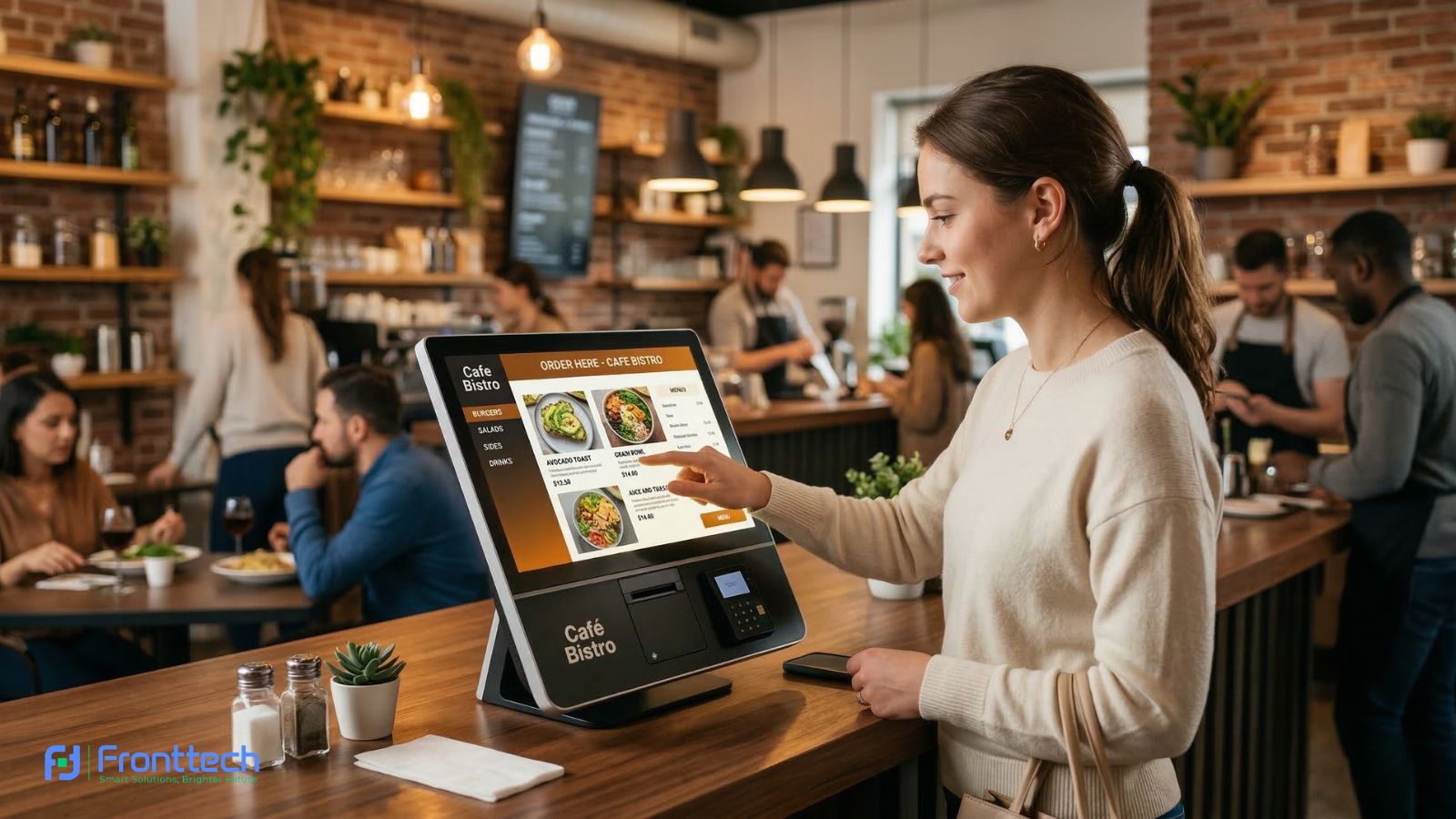
- In Advertising: Use it as an Interactive Kiosk in your office lobby or showroom to let customers browse your products.
Top 5 Interactive Flat Panels in Bangladesh (2026)

1. VARITO Interactive Panels (The Professional Choice)
VARITO is a top-tier brand known for durability. Their panels offer a paper-like writing experience and are perfect for high-end boardrooms.
Key Feature: Built-in 4K camera and microphone array for seamless video conferencing.
Best For: Hybrid meetings and executive offices.
2. BenQ Board Series (The Health-Conscious Choice)
BenQ leads the way in classroom safety. Their screens are designed to protect the eyes of students and teachers during long hours of use.
Key Feature: Germ-resistant screens and “Eye-Care” technology (low blue light).
Best For: Schools, colleges, and hospitals.
3. View Sonic View Board (The Collaboration King)
If you rely on cloud storage services like Google Drive or OneDrive, ViewSonic is your best bet. Their software makes it easy to open files from anywhere.
Key Feature: “My View Board” ecosystem for easy cloud collaboration.
Best For: Creative teams and modern universities.
4. Hikvision Interactive Displays (The All-Rounder)
Known for security, Hikvision also makes fantastic smart boards. They offer great hardware at a very balanced price point.
Key Feature: Ultra-fast touch response and stable Android OS.
Best For: Small to Medium Enterprises (SMEs) and coaching centers.
5. Walton Interactive Series (The Local Champion)
Walton provides high-quality 4K smart boards with the best local service network in Bangladesh.
Key Feature: Best price-to-performance ratio and nationwide warranty support.
Best For: Government projects and budget-conscious buyers.
Buying Guide: How to Choose the Right Size?
Room Type | Recommended Size | Viewing Distance |
Small Meeting Room | 55″ – 65″ | 5 – 10 feet |
Standard Classroom | 10 – 15 feet | |
Large Boardroom | 86″ | 15 – 20 feet |
Auditorium / Hall | 98″ | 20+ feet |
Installation and Care Tips
To keep your Smart Digital Board running for 10+ years:
- Professional Mounting: These screens are heavy. Always use a reinforced wall mount or a high-quality mobile stand.
- Cleaning: Never use harsh chemicals. A dry, soft microfiber cloth is all you need to remove fingerprints.
- Software Updates: Keep your Android or Windows system updated to ensure the latest security and features.
Final Buying Guide
An Interactive Flat Panel is an investment in productivity. Whether you want to improve student grades or close bigger business deals, the right smart board makes all the difference.
Ready to see a live demo? Contact FrontTech360 today! We offer the best Interactive Flat Panel prices in Bangladesh with expert installation and after-sales support.
Frequently Asked Questions About Interactive Flat Panels
Businesses and educational institutions often have questions before investing in an interactive flat panel. Understanding features, compatibility, and real-world use cases helps buyers make the right decision. Below are some of the most common questions people ask when choosing a smart digital board.
Can I use Zoom or Microsoft Teams on it?
Yes! Most panels come with Android apps for these platforms, or you can plug in a Windows PC (OPS) for the full desktop experience.
Does it work with my laptop?
Absolutely. You can connect via HDMI for video and USB for touch, or share your screen wirelessly using Wi-Fi.
Is it hard to learn?
If you can use a smartphone, you can use a Smart Board. It’s designed to be intuitive for teachers and professionals.
What is an interactive flat panel used for?
An interactive flat panel is used for digital presentations, teaching, meetings, and collaboration. It allows users to write, draw, display multimedia content, and interact with files directly on a large touch screen, making it ideal for classrooms, conference rooms, and training environments.
How is an interactive flat panel different from a projector?
Unlike projectors, interactive flat panels offer bright 4K displays without shadows or dim lighting. Users can write directly on the screen, and the built-in computer system allows apps, videos, and presentations to run smoothly without needing extra equipment.
Can interactive flat panels connect with laptops and mobile devices?
Yes, most interactive flat panels support HDMI, USB, and wireless screen sharing. This allows users to connect laptops, tablets, or smartphones easily and present documents, slides, or videos directly on the smart board during meetings or classroom sessions.
Add Your Heading Text Here
The ideal screen size depends on the room size and viewing distance. Smaller meeting rooms usually work well with 55-inch or 65-inch displays, while classrooms often require 75-inch panels. Large boardrooms or auditoriums may use screens 86 inches or larger.
Are interactive flat panels suitable for both schools and offices?
Yes, interactive flat panels are designed for both educational and corporate environments. In classrooms, they support digital teaching and student interaction, while in offices, they help teams collaborate during meetings, brainstorming sessions, and presentations.