
In the modern business landscape of Bangladesh, speed is the new currency. Whether you are running a popular cafe in Dhanmondi, a busy retail outlet in Jamuna Future Park, or a diagnostic center in Chattogram, your customers all want the same thing: convenience.
The traditional way of standing in long queues to pay a bill or place an order is fading away. Taking its place is the Self-Service Kiosk, a powerful tool for digital transformation. Specifically, the 15.6-inch Self-Service Bill Payment and Ordering Kiosk has emerged as the “sweet spot” for businesses looking to automate their services without taking up too much floor space.
At FrontTech360, we believe that automation isn’t just for giants; it’s for every business that values its customers’ time. In this long-form guide, we’ll explore how these compact kiosks are changing the game.
What exactly is a 15.6-inch Self-Service Kiosk?
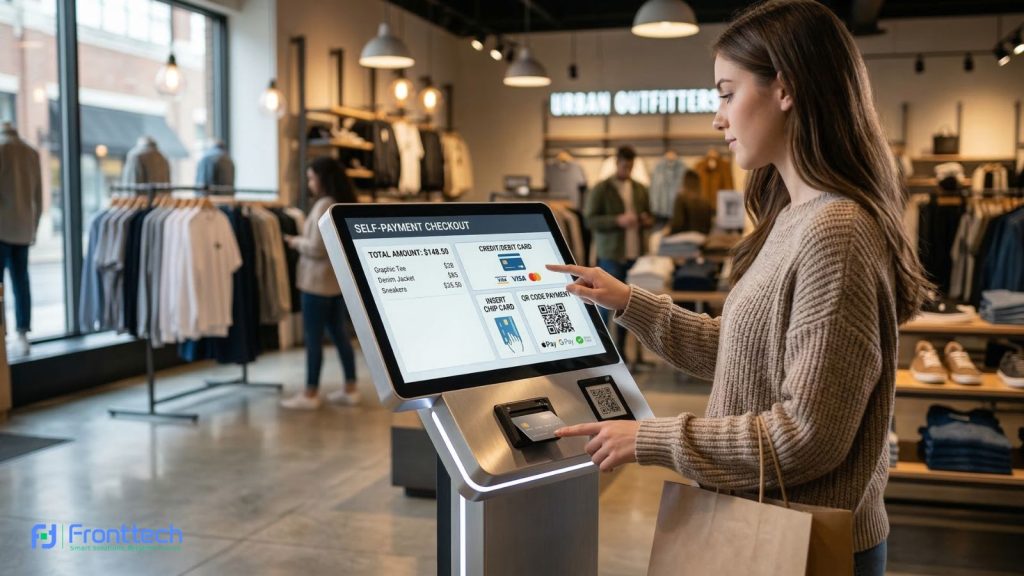
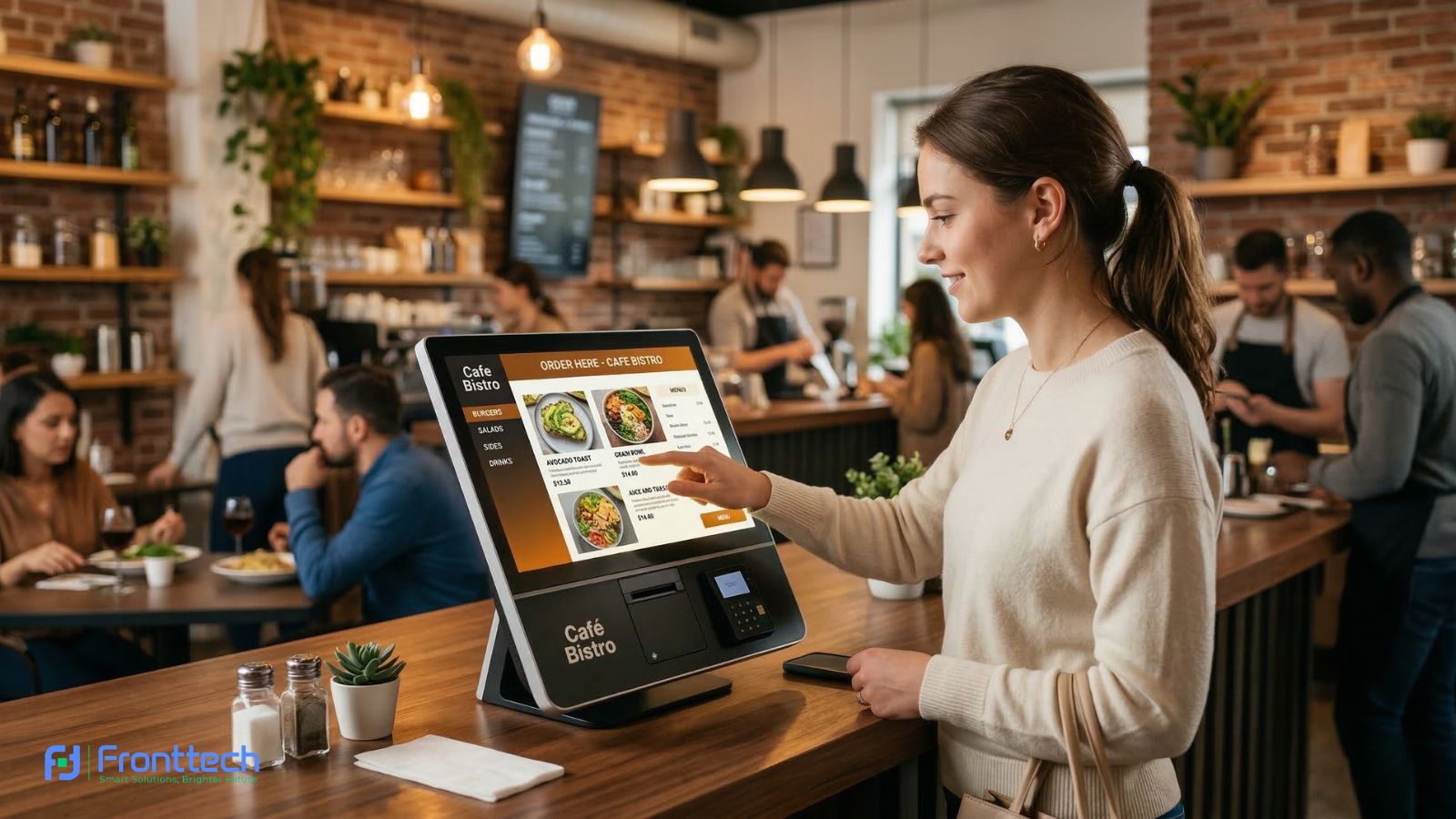
A 15.6-inch self-service kiosk is a sleek, high-tech terminal featuring a responsive touchscreen interface. Despite its compact size—roughly the size of a large laptop screen—it packs the punch of a full-scale industrial computer.
These kiosks are designed to handle:
- Order Management: Browsing digital menus or product catalogs.
- Bill Payments: Processing utility bills, school fees, or subscription renewals.
- Transaction Processing: Securely handling payments via cards, mobile wallets, or QR codes.
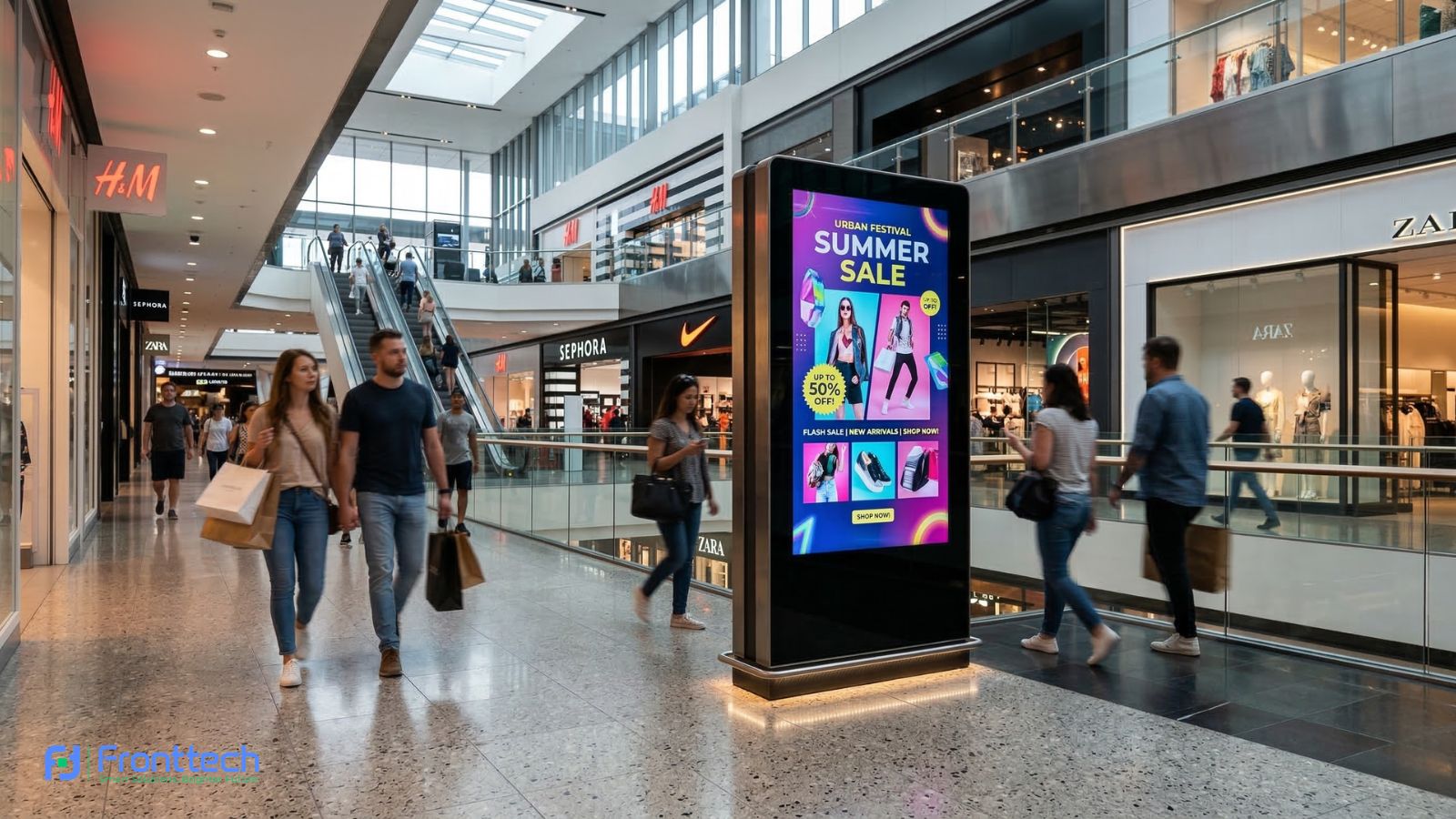
- Information Display: Acting as a digital signage board when not in active use.
Because of their small footprint, these 15.6-inch models can be mounted on countertops, attached to walls, or placed on slim pedestals, making them perfect for “micro-retail” and crowded urban spaces.
Why Your Business Should Embrace Self-Service Technology
If you are still on the fence about digital transformation, here are the core reasons why a self-service payment terminal is a smart investment:
1. Eliminating the "Queue Frustration"
Nothing kills a customer’s mood like a long line. A self-service kiosk acts as an extra staff member that never gets tired. By allowing customers to “check themselves out” or “order themselves,” you significantly reduce wait times, especially during peak hours like lunch or end-of-month bill cycles.
2. Enhancing Order Accuracy
Humans make mistakes, especially when a shop is noisy or busy. When a customer selects their own items on a 15.6-inch HD touch display, the chances of an incorrect order drop to nearly zero. What they see on the screen is exactly what they get.
3. Boosting Revenue via Automated Upselling
A kiosk is a master salesperson. It never forgets to ask, “Would you like to add a drink for 20 Taka?” or “Do you want to upgrade to a large size?” Research shows that customers often spend 20–30% more when using a kiosk because they feel less pressure and have more time to browse the “add-ons.”
4. Smart Labor Allocation
By automating simple tasks like taking orders or accepting payments, your human staff can focus on more important things—like preparing high-quality food, cleaning the premises, or solving complex customer issues.
Top Features of the FrontTech 15.6-Inch Kiosk Series
When choosing a Self-Service Kiosk in Bangladesh, you need hardware that can handle local conditions—high traffic and varied payment methods. Our kiosks come packed with:
High-Definition Responsive Touch
The 15.6-inch screen features Capacitive Touch technology. This means it responds to the lightest tap, providing a smartphone-like experience that everyone is already comfortable with.
Versatile Payment Integration
In Bangladesh, “Digital Payment” means more than just credit cards. Our kiosks are designed to integrate with:
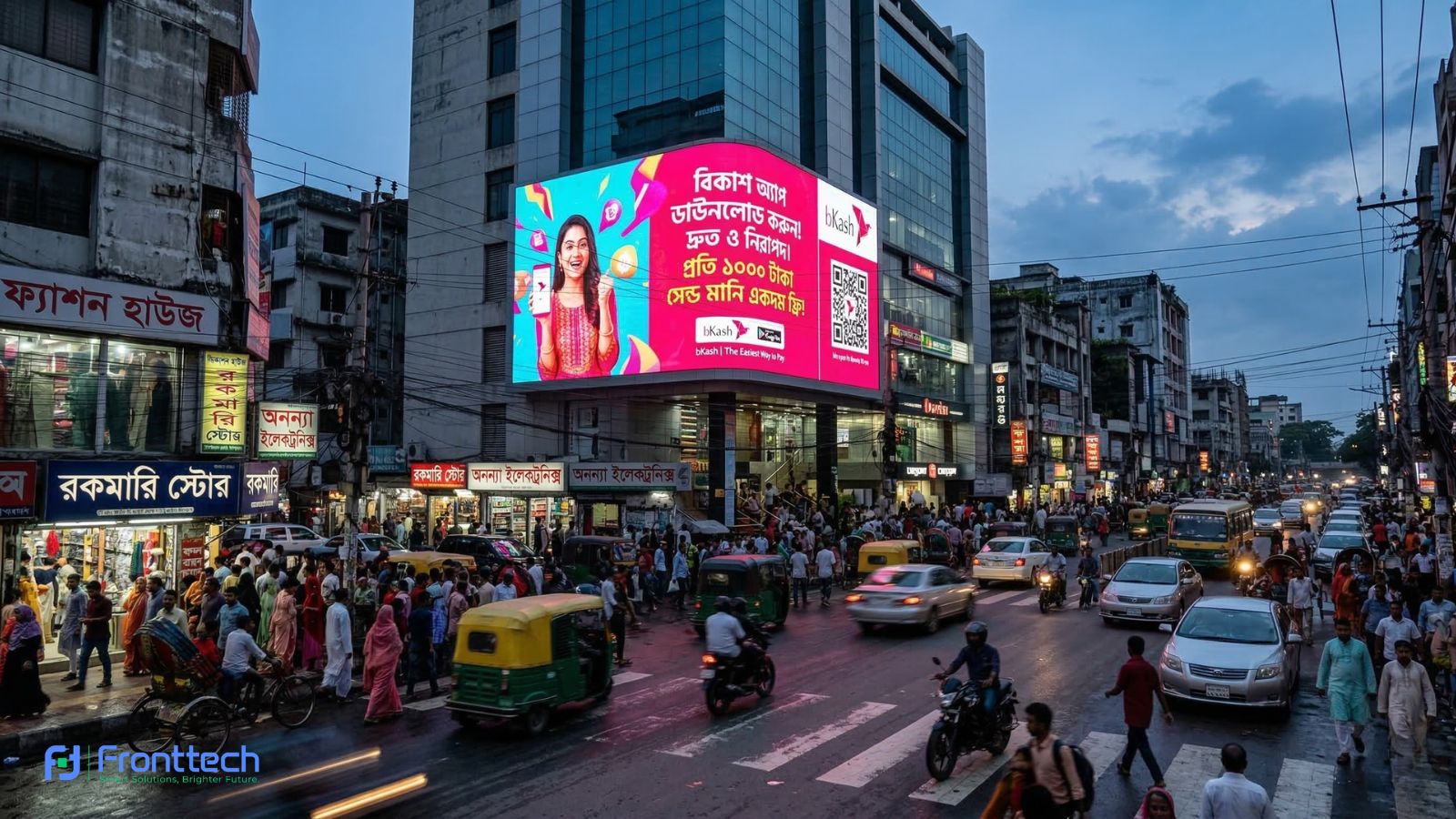
- MFS (Mobile Financial Services): Instant QR code generation for bKash, Nagad, and Rocket.
- NFC/Card Readers: For “Tap and Pay” debit or credit cards.
- Mobile Wallets: Direct integration with bank apps.
Industrial Build for 24/7 Use
These aren’t standard tablets. They are built with industrial-grade motherboards and heat-dissipation systems, allowing them to stay powered on 24 hours a day, 7 days a week, without lagging.
Built-in Thermal Printer
Most of our 15.6-inch models include a high-speed 80mm thermal receipt printer. This allows the customer to get an instant order token or payment confirmation, which is essential for trust and record-keeping.
Practical Applications Across Industries
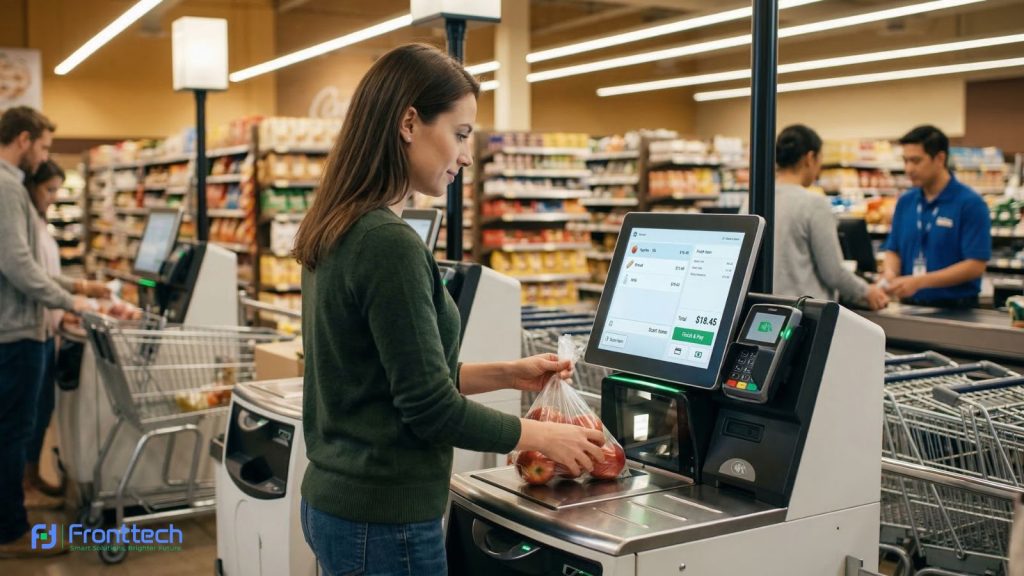
Self-service kiosks are no longer limited to large international brands. Today, businesses across Bangladesh—from restaurants and retail shops to banks and healthcare facilities—are using these smart terminals to automate services and improve customer experience. Below are some of the most common industries where a 15.6-inch self-service kiosk delivers real operational benefits.
Hospitality: Restaurants & Cafes
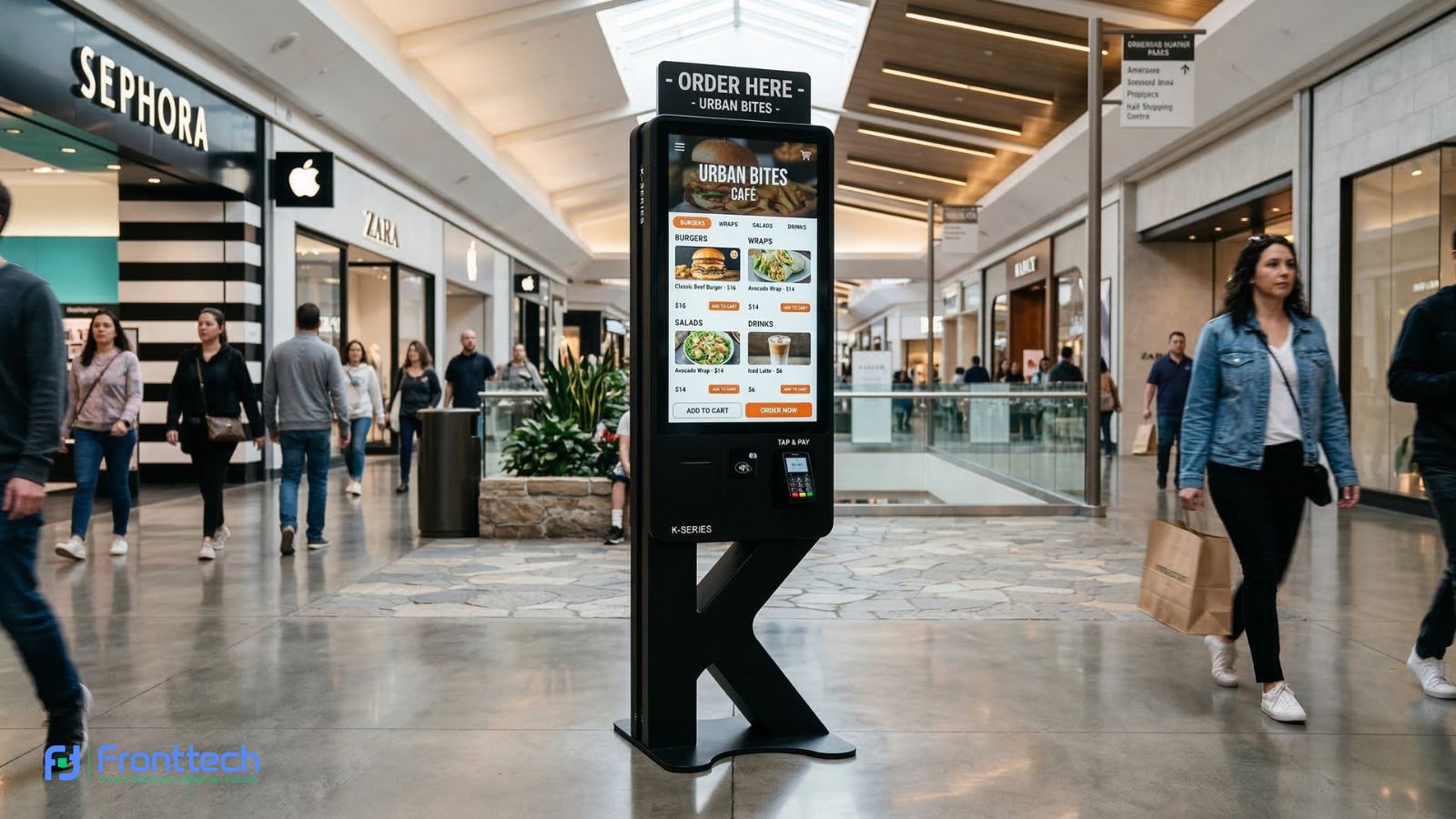
Use the kiosk as a Self-Ordering Terminal. Customers can customize their burgers or coffee, pay at the screen, and simply wait for their number to be called. It’s the “Fast Food” model perfected.
Retail: Self-Checkout
Small grocery stores or pharmacies can use these kiosks to allow customers to scan their own items. This is particularly useful for shoppers who are only buying one or two items and don’t want to wait behind someone with a full trolley.
Banking & Finance: Bill Payment
Place these kiosks in bank lobbies or community centers. Users can scan their electricity, water, or internet bills and pay them instantly using their mobile wallets.
Healthcare: Patient Check-in
Clinics can use a 15.6-inch kiosk for patient registration. A patient arrives, taps their ID or appointment number, and the system automatically alerts the doctor that they have arrived.
The ROI (Return on Investment) Factor
While there is an upfront cost to purchasing a 15.6-inch Self-Service Kiosk, the long-term savings are massive:
- Reduced Paper Costs: Digital menus replace printed ones.
- Lower Staffing Costs: One staff member can oversee four kiosks.
- Data Analytics: The kiosk records every transaction, giving you valuable data on what your best-selling items are and what time of day is your busiest.
Conclusion: Take the Leap with FrontTech360
Digital transformation isn’t a buzzword; it’s the reality of modern business. By installing a 15.6-inch Self-Service Bill Payment and Ordering Kiosk, you are telling your customers that you value their time and their safety.
At FrontTech360, we don’t just provide the hardware; we provide the solution. From software integration to on-site installation and maintenance, we ensure your automation journey is smooth and profitable.
Ready to revolutionize your business operations? Contact FrontTech360 today for a live demo and discover the best Self-Service Kiosk prices in Bangladesh!
Frequently Asked Questions About Self-Service Kiosks
Businesses often have questions before adopting self-service technology. From payment integration to ease of use and installation requirements, understanding how a self-service kiosk works helps business owners make better decisions. Below are some common questions about self-service kiosks and how they improve customer experience and operational efficiency.
What is a self-service kiosk?
A self-service kiosk is a digital touchscreen terminal that allows customers to place orders, make payments, or access information without assistance from staff. Businesses use these kiosks to automate services and improve customer convenience.
What businesses benefit from a self-service kiosk?
Self-service kiosks are widely used in restaurants, retail stores, hospitals, banks, and diagnostic centers. These kiosks help businesses reduce queues, speed up transactions, and improve the overall customer experience.
How does a self-service bill payment kiosk work?
A self-service bill payment kiosk allows users to select a service, scan a bill or enter account details, and complete the payment using cards, mobile wallets, or QR-based payment systems.
Is a 15.6-inch self-service kiosk suitable for small businesses?
Yes. A 15.6-inch self-service kiosk is compact and space-efficient, making it ideal for small cafes, pharmacies, retail shops, and service centers that want to automate ordering or payment processes.
Is the 15.6-inch screen too small for elderly users?
Not at all. The interface is designed with large icons and high-contrast text. Because it is an HD display, the clarity makes it very easy to read even for those with eye strain.
Does it require a constant internet connection?
Yes, for payment processing and remote content updates, a stable Wi-Fi or LAN connection is required. However, the local menu can usually still be browsed if the internet dips momentarily.
Can I customize the software with my brand colors?
Absolutely. FrontTech360 offers custom software UI designs so the kiosk looks and feels like a natural extension of your brand.
What happens if the printer runs out of paper?
The system will automatically send an alert to your dashboard or the administrator’s phone, so you can refill it before the next customer arrives.
Can self-service kiosks accept digital payments?
Yes. Modern kiosks support multiple payment methods including bank cards, mobile financial services like bKash or Nagad, and QR code payments.
How does a self-service kiosk increase business revenue?
Self-service kiosks increase revenue by reducing waiting time, improving order accuracy, and automatically suggesting additional products or upgrades during the ordering process.