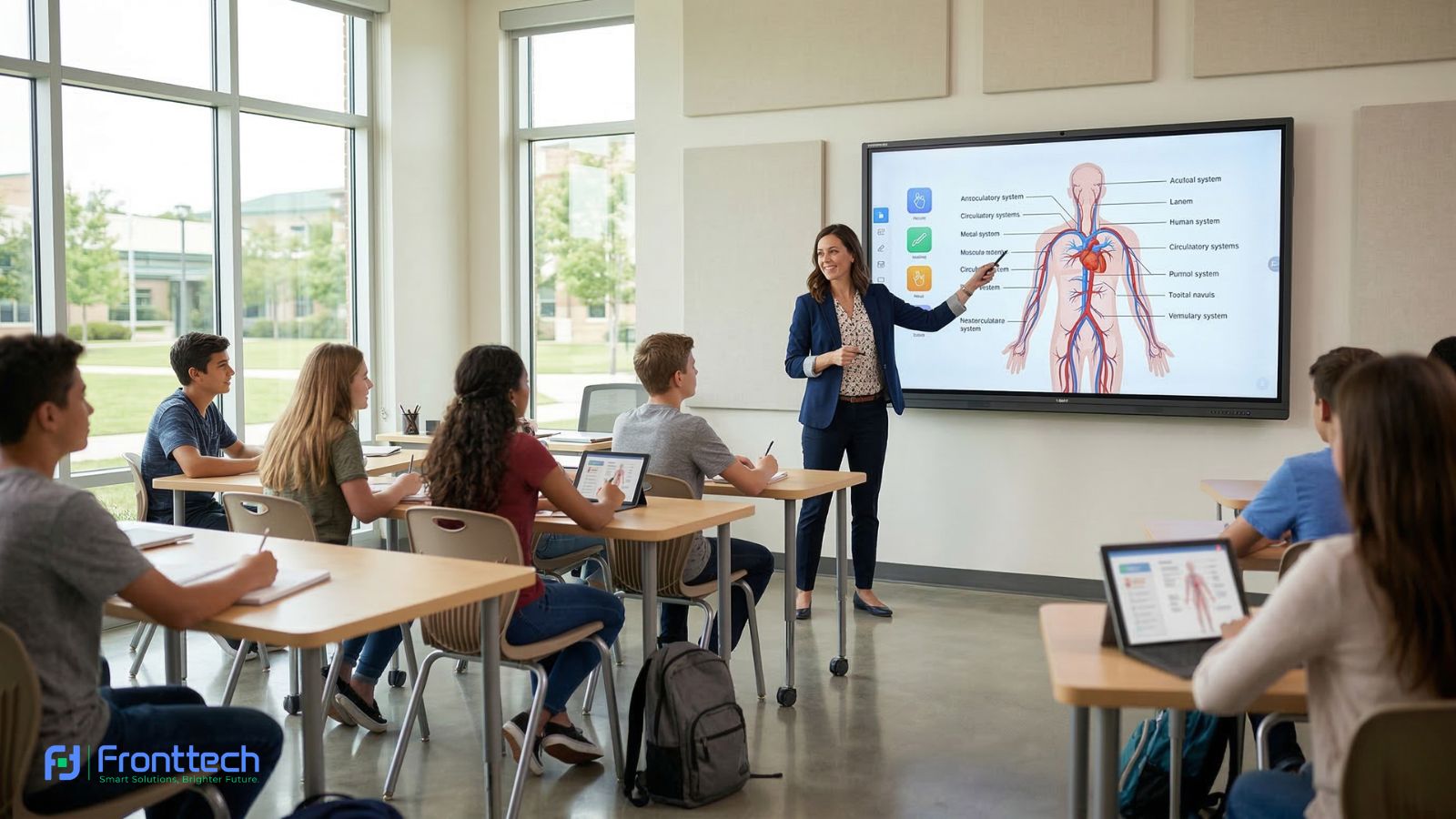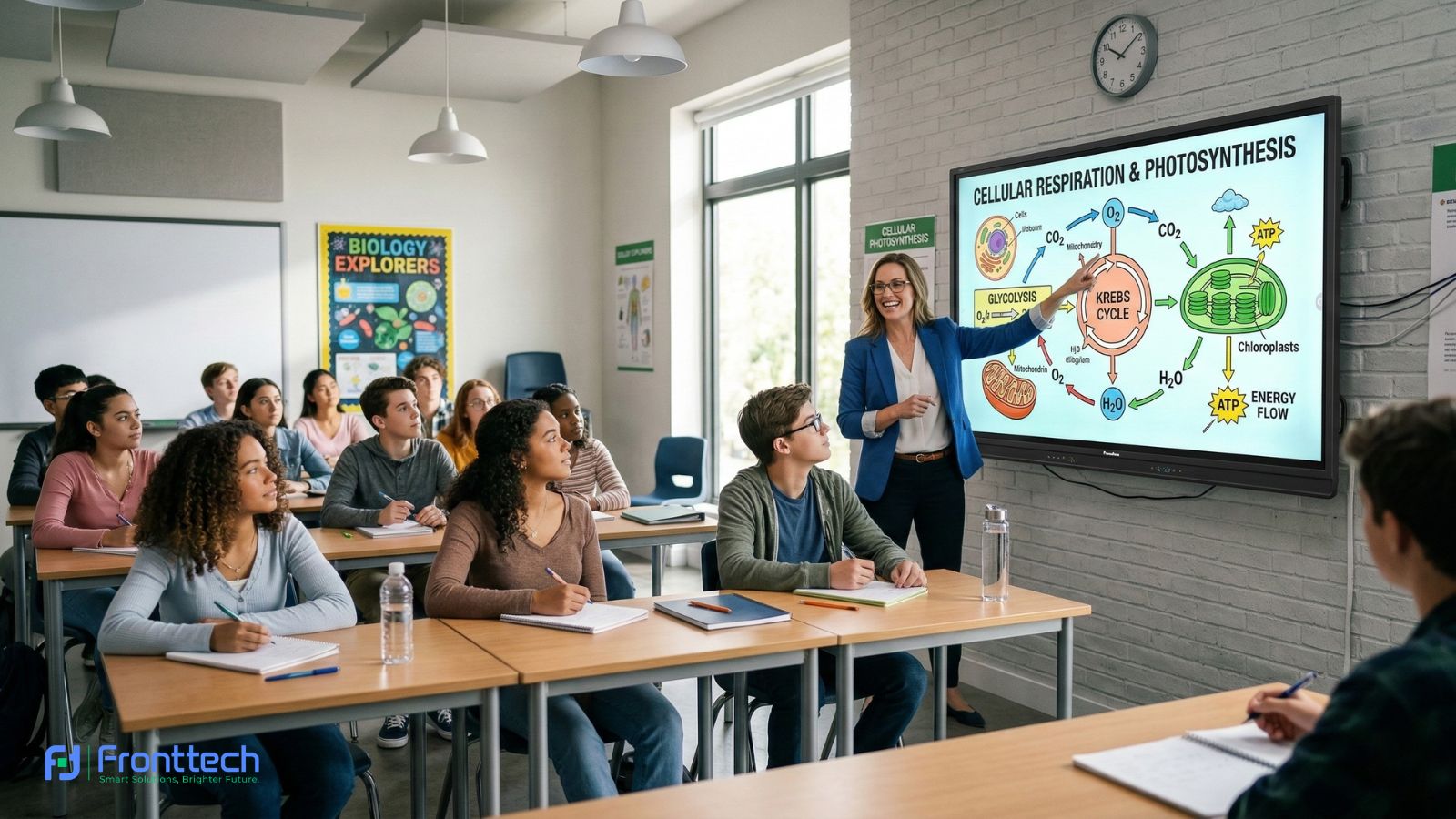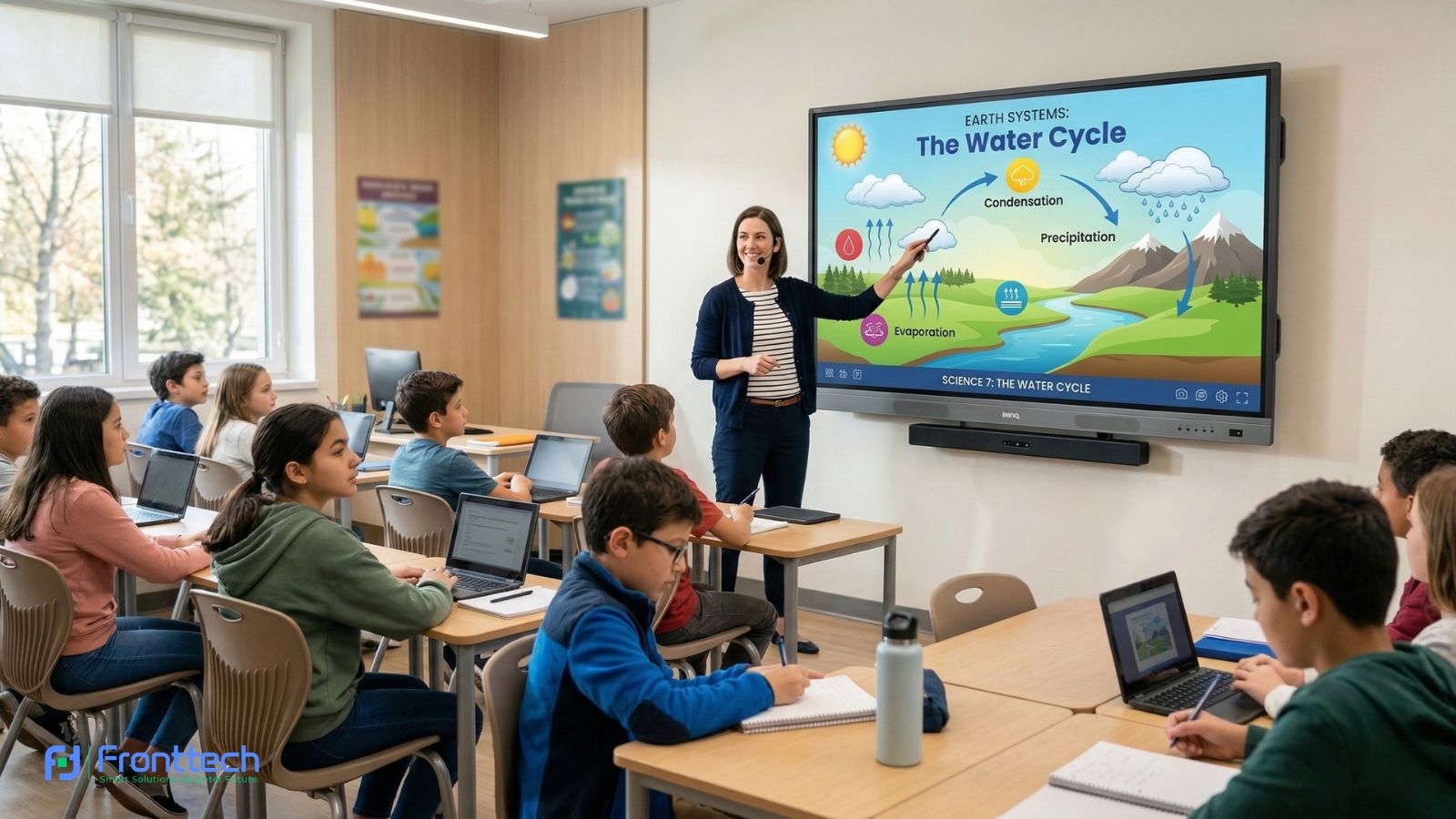

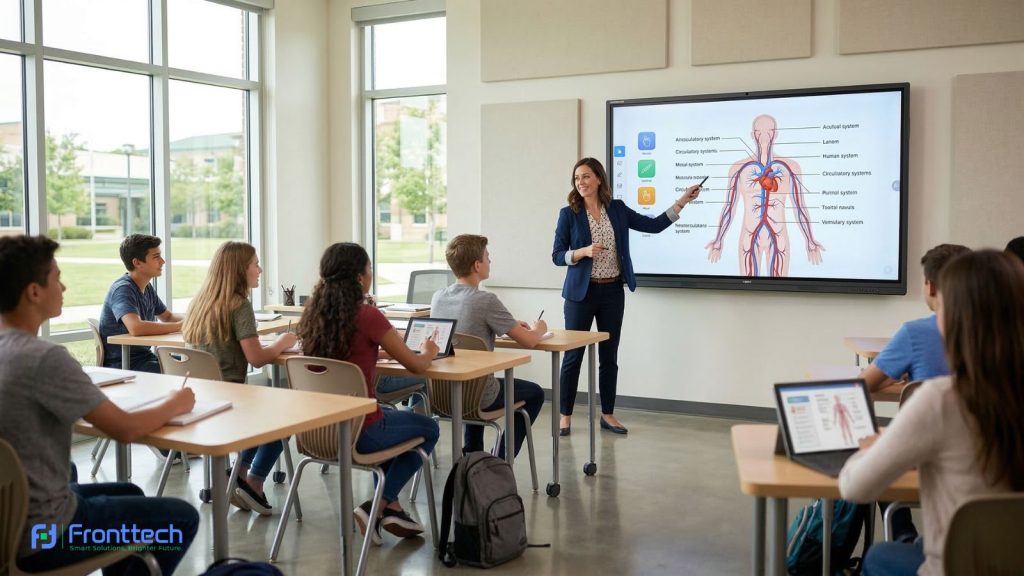
The traditional whiteboard and projector setup is rapidly becoming a relic of the past. In classrooms across Bangladesh and corporate boardrooms in Dhaka’s commercial hubs, a new king has taken the throne: the Interactive Flat Panel Display (IFPD). Often referred to as a Smart Board or Digital Whiteboard, these devices are transforming the way we present information, teach students, and collaborate with remote teams.
However, as the demand for this technology grows, so does the number of brands and models in the market. If you are a school principal, an IT manager, or a business owner, you might find yourself asking: “Which interactive flat panel is actually worth the investment?” At FrontTech360, we believe that buying a smart board isn’t just about picking the biggest screen—it’s about choosing the right features that align with your goals. In this exhaustive 1300-word guide, we will break down the absolute must-have features to look for when buying an interactive flat panel display in 2026.
What is an Interactive Flat Panel Display (IFPD)?
Before diving into the features, let’s define the technology. An Interactive Flat Panel Display is a large-format touch screen display that functions like a giant, high-performance tablet. It integrates a high-definition screen, a powerful computer system (usually Android or Windows), advanced touch sensors, and professional-grade speakers into one sleek unit.
Unlike old-fashioned “Smart Boards” that required a separate projector and constant calibration, an IFPD is a standalone “all-in-one” solution. You turn it on, and you’re ready to go.
1. 4K Ultra-HD Resolution: Why Clarity is Non-Negotiable

In 2026, Full HD (1080p) is no longer enough for a screen that might be 75 or 86 inches in size. When you are buying an interactive display, 4K UHD (3840 x 2160) resolution is a baseline requirement.
Why it matters:
- Readability: In a classroom, students at the back need to see small text clearly. 4K provides the sharpness necessary for legible writing.
- Professionalism: In a corporate presentation, high-resolution visuals make your brand look sophisticated.
- Eye Health: Blurry images cause eye strain. A crisp 4K image is much more comfortable for the eyes during long meetings or 6-hour school days.
2. Choosing the Right Screen Size

Size is the first thing people notice, but bigger isn’t always better. You need to match the screen size to the dimensions of your room and the number of participants.
- 55″ to 65″: Perfect for small “huddle” rooms, private offices, or tutoring centers with 5-10 people.
- 75″: The “Gold Standard” for typical school classrooms and medium-sized meeting rooms (15-25 people).
- 86″: Ideal for large boardrooms, university lecture halls, or conference spaces.
- 98″+: Reserved for auditoriums or grand halls where the audience is more than 50 feet away.
Pro Tip: Measure your wall space and consider the ceiling height before ordering. A screen that is too high up will be difficult for shorter users (like primary school students) to touch.
3. Touch Technology: Capacitive vs. Infrared
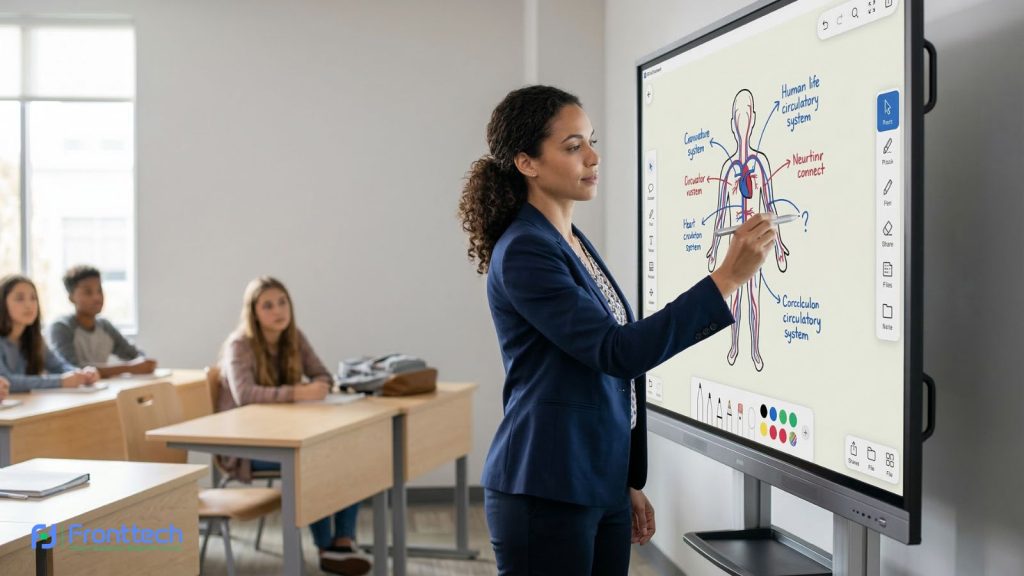
How the screen “feels” when you write on it is determined by the touch technology. There are two main types you will encounter:
- Infrared (IR) Touch: The most common and affordable type. It uses invisible light beams across the surface. Modern IR (often called “Ultra-Fine Touch”) is very fast and responsive.
- Capacitive Touch (P-CAP): This is the same technology used in your smartphone. It is extremely sleek, supports “palm rejection” (you can rest your hand on the screen while writing), and looks more like a premium TV because it doesn’t have a thick bezel (frame).
- Multi-Touch Capability: Ensure the panel supports at least 20-point touch. This allows multiple students or colleagues to write, erase, and move objects on the screen at the same time without any lag.
4. The "Brain" of the Panel: Android vs. Windows (OPS)
Most interactive flat panels come with a built-in Android Operating System. This is great for basic tasks like white boarding, browsing the web, and using educational apps.
However, for a truly “Smart” experience, look for a panel with an OPS (Open Pluggable Specification) Slot.
- What is an OPS? It is a small, slot-in computer that runs a full version of Windows 11.
- Why you need it: If your office uses specialized software (like AutoCAD, advanced Excel, or proprietary corporate apps), a Windows OPS is much more powerful than the built-in Android system.
5. Bonding Technology: Zero Bonding and Optical Bonding
This is a technical detail that many buyers overlook, but it makes a huge difference in the user experience.
- The Problem: In older screens, there is a small air gap between the touch glass and the actual LCD panel. This causes “parallax error”—when you write, the digital ink looks like it’s hovering a few millimeters away from your pen tip.
- The Solution: Look for Zero Bonding or Optical Bonding. This removes the air gap, making the writing experience feel as natural as a pen on paper. It also improves the viewing angle and prevents internal condensation.
6. Connectivity: The Power of USB-C
A modern IFPD should be the hub of your room. Look for a panel that offers Type-C Connectivity. A single USB-C cable can:
- Transmit 4K Video.
- Enable Touch Control (so you can control your laptop from the big screen).
- Charge your laptop (Power Delivery).
- Transfer Data.
Instead of carrying three different cables, you just plug in one cord, and you are ready to present. Also, ensure the panel has multiple HDMI 2.0/3.0 ports, USB 3.0, and an Ethernet (LAN) port.
7. Built-in Collaborative Software
The hardware is only half the story. The whiteboarding software included with the panel is what your team will use every day. Essential software features include:
- Handwriting Recognition: Converting messy handwriting into clean digital text.
- Shape Recognition: Drawing a messy circle and having the software turn it into a perfect geometric shape.
- Cloud Integration: The ability to save your notes directly to Google Drive or OneDrive.
- QR Code Sharing: Instead of students taking photos of the board, they can scan a QR code on the screen to download the entire lesson as a PDF.
8. Wireless Screen Mirroring
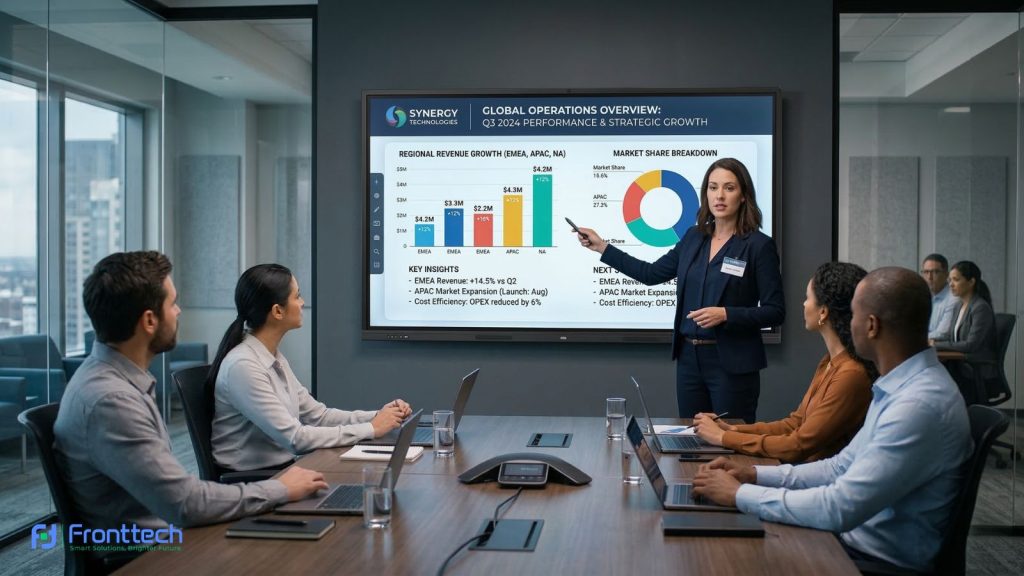
Cables are messy. A top-tier interactive panel should allow for Wireless Casting. Look for built-in support for:
- Air Play (Apple devices)
- Chrome cast (Android/Chrome devices)
- Miracast (Windows devices)
The software should allow “Split Screen” casting, where up to four people can share their laptop or phone screens side-by-side for easy comparison and discussion.
9. Audio and Video (Camera & Mic) for Hybrid Work

Hybrid work and remote learning are here to stay. If you plan on doing video calls via Zoom, Google Meet, or Microsoft Teams, you need a panel with:
- Built-in 4K Camera: Ideally with “Auto-Framing” that zooms in on the person speaking.
- Microphone Array: An 8-meter or 10-meter pickup range with “Noise Cancellation” to ensure people on the other end of the call can hear everyone in the room.
- Powerful Speakers: Front-facing speakers (at least 2x15W or 2x20W) with a built-in subwoofer for clear audio.
10. Eye Care and Durability
Since these panels are used for several hours a day, safety features are vital.
- Anti-Glare Glass: This ensures that sunlight from windows won’t create a “mirror effect” that hides your content.
- Blue Light Filter: TUV-certified low blue light filters protect the eyes of young students from fatigue.
- Tempered Glass: Look for Level 7H or 9H hardness glass that is shatterproof and scratch-resistant.
11. Security and Management
For IT managers, the ability to manage a fleet of panels is crucial.
- NFC Login: Some panels allow teachers to tap an ID card to instantly log into their personal settings and files.
- DMS (Device Management System): This allows the IT department to update the software, turn off the screens, or send “Emergency Alerts” to all panels in a building simultaneously from a single computer.
12. Price vs. Value: The ROI Factor
In the Bangladesh market, you will find a wide range of interactive flat panel prices. While it’s tempting to go for the cheapest option, remember that this is a 7–10 year investment. Consider the “Total Cost of Ownership”:
- Does it include a free wall mount or a mobile stand?
- Is the software license free for life, or is it a monthly subscription?
- What is the warranty? At FrontTech360, we recommend panels with at least a 2-year or 3-year local warranty.
Final Thoughts: Making Your Move
Buying an Interactive Flat Panel Display is a strategic move that can dramatically improve engagement and productivity. By focusing on 4K resolution, touch responsiveness, connectivity (USB-C), and collaborative software, you ensure that your investment will remain useful for years to come.
At FrontTech, we don’t just sell boxes; we provide the future of communication. We help you choose the perfect size, handle the installation, and provide training so your team can use the technology to its full potential.
Ready to see the difference for yourself? Contact FrontTech360 today for a live demo! We offer the most competitive Interactive Flat Panel prices in Bangladesh with premium after-sales support.
Frequently Asked Questions About Interactive Flat Panel Displays
Interactive flat panel displays are becoming essential tools for modern classrooms and corporate meeting rooms. However, many buyers still have questions about features, performance, and installation. Below are some common questions to help you understand how these smart displays work and why they are valuable for education and business environments.
Can I use an interactive flat panel as a regular TV?
Yes, you can watch movies, play videos, and connect satellite TV boxes via HDMI. However, these are much brighter and more durable than home TVs.
Does it need a separate computer to work?
No. Most panels have a built-in Android system that can browse the web and open Office files. However, adding a Windows OPS makes it much more powerful for professional use.
Is the screen easy to clean?
Yes. Since they use tempered glass, you can gently wipe them with a soft microfiber cloth. Avoid using harsh chemicals or spraying water directly on the edges.
How many people can write on the screen at once?
Most modern panels support 20-point touch, meaning up to 5 or 10 people can write simultaneously, depending on the software layout.
What is an interactive flat panel display?
An interactive flat panel display is a large touchscreen device used for presentations, teaching, and collaboration. It combines a high-resolution display, built-in computer system, touch sensors, and speakers in a single smart board solution.
What screen size is best for an interactive flat panel?
The ideal screen size depends on the room size and number of users. A 65-inch panel works well for small meeting rooms, while 75-inch panels are commonly used in classrooms. Large boardrooms or lecture halls may require 86-inch or larger displays.
Do interactive flat panels need a computer?
Most interactive flat panels come with a built-in Android operating system that supports basic tasks like white boarding and browsing. However, adding a Windows OPS computer allows you to run professional software and advanced applications.
How many people can write on an interactive flat panel at the same time?
Most modern interactive flat panels support 20-point multi-touch technology. This means multiple users can write, draw, or interact with the screen simultaneously without lag.
Can interactive flat panels support video conferencing?
Yes. Many panels include built-in cameras, microphones, and speakers, making them suitable for video conferencing platforms like Zoom, Google Meet, and Microsoft Teams.
How long does an interactive flat panel display last?
A high-quality interactive flat panel typically lasts 7–10 years with proper maintenance. Durable tempered glass, strong hardware, and regular software updates help extend the lifespan of the display.