
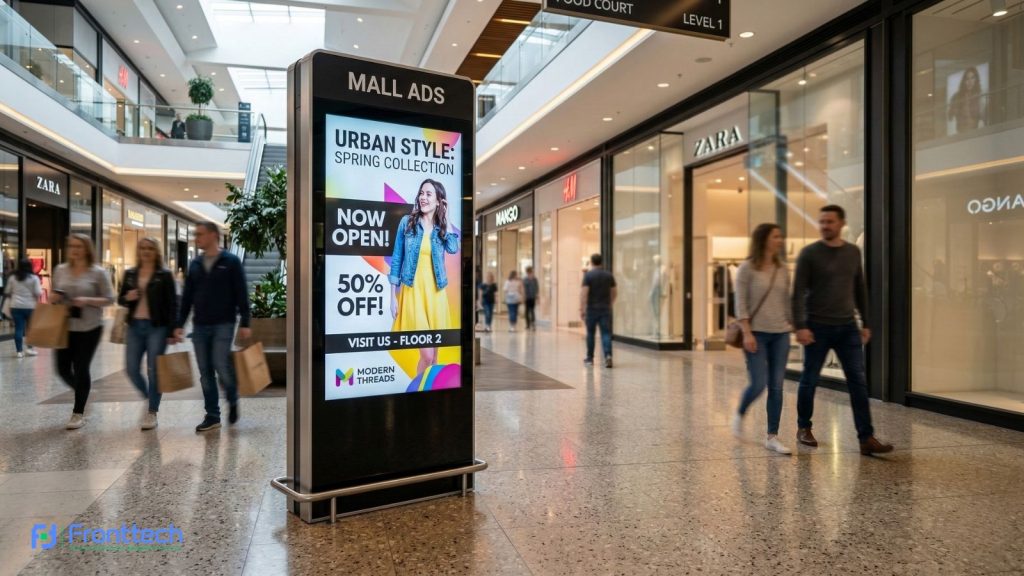
In the rapidly evolving landscape of 2026, the way businesses in Bangladesh communicate with their customers has taken a massive leap forward. Gone are the days of static posters that fade in the sun or paper banners that need to be replaced by hand every week. We have officially entered the era of the Digital Signage Display Kiosk.
At FrontTech360, we understand that a business’s first impression is often its most important one. Whether you are managing a bustling retail store in Dhaka, a modern hospital in Chattogram, or a high-end restaurant, your messaging needs to be sharp, timely, and automated. This is where the Auto Play Time Switching System becomes a game-changer.
In this comprehensive guide, we will explore why this specific technology is the backbone of modern business communication and how it can help you save costs while boosting engagement.
What is a Digital Signage Display Kiosk?
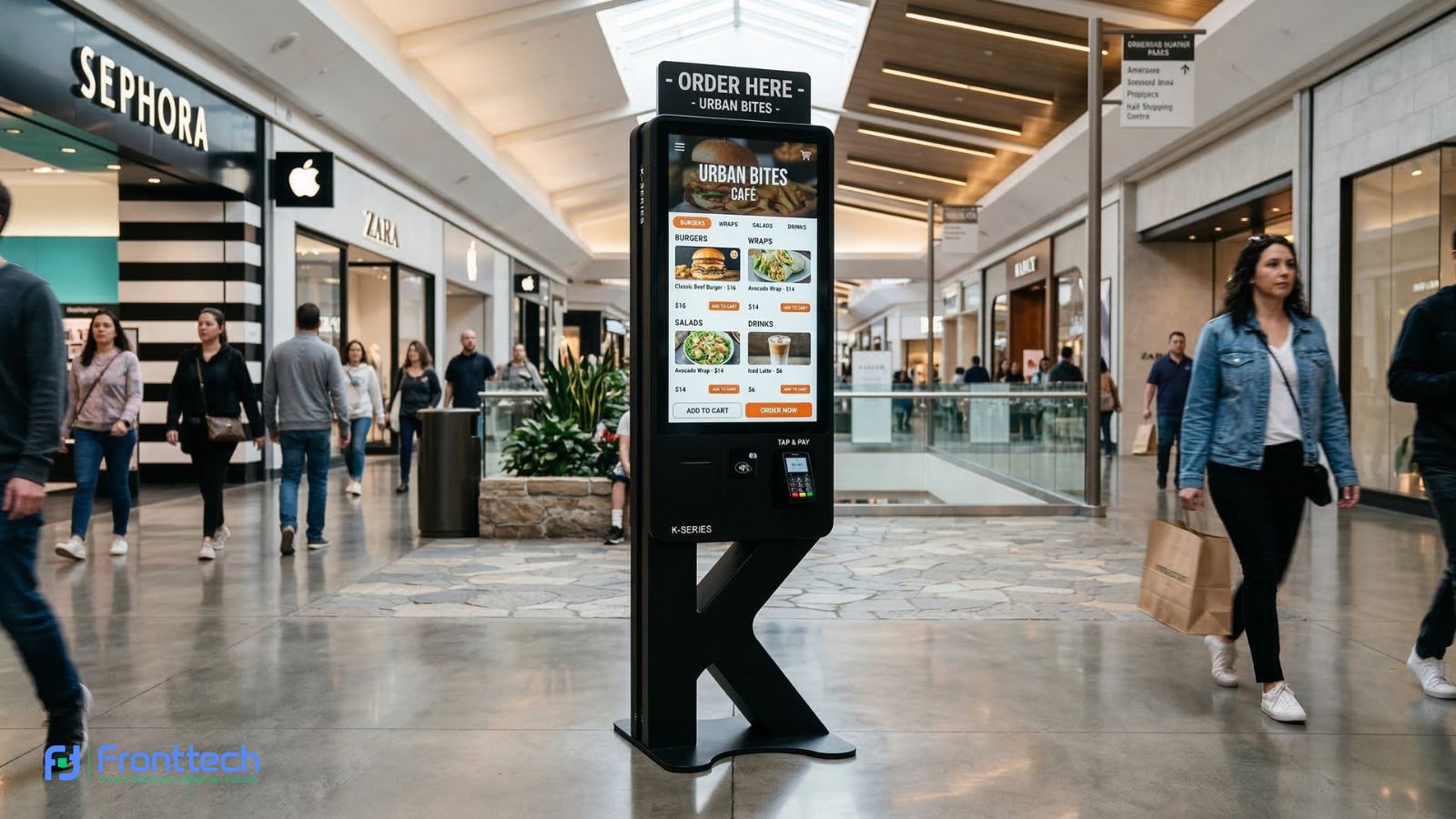
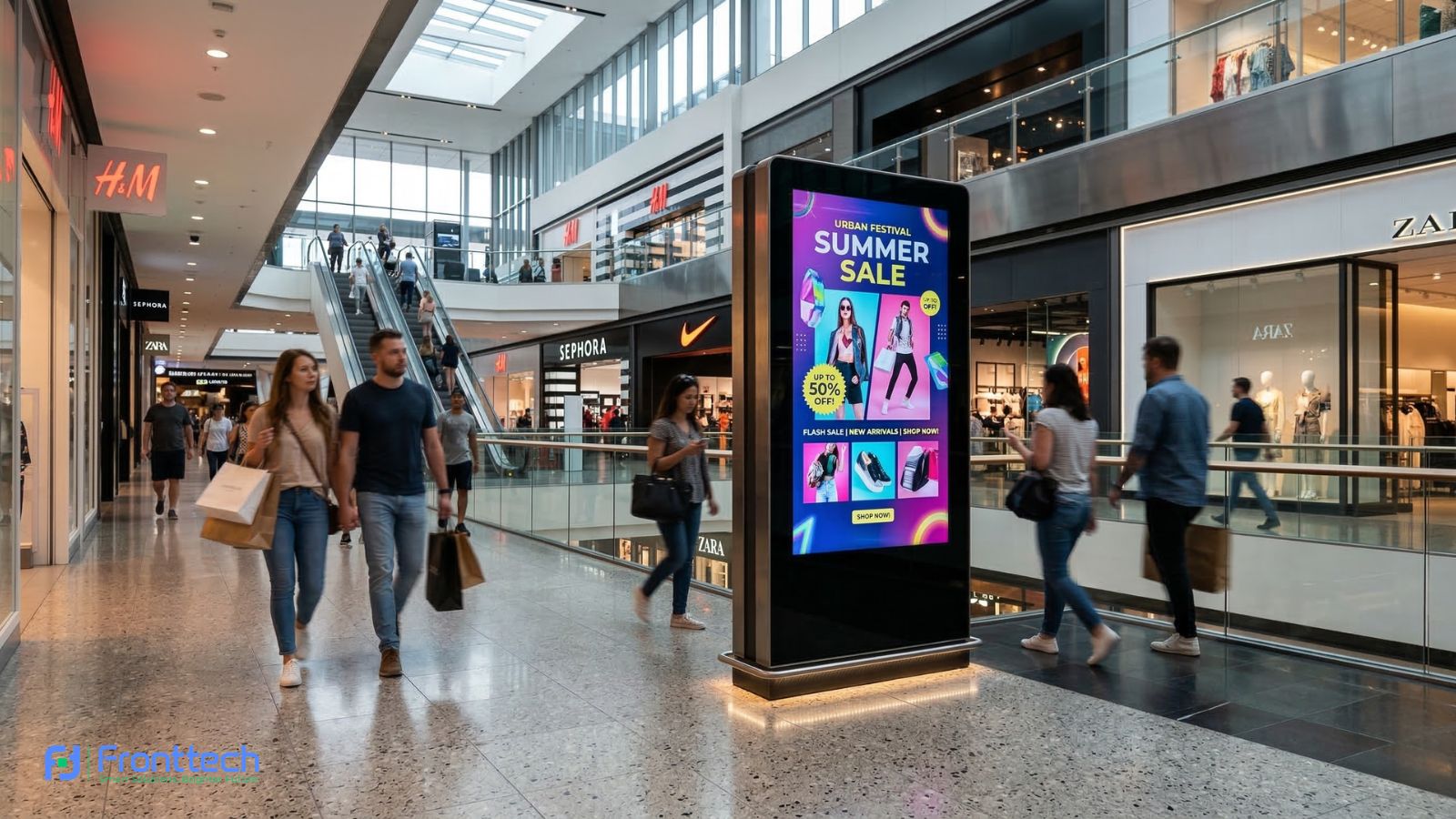
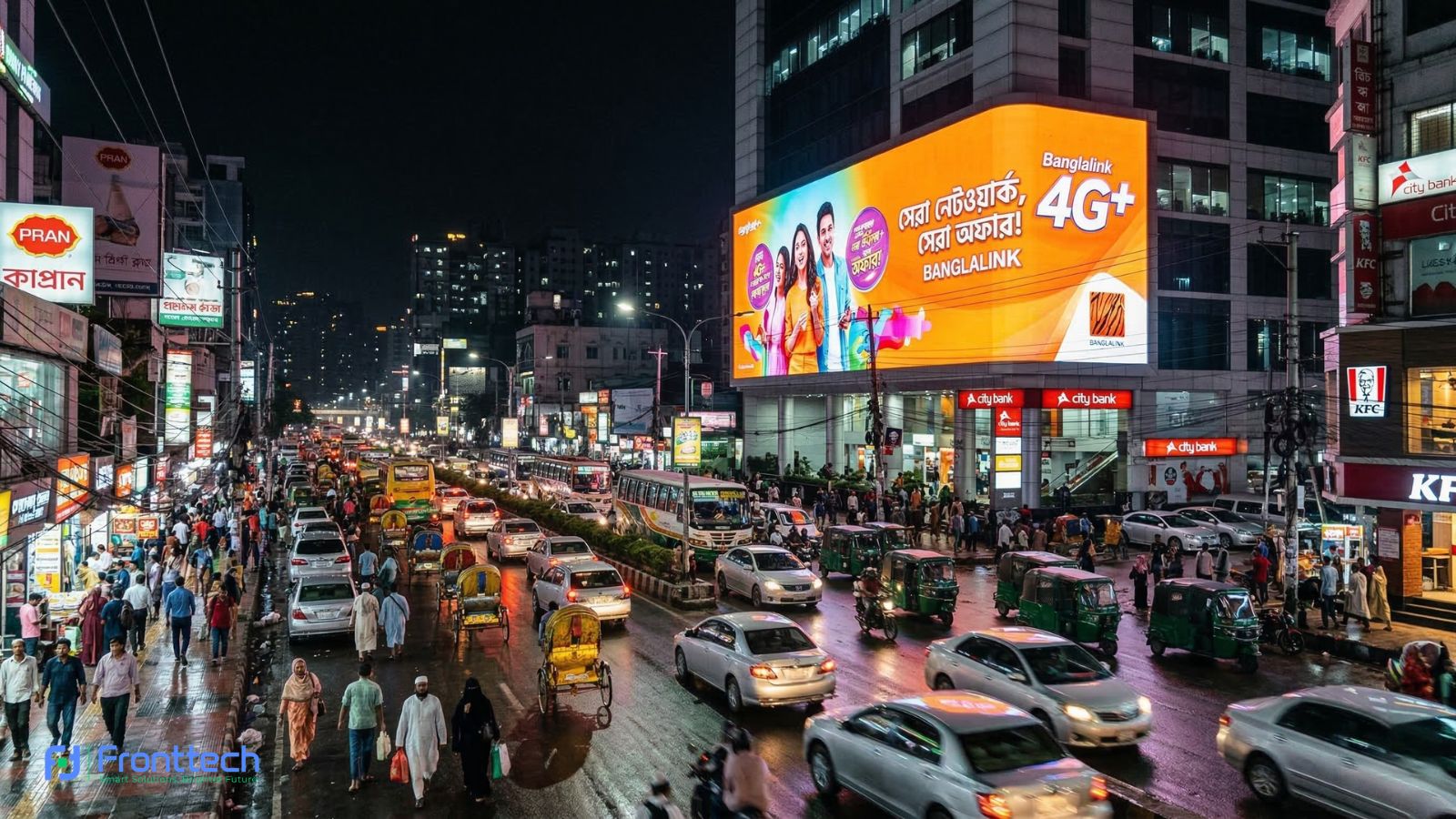
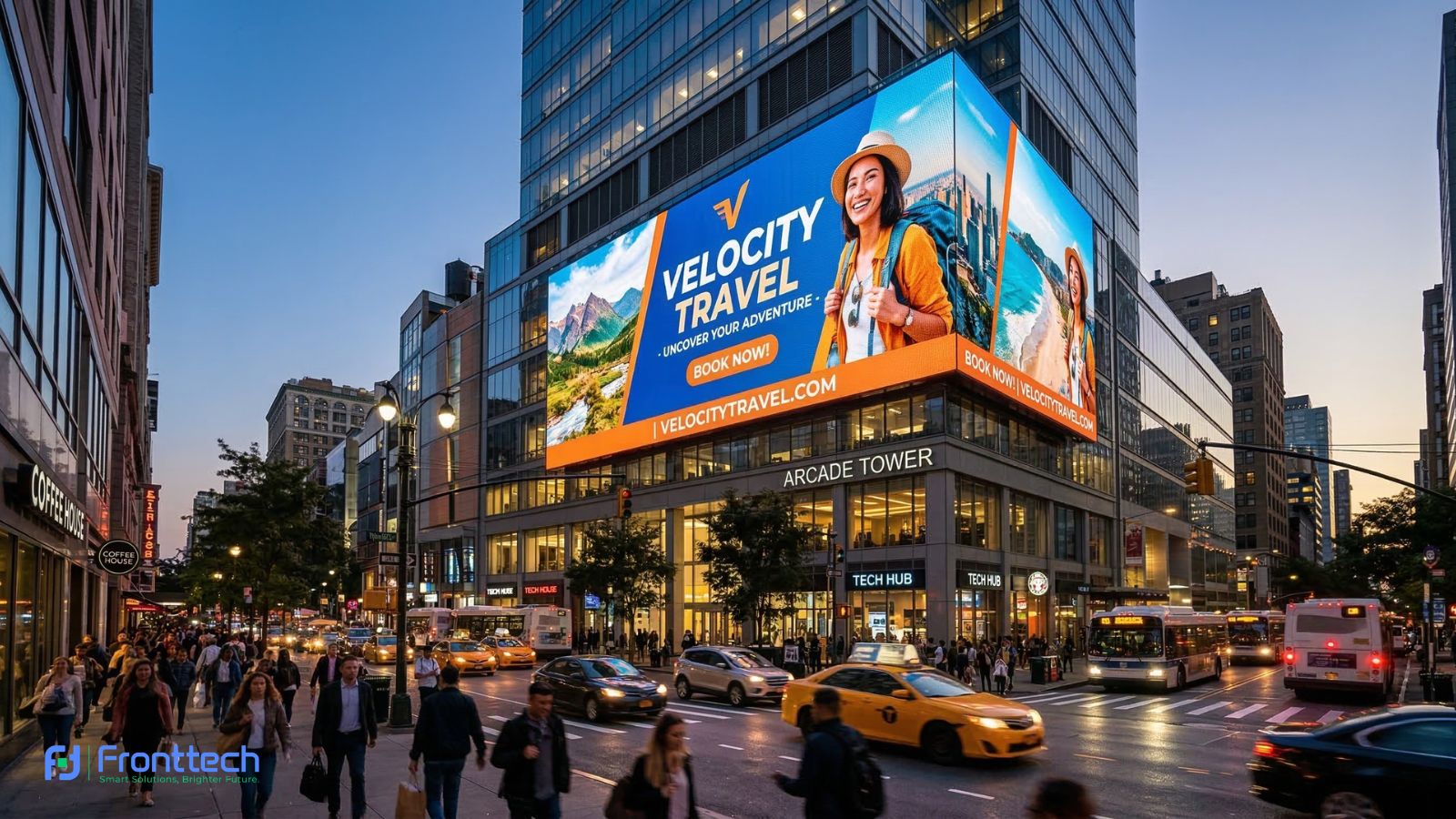
A Digital Signage Display Kiosk is an all-in-one professional display unit designed specifically for public-facing communication. While it may look like a large television, the hardware inside is vastly different. These kiosks are industrial-grade machines built for 24/7 continuous operation.
Key components of a modern kiosk include:
- High-Brightness Panels: Often available in 4K UHD resolution, ensuring that your videos and images are visible even in brightly lit shopping malls or bank lobbies.
- Durable Enclosures: Usually made from aluminum alloy and tempered glass to protect the screen from dust, scratches, and minor impacts.
- Integrated Media Player: A built-in computer (running Android or Windows) that stores and plays your content.
- Smart Software (CMS): A Content Management System that allows you to design, upload, and schedule what appears on the screen.
Understanding the "Auto Play Time Switching System"
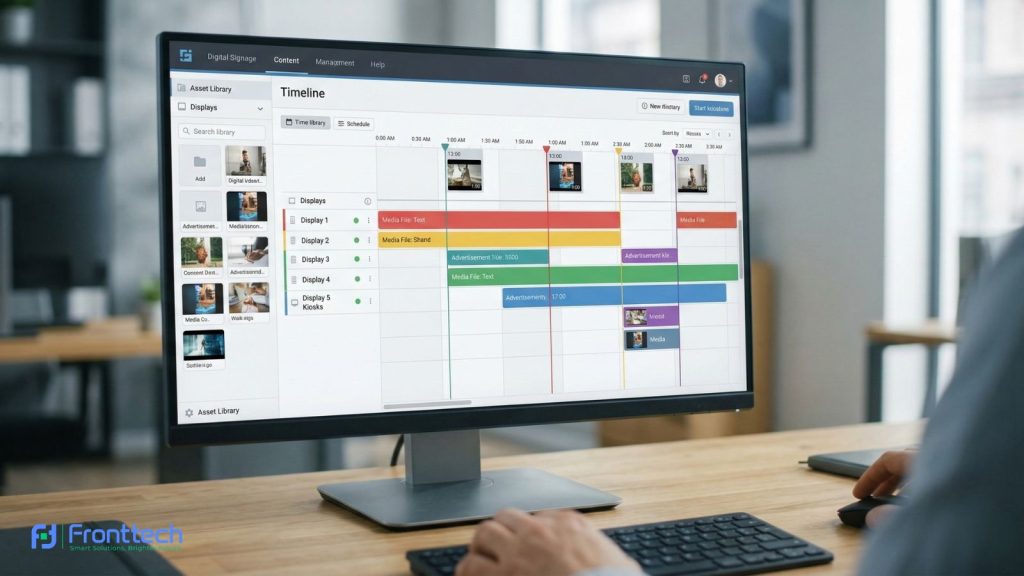
The most powerful feature of a modern smart digital signage kiosk is the Auto Play Time Switching System. But what exactly does it do?
In simple terms, it is a sophisticated scheduling engine. It allows you to “set it and forget it.” Instead of having a staff member manually change a USB drive or click “play” on a new video every few hours, the kiosk follows a pre-programmed internal clock.
How the Automation Works:
- Content Creation: You upload your various media files (videos, menus, announcements) to the kiosk’s memory or cloud storage.
- Scheduling: Using the software, you assign specific time slots to specific files.
- Execution: The kiosk tracks the real-time clock. When the clock hits 8:00 AM, it plays the “Morning Greeting.” When it hits 12:00 PM, it automatically switches to the “Lunch Menu.”
- Shutdown/Sleep: You can even program the kiosk to turn off at night and wake up automatically in the morning, saving electricity and extending the life of the screen.
Why Auto Play Time Switching is Essential for Modern Brands
Many businesses make the mistake of buying a screen but failing to update the content because their staff is too busy. This leads to “screen fatigue,” where customers stop looking at the display because it’s always showing the same thing.
1. Relevancy is King
If you are a restaurant, showing a “Dinner Steak Special” at 9:00 AM is a wasted opportunity. Your customers are thinking about coffee and breakfast. With Auto Play Time Switching, you ensure your content matches the customer’s mindset. This “Contextual Advertising” is proven to increase sales by up to 30%.
2. Eliminating Human Error
Staff members have a lot on their plates. Expecting them to remember to change the digital menu exactly at 11:30 AM every day is unrealistic. Automation removes the risk of showing the wrong price or an expired promotion, keeping your brand’s reputation professional.
3. Cost Efficiency (Labor Savings)
Think about the man-hours spent on managing traditional signage. Printing, shipping, and physically hanging banners cost a significant amount of money over a year. A Digital Signage Kiosk with automated scheduling pays for itself by reducing these hidden operational costs to zero.
Key Features to Look for in a Digital Kiosk
When shopping for the best Digital Signage Kiosk in Bangladesh, you should look for specific technical standards to ensure you get a high ROI (Return on Investment).
A. 4K Ultra-HD Resolution
In 2026, customers are used to high-quality smartphone screens. Anything less than 4K can look blurry on a large 43-inch or 55-inch kiosk. High resolution makes your brand look premium.
B. 178-Degree Wide Viewing Angle
In high-traffic areas like airports or mall corridors, people view the screen from the side. A wide viewing angle ensures the colors don’t wash out, keeping your advertisement visible from every direction.
C. Cloud-Based Remote Management
The best kiosks allow you to update content via the internet. Whether you are at home or in another city, you should be able to log in to a dashboard and change the schedule of your kiosk instantly.
D. Multi-Touch Interactivity (Optional)
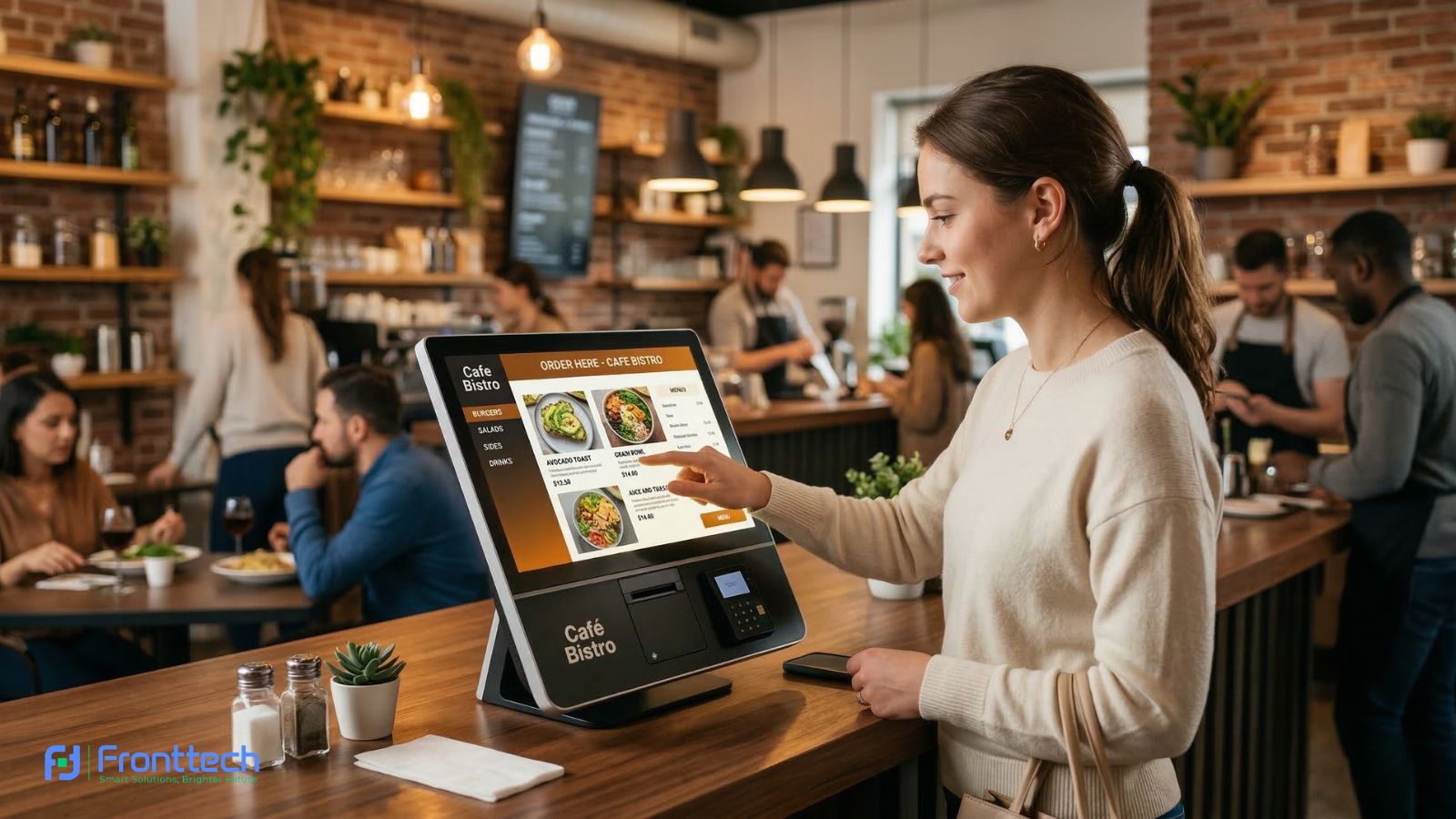
If you want your kiosk to act as a wayfinding map or a self-service ordering station, ensure it has a 10-point capacitive touch screen. This allows users to zoom, swipe, and interact with your brand directly.
Industry-Specific Applications
How can your specific industry benefit from a Digital Signage Display Kiosk with Auto Play? Let’s look at some real-world examples:
1. The Retail Industry
Retailers can use kiosks to run “Flash Sales” that only appear during peak shopping hours. For example, a clothing store can schedule a “20% Off Heavy Winter Wear” ad to play only during the colder evening hours, while promoting “Activewear” during the morning when gym-goers are out.
2. Banks and Financial Institutions
Banks often have different services prioritized at different times. In the morning, the kiosk can display “Corporate Loan” information for business clients. In the afternoon, it can switch to “Student Savings Accounts” or “Remittance Services” as the foot traffic changes.
3. Hospitals and Healthcare
Patient communication is vital. A kiosk in a hospital reception can show “Doctor’s Schedules” in the morning and transition to “Health Awareness Tips” or “Vaccination Drive” videos in the afternoon. This keeps the waiting area informative and reduces the perceived wait time for patients.
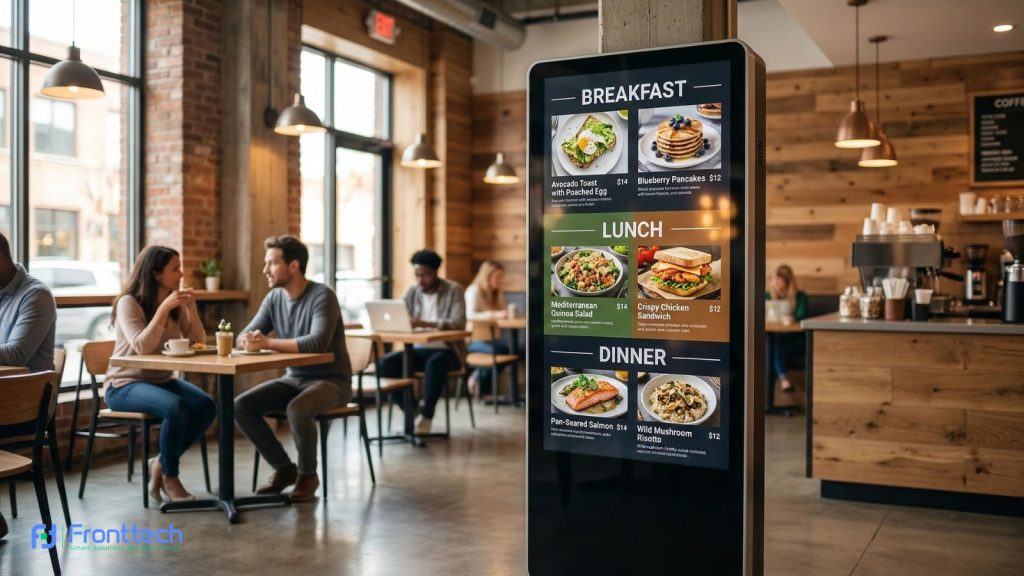
4. Restaurants and Cafes
This is the most common use of the Time Switching System. Digital Menu Boards can automatically cycle through:
- Breakfast: 7 AM – 11 AM
- Lunch: 11 AM – 4 PM
- Happy Hour/Snacks: 4 PM – 7 PM
- Dinner: 7 PM – Close
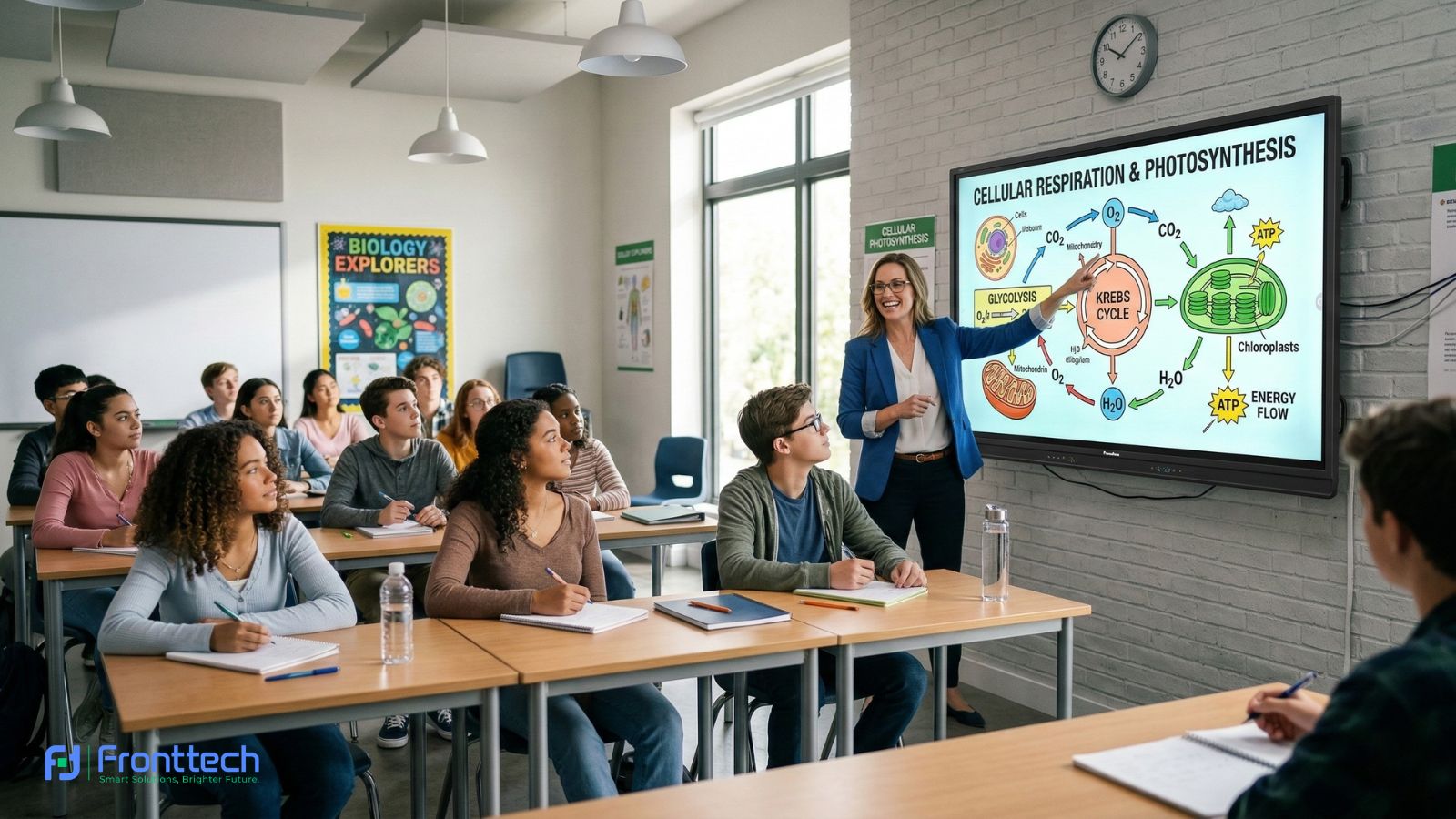
5. Educational Institutions
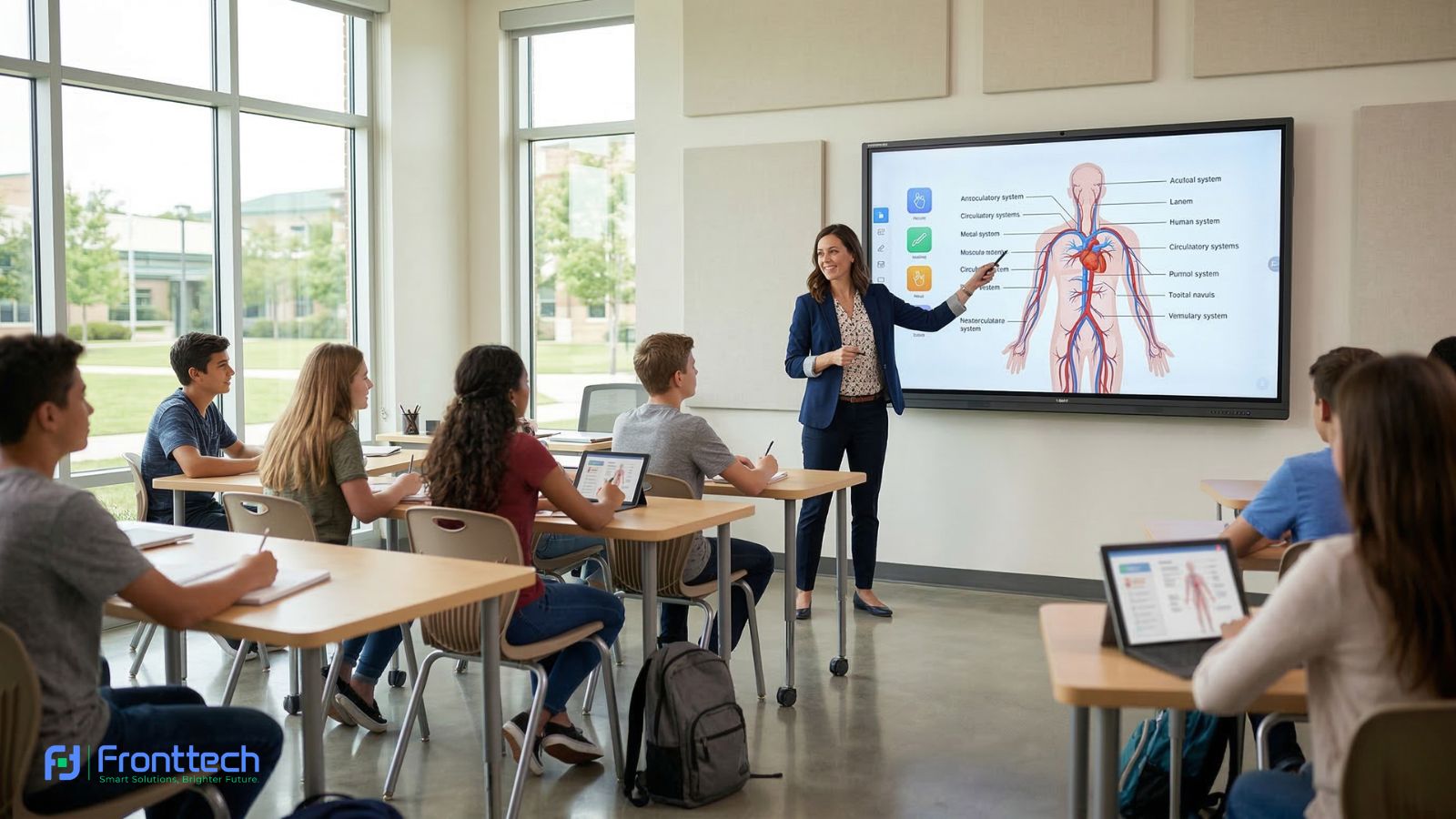
Colleges and Universities can use these kiosks to display class schedules in the morning, campus news during lunch breaks, and event reminders or “Goodnight” messages in the evening.
The ROI of Digital Signage: Why the Investment Makes Sense
One of the most frequent questions we get at FrontTech360 is: “Is it worth the price?”
The answer is a resounding YES. Here is why:
- Zero Printing Costs: You no longer need to pay for PVC or paper printing.
- Dynamic Upselling: You can promote high-margin items at exactly the right time, increasing the average transaction value.
- Brand Authority: A digital kiosk makes your shop or office look like a leader in technology, attracting more premium customers.
- 24/7 Marketing: Your kiosk doesn’t take lunch breaks or holidays. It continues to sell your brand as long as the power is on.
Choosing the Right Partner in Bangladesh
Buying a kiosk is not just about the hardware; it’s about the after-sales support. Bangladesh’s climate (humidity and dust) can be tough on electronics.
At FrontTech360, we provide kiosks that are specifically designed for the local environment. We offer:
- Expert Installation: Ensuring your kiosk is placed for maximum visibility.
- Software Training: We teach your team how to use the Auto Play Time Switching System so you can manage your ads with ease.
- Local Warranty and Parts: If something goes wrong, you don’t have to wait months for imported parts. Our local team is ready to assist.
Conclusion: Step into the Future with FrontTech360
The Digital Signage Display Kiosk with Auto Play Time Switching System is more than just a luxury; it is a necessity for any business that wants to thrive in the digital age. By automating your communication, you ensure that you are always delivering the right message to the right person at the right time.
Don’t let your business stay in the past with static, boring signs. Embrace the power of Smart Business Communication and watch your engagement and sales soar.
Ready to transform your storefront or office? Contact FrontTech360 today! We offer the most competitive Digital Signage Kiosk prices in Bangladesh along with expert consultation to help you choose the perfect model for your needs.
Frequently Asked Questions About Digital Signage Kiosks
Businesses often have questions before investing in a digital signage display kiosk. From content management to power usage and system automation, understanding how these systems work helps companies make the right decision. Below are some common questions about digital signage kiosks and their functionality.
Can I use the kiosk without the internet?
Yes. While the internet is needed for remote updates, once the content is scheduled and downloaded to the kiosk’s internal memory, the Auto Play Time Switching System will work perfectly offline.
How much power does a digital kiosk consume?
Most modern kiosks use LED-backlit panels which are very energy-efficient. They typically consume about as much power as a standard household refrigerator.
Can the kiosk play sound?
Yes, all our kiosks come with built-in high-quality stereo speakers, perfect for playing background music or promotional videos with audio.
Is the content hard to design?
Not at all. You can use simple tools like Canva, PowerPoint, or professional video editing software. Our CMS supports almost all major file formats (MP4, JPEG, PNG, etc.).
What sizes are available?
The most popular kiosk sizes are 43-inch, 49-inch, and 55-inch, but we can provide custom sizes up to 98-inch for large auditoriums.