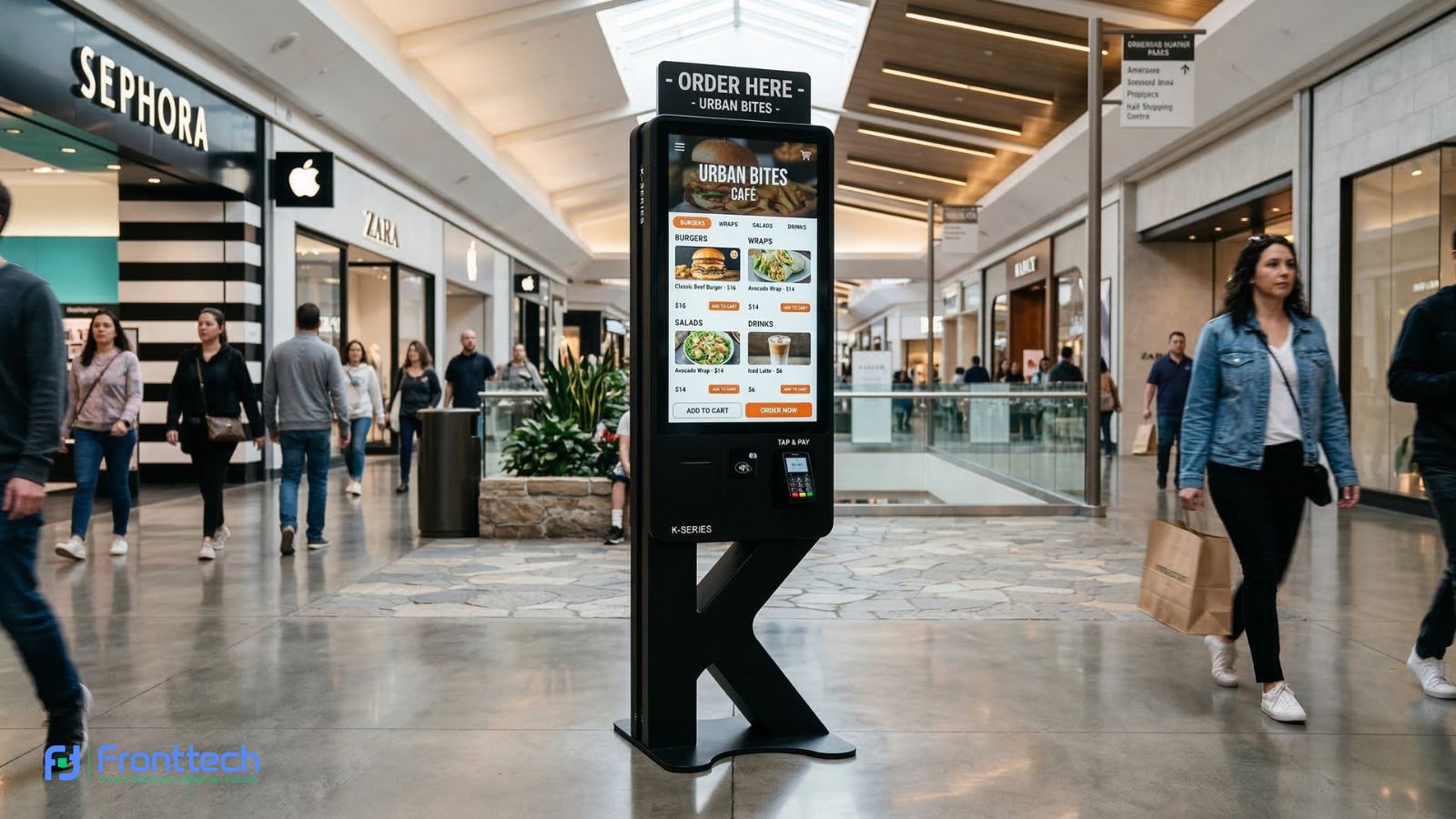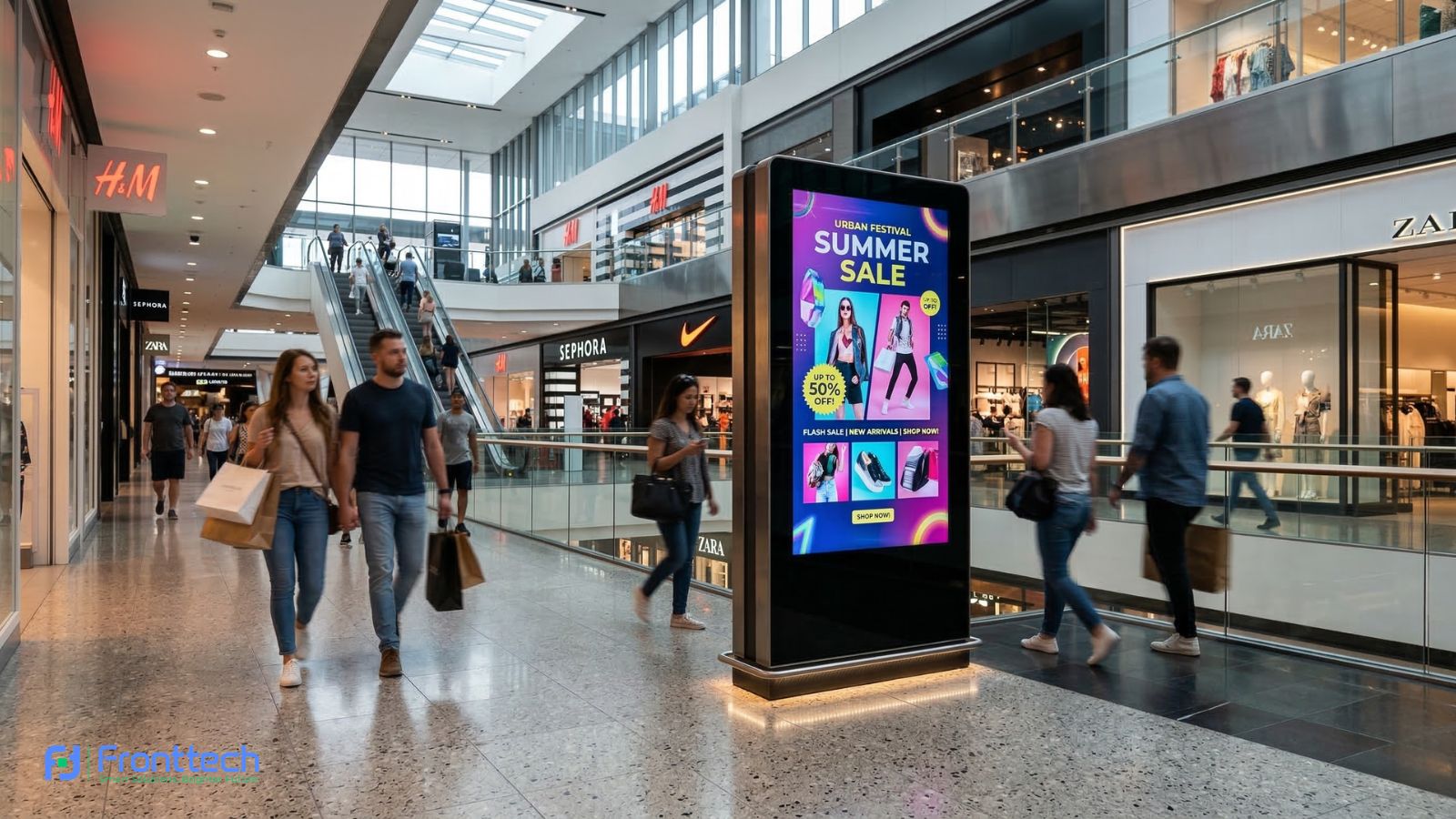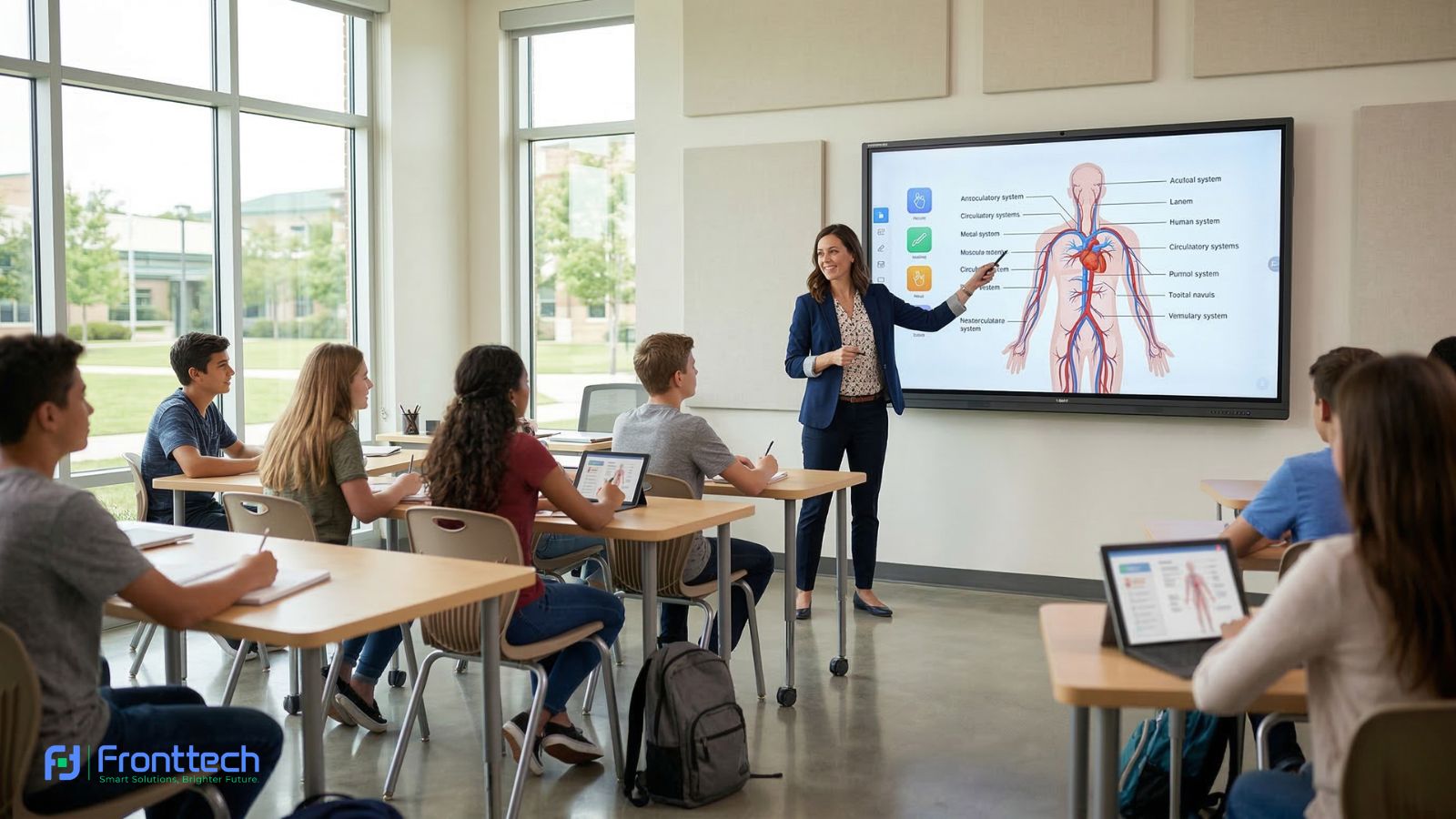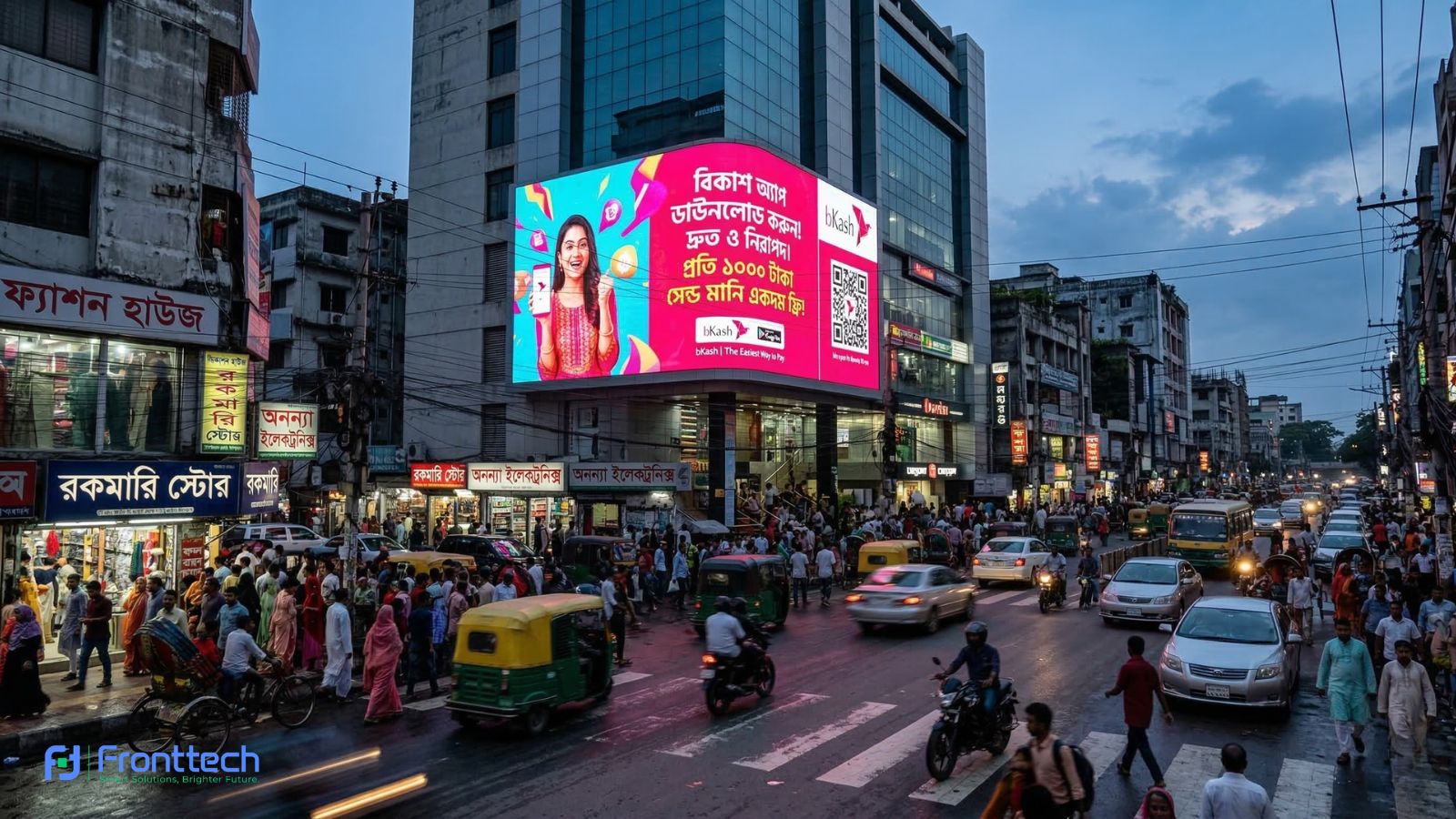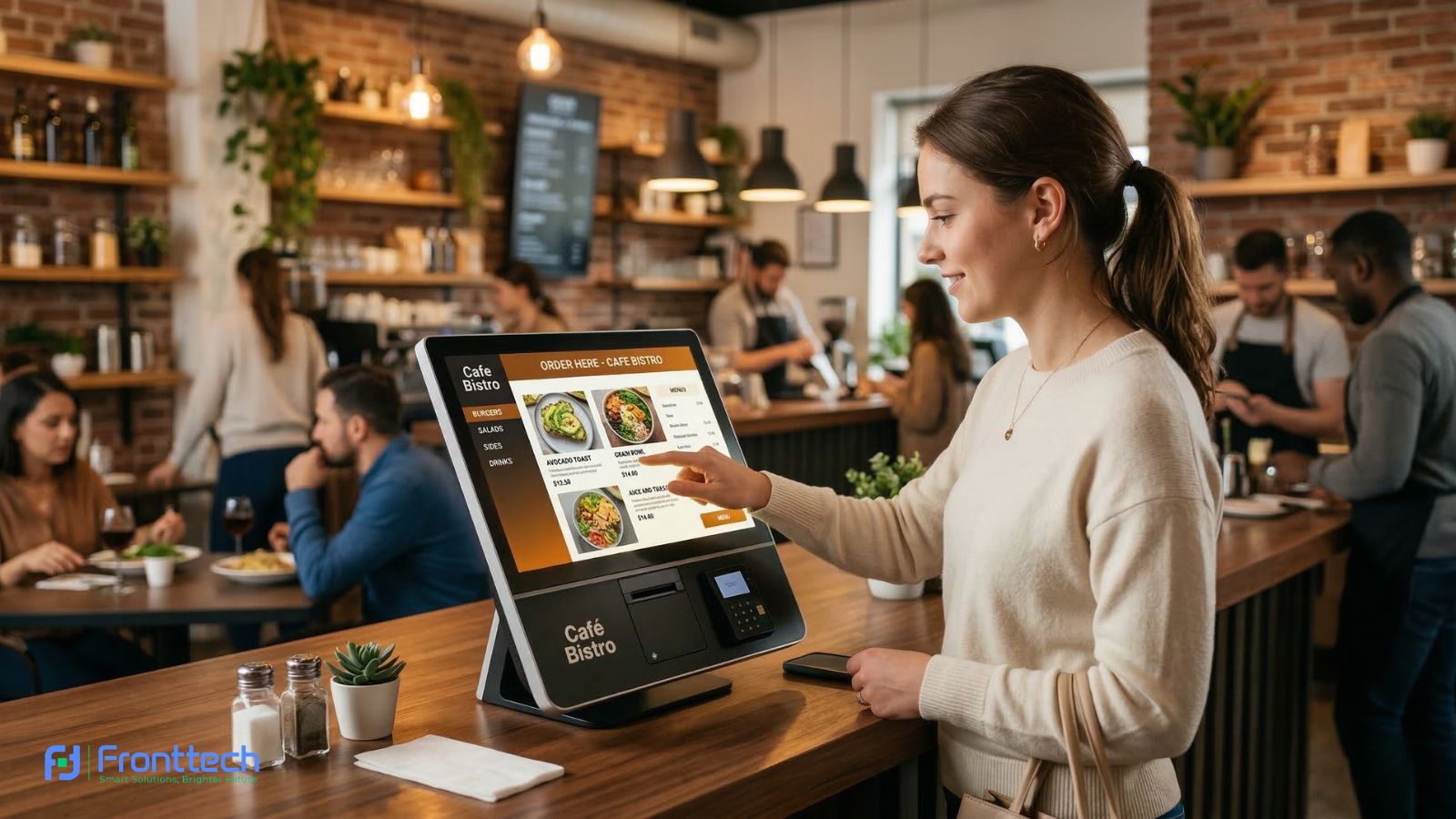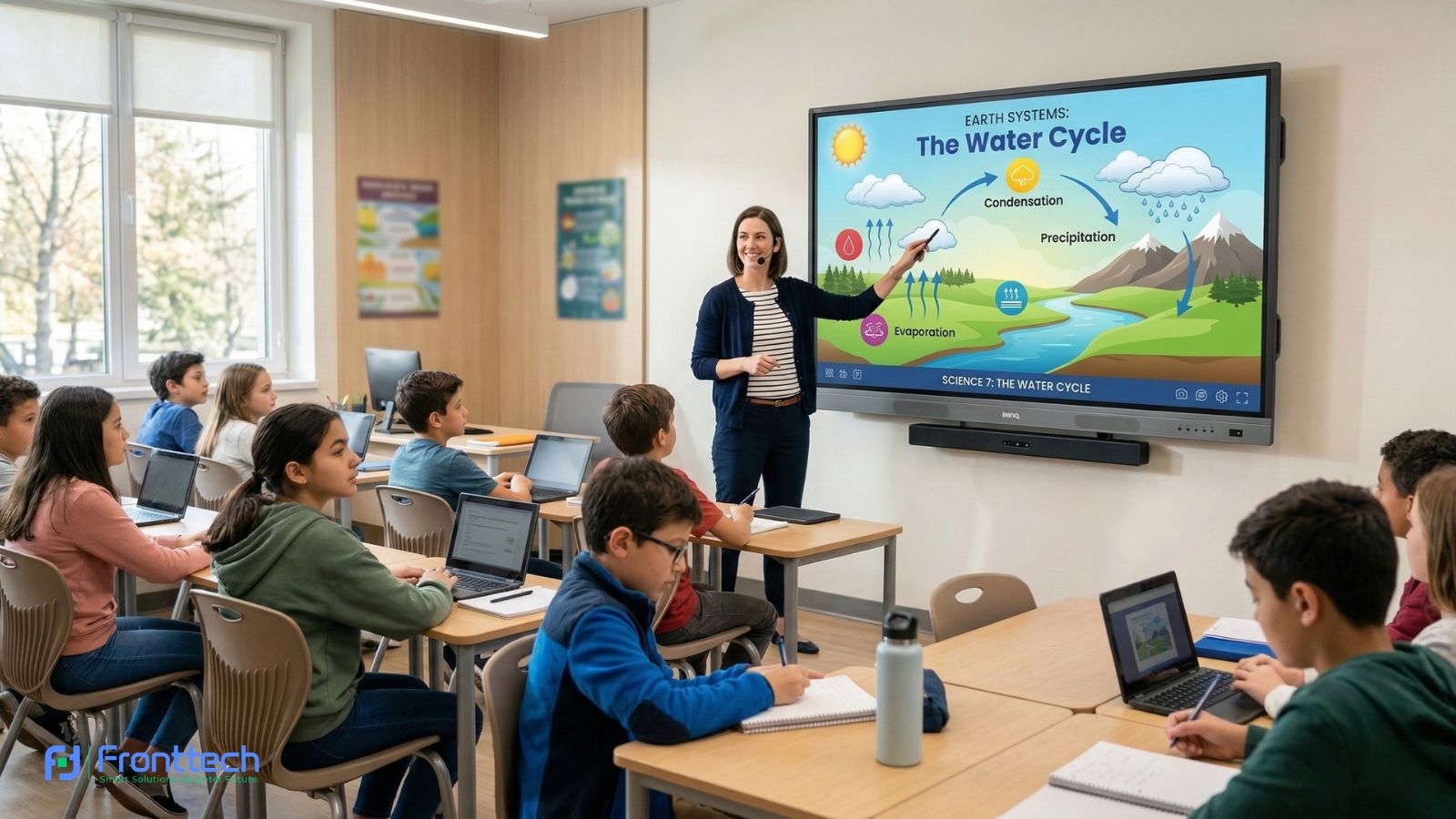

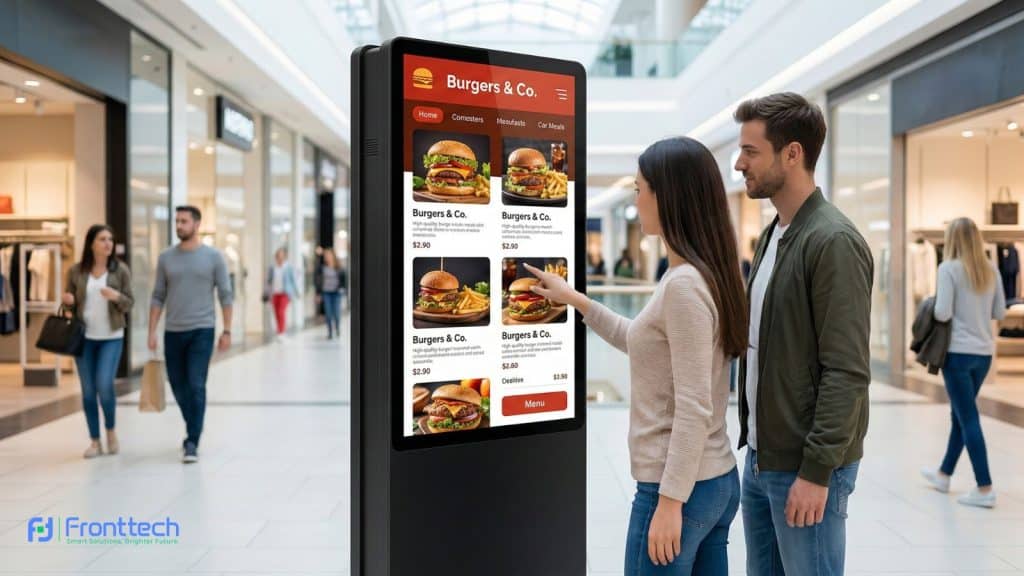
Are you looking to modernize your storefront or office with a 43″ K-Type Touch Screen Kiosk in Bangladesh? You are making a brilliant move. In a digital-first economy, interactive kiosks are the bridge between your physical space and your digital services. Whether it’s for a self-ordering system in a restaurant or a visitor management portal in a corporate lobby, the right kiosk can slash waiting times and boost brand loyalty.
However, not all kiosks are built the same. To help you navigate the technical jargon, FrontTech360 has compiled five essential tips to ensure your investment is durable, efficient, and future-proof.
Prioritize Display Clarity and Viewing Angles
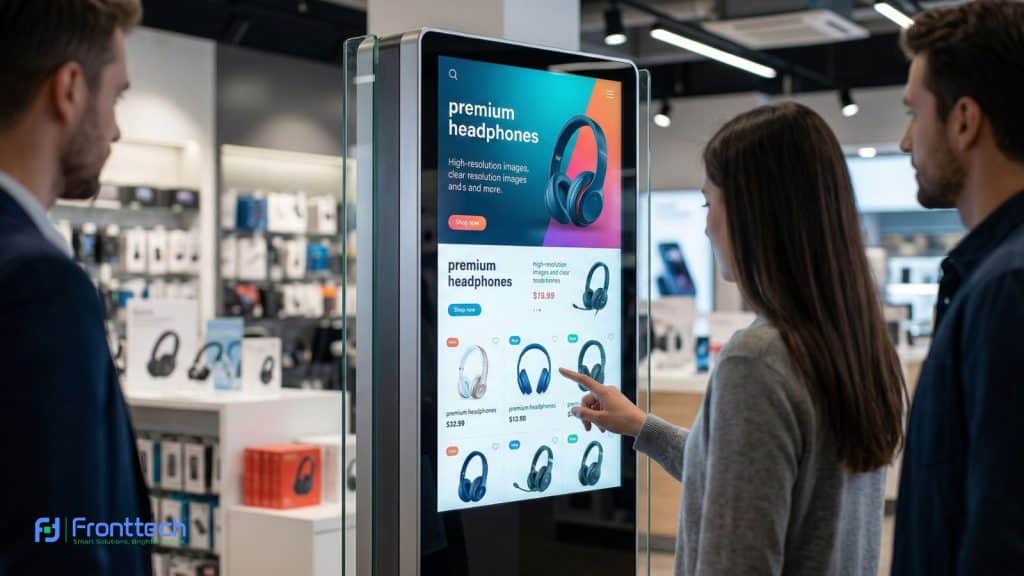
The screen is the first thing your customer interacts with. For a 42-inch K-Type touch kiosk, you want visuals that remain sharp even from a side view.
- Resolution: Demand at least Full HD (1080p). If you are displaying high-end luxury products or detailed architectural maps, consider a 4K panel.
- Viewing Angle: Look for an IPS panel with a 178° viewing angle so the colors don’t wash out when someone stands to the side.
- Brightness: For indoor malls, 350 nits is standard, but for semi-outdoor areas or sunlit lobbies, you may need up to 500 nits for readability.
Choose Capacitive vs. Infrared Touch Technology
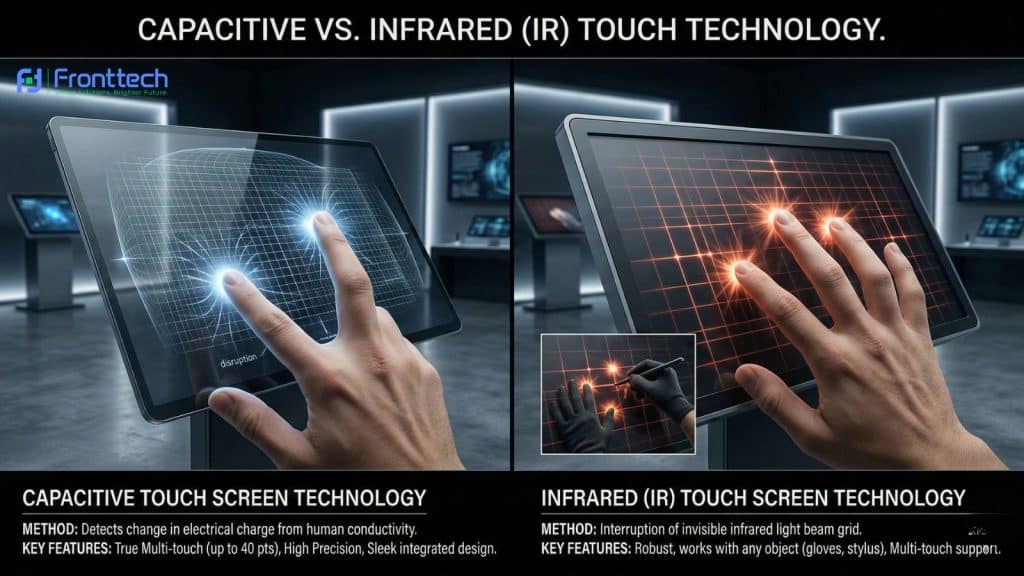
Understanding the “touch” in touch screen is vital. Most interactive touch kiosks in Bangladesh use one of two technologies:
- Capacitive Touch: This is the same technology used in your smartphone. It is highly sensitive, supports multi-touch (10+ points), and is protected by a sleek glass layer. It is the best choice for high-end retail and modern offices.
- Infrared (IR) Touch: These use sensors around the bezel. They are rugged and can be operated even while wearing gloves, making them ideal for industrial environments or hospitals.
Select the Right Engine: Android vs. Windows
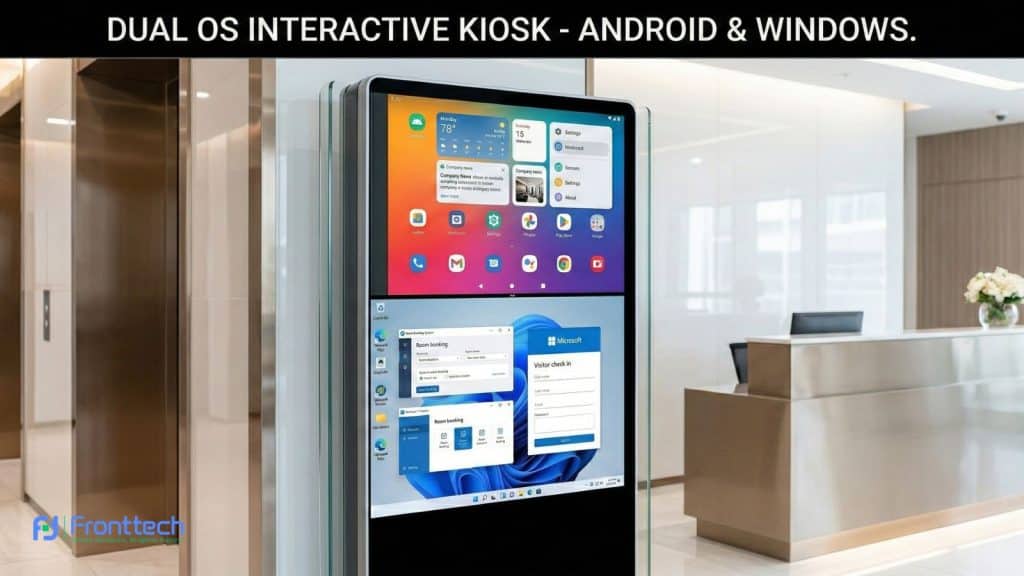
The Operating System (OS) is the brain of your kiosk. Your choice should depend on the software you plan to run:
- Android OS: The most popular choice for digital signage kiosks in Bangladesh. It’s cost-effective, boots up quickly, and is perfect for web-based apps or custom APKs.
- Windows OS: Necessary if you are running complex enterprise software, heavy databases, or specific Microsoft-based POS systems.
- Hardware Specs: Regardless of the OS, ensure you have at least 4GB RAM and a Quad-core processor to prevent lag during customer interactions.
Focus on Build Quality and Heat Dissipation
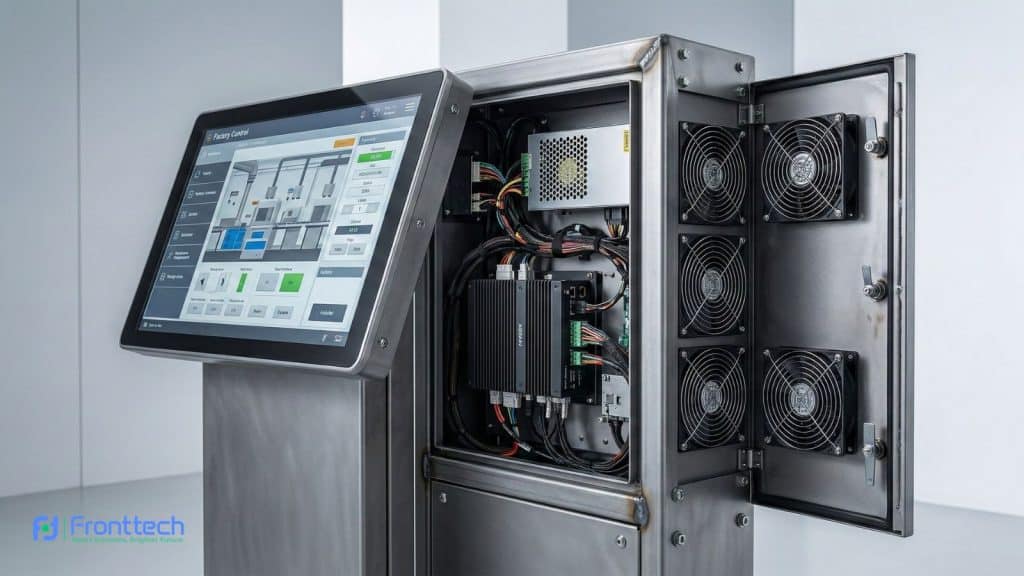
Bangladesh’s humid and warm climate can be tough on electronics. A high-quality K-Type All-in-One Touch Kiosk should be built to last.
- The Stand: Ensure the “K-type” frame is made of cold-rolled steel with a heavy, stable base to prevent tipping.
- Cooling: Check for silent internal fans or heat-sink designs. Overheating is the #1 cause of motherboard failure in kiosks.
- Protection: Look for tempered glass (Mohs 7 level) to protect against scratches and accidental impacts in busy public spaces.
Verify Local Warranty and Technical Support
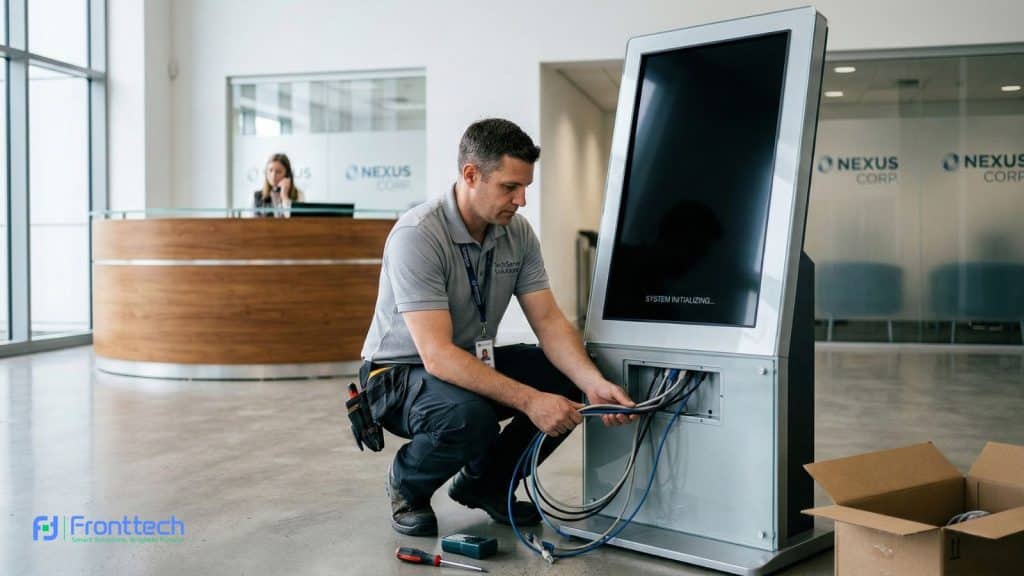
The biggest mistake buyers make is purchasing “cheap” unbranded imports without local backing. If your kiosk goes dark, every hour of downtime is a lost opportunity.
- Warranty: Look for a minimum of a 1-year comprehensive warranty.
- Support: Choose a partner like FrontTech360 that offers on-site technical assistance in Dhaka and other major cities.
- Parts: Ensure the supplier stocks spare power boards and LED modules locally.
Price Guide: 43" K-Type Kiosks in Bangladesh
While prices fluctuate based on dollar rates and specific hardware configurations, here is a general breakdown:
Model Tier | Key Specifications | Estimated Price (BDT) |
Standard Android | 2GB/16GB, Full HD | ৳1,20,000 – ৳1,35,000 |
Pro Android | 4GB/32GB, 10-point Touch | ৳1,40,000 – ৳1,55,000 |
Windows Enterprise | Core i3/i5, 8GB/128GB SSD | ৳1,65,000 – ৳1,85,000+ |
Why Buy From FrontTech?
At FrontTech360, we don’t just sell hardware; we deliver a complete interactive experience.
- Quality Tested: Every kiosk undergoes a 24-hour stress test.
- Customization: We offer custom vinyl wrapping so the kiosk matches your brand colors.
- Software Ready: We can pre-install your menus, websites, or apps so the kiosk is “Plug & Play” upon delivery.
Final Thoughts
A 43″ K-Type Touch Screen Kiosk is a powerful investment in business automation. By choosing the right display, touch technology, and local partner, you ensure that your business stays ahead of the curve for years to come.
Ready to transform your customer experience? Contact FrontTech today for a customized quote and expert advice!
Frequently Asked Questions (FAQs)
Choosing the right 43-inch K-Type touch-screen kiosk in Bangladesh often raises many practical questions about installation, software compatibility, durability, and everyday use. Below are some of the most common questions businesses ask before investing in a self-service kiosk. These answers will help you understand how the system works and how it can benefit your business operations.
Is a 43-inch kiosk too big for a small shop?
No, a 43-inch kiosk is considered the ideal size for most businesses. It is large enough to attract customer attention and display clear content, yet slim enough to fit comfortably in retail stores, restaurants, clinics, and offices without blocking walkways.
Can the kiosk run custom business software?
Yes. Most modern touch screen kiosks support both Android and Windows operating systems, which means you can run web-based apps, POS systems, visitor management software, self-ordering systems, or any custom business application depending on your setup.
Can a touch screen kiosk work without internet?
Yes, many kiosk systems can run offline applications. For example, product catalogs, promotional content, or local software can work without internet access. However, if your kiosk relies on cloud-based systems, real-time orders, or database updates, an internet connection will be required.
Is the kiosk durable enough for public environments?
High-quality kiosks are designed for heavy public use. A premium K-Type touch screen kiosk usually includes a cold-rolled steel frame, tempered glass protection, and industrial-grade internal components that can handle continuous daily operation in malls, hospitals, restaurants, and corporate offices.
Can the kiosk be used for digital advertising?
Yes. When the kiosk is not being used, it can automatically display advertisements, promotional videos, product catalogs, or announcements. Many businesses use kiosks as a combination of self-service system and digital signage display to increase customer engagement.
What maintenance does a touch screen kiosk require?
Touch screen kiosks require minimal maintenance. Regular cleaning of the display, checking ventilation areas, and occasional software updates are usually enough to keep the system running smoothly for years.
How long does a commercial kiosk usually last?
A well-built commercial kiosk can last 5–7 years or even longer, depending on the hardware quality and environment. Proper ventilation, stable power supply, and regular software maintenance help extend the lifespan of the kiosk system.
Can the kiosk support payment systems?
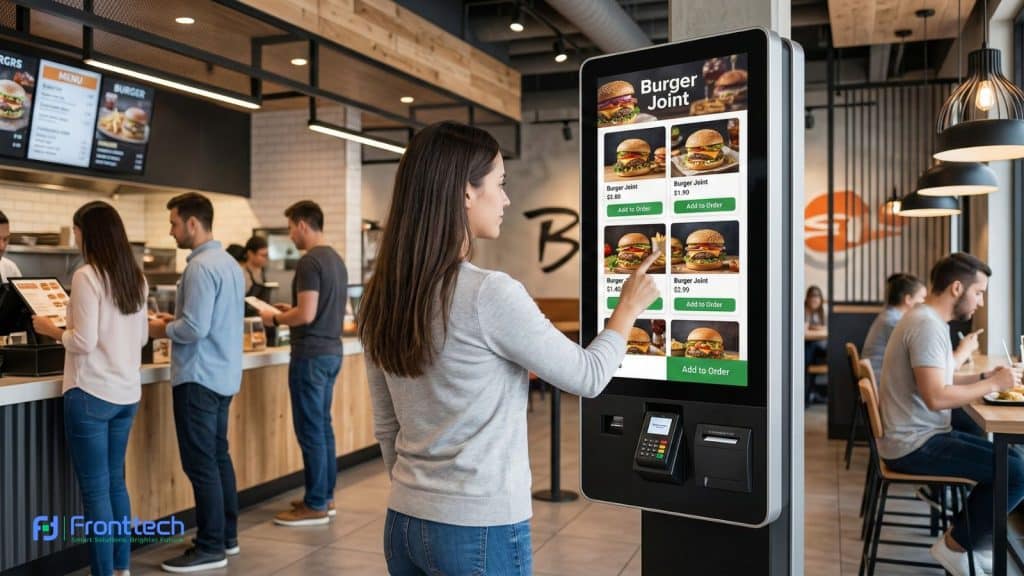
Yes. Many advanced kiosks can integrate QR payment, card readers, NFC payment, and POS systems. This makes them ideal for restaurants, ticket counters, and retail stores that want to automate ordering and payment processes.
Does the kiosk include built-in speakers and cameras?
Most modern kiosks include built-in speakers for audio prompts or promotional content. Some models can also support optional cameras, barcode scanners, printers, or card readers, depending on the business requirement.
Where can I buy a reliable 43-inch K-Type touch screen kiosk in Bangladesh?
It is always best to purchase from a trusted local supplier that provides warranty, installation, and technical support. Companies like FrontTech offer tested hardware, customization options, and local service support, which ensures long-term reliability for businesses.