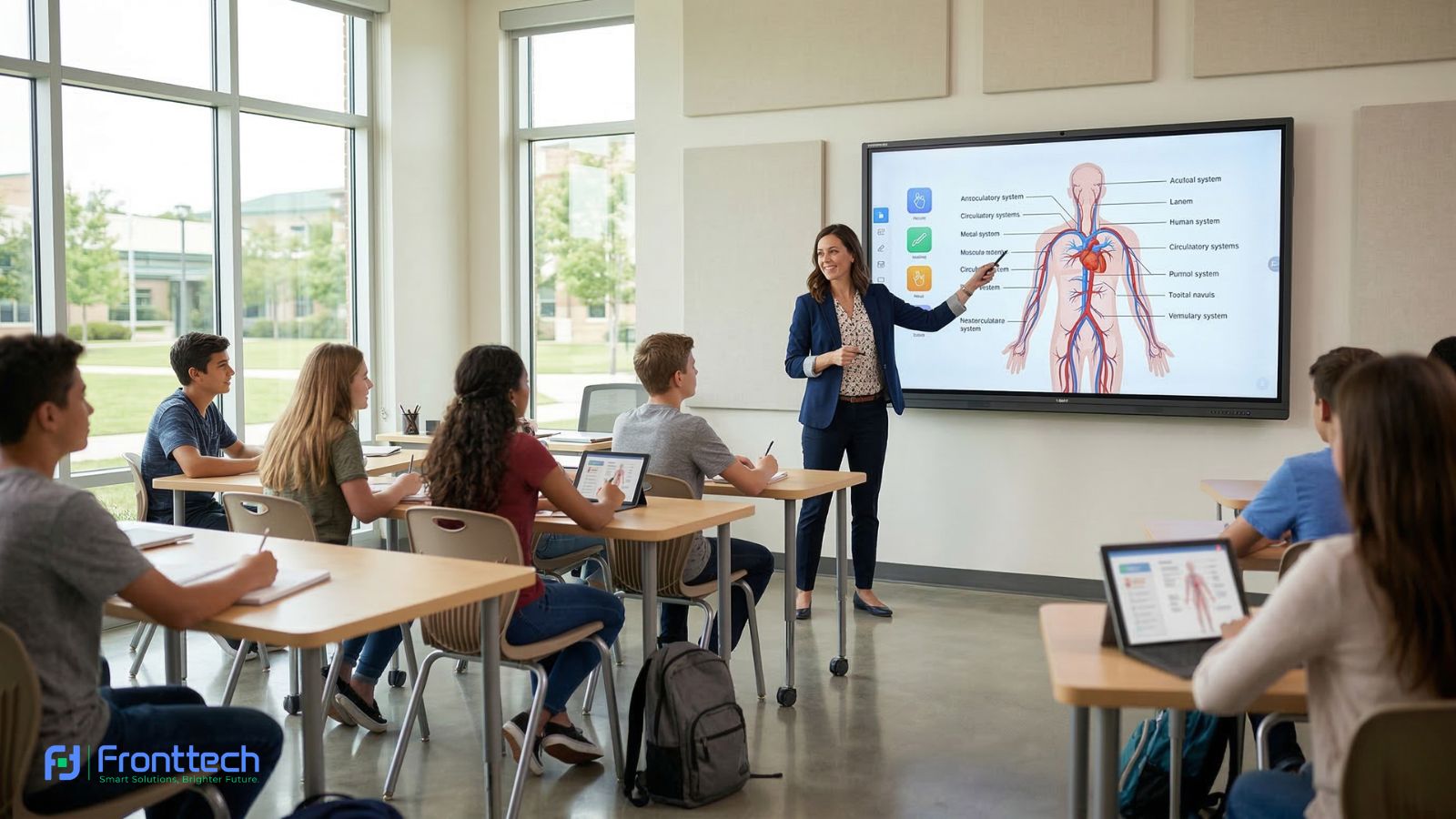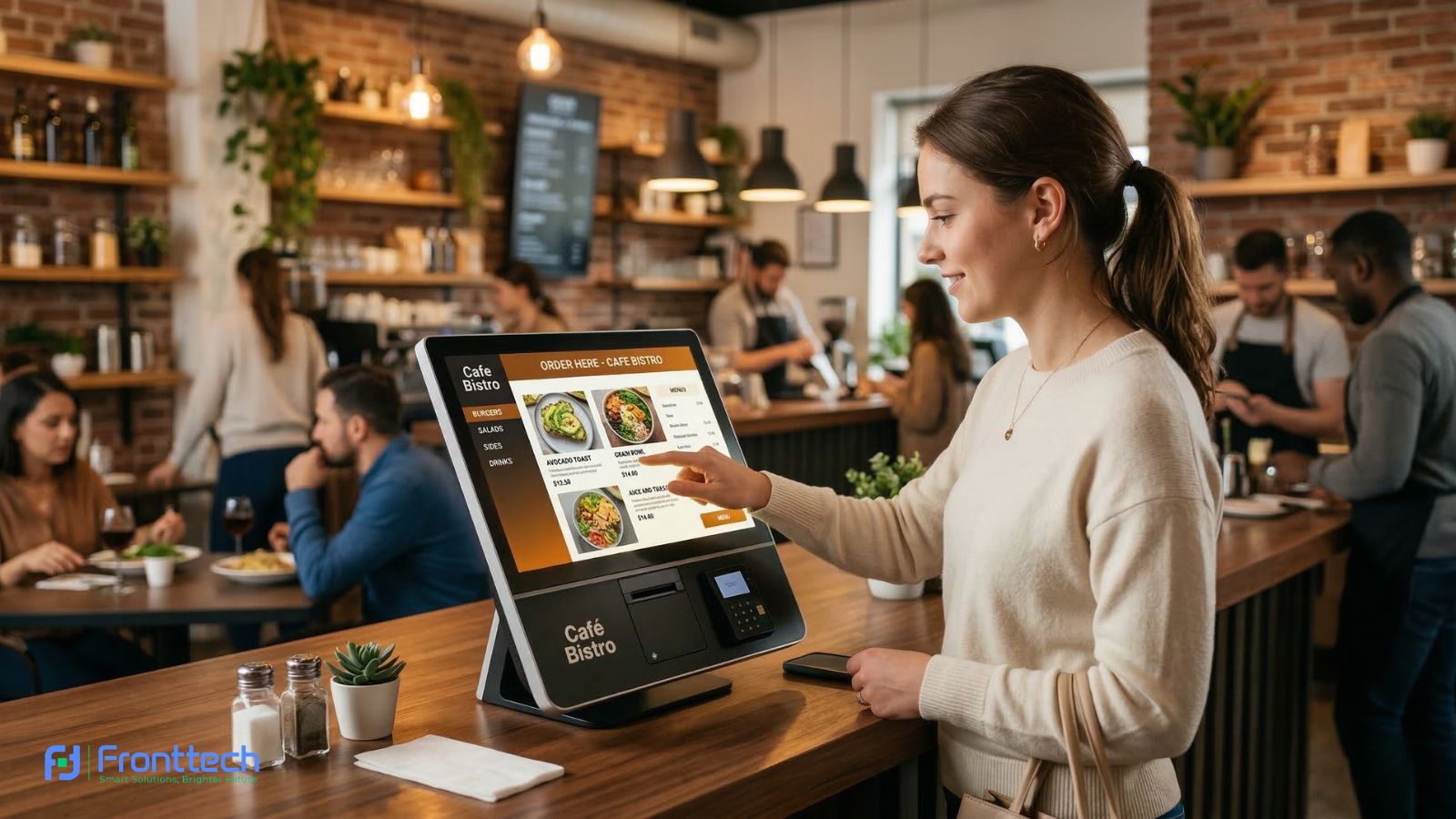


Modern corporate offices are changing fast, and meetings are no longer limited to simple discussions around a table. Today, businesses rely on visual presentations, real-time collaboration, and remote communication. From my observation, companies that use digital tools in meetings make faster decisions and communicate more clearly. This is exactly where an Interactive Whiteboard for Corporate Offices becomes a powerful solution.
An Interactive Whiteboard for Corporate Offices is a large touchscreen display designed for business presentations, team collaboration, video conferencing, and data sharing. Instead of using traditional whiteboards or projectors, employees can directly write, edit, present, and interact with content on the screen. In my experience, this makes meetings more engaging because everyone can see and participate clearly without delays or confusion.
Many corporate offices in Bangladesh and globally are now upgrading their meeting rooms with interactive whiteboards. Based on market trends, businesses prefer these boards because they combine multiple tools into one device. You can present slides, join Zoom or Microsoft Teams meetings, annotate documents, and even save meeting notes instantly. This reduces dependency on separate devices and improves overall efficiency.
Price is one of the most common concerns for buyers. In Bangladesh, the price of an Interactive Whiteboard for Corporate Offices usually starts from around ৳1,20,000 for a basic 65-inch model and can go up to ৳6,00,000 or more for larger premium models with advanced features. Globally, prices typically range between $1,500 and $6,000 depending on size, brand, and specifications. From my analysis, most medium-sized corporate offices prefer 75-inch models because they offer the best balance between visibility and cost.
Specifications also play a major role in performance. Important features include 4K resolution, multi-touch support, built-in operating system, wireless screen sharing, and video conferencing compatibility. Many business owners report that these features help teams collaborate faster and reduce meeting time. For example, instead of explaining ideas verbally, employees can directly show charts and edit documents on the screen, which improves understanding.
Another important reason companies invest in an Interactive Whiteboard for Corporate Offices is long-term value. Unlike projectors that require bulb replacement and maintenance, interactive whiteboards are more durable and easier to maintain. In my opinion, this makes them a smart investment for businesses that conduct regular meetings, presentations, or training sessions.
At the end of the day, choosing the right Interactive Whiteboard for Corporate Offices depends on your meeting room size, business needs, and budget. The right model can improve productivity, enhance collaboration, and create a more professional meeting environment.
Interactive Whiteboard for Corporate Offices: Overview and Meeting Use

In modern business environments, meetings are no longer limited to simple discussions or static presentations. Companies now need tools that allow teams to present ideas clearly, collaborate in real time, and communicate with both in-office and remote members. From my observation, traditional tools like projectors and basic whiteboards often slow down meetings because they lack interactivity and flexibility. This is why many organizations are now adopting an Interactive Whiteboard for Corporate Offices as a central tool in their meeting rooms.
An Interactive Whiteboard for Corporate Offices is essentially a large touchscreen display that combines the functions of a whiteboard, projector, and computer into one device. Employees can open presentations, write notes, edit documents, and interact with content directly on the screen. In my experience, this makes meetings more dynamic because team members can visually explain their ideas instead of relying only on verbal explanations.
One of the biggest advantages is how it improves collaboration. For example, during strategy meetings, teams can display charts, highlight important points, and make changes instantly. This reduces confusion and ensures everyone understands the discussion clearly. Based on user feedback from corporate offices, visual interaction often leads to faster decision-making and fewer follow-up meetings.
Another important use is video conferencing. With remote work becoming common, businesses need reliable tools for virtual meetings. An Interactive Whiteboard for Corporate Offices allows companies to connect with clients and team members through platforms like Zoom, Microsoft Teams, or Google Meet. Participants can present, annotate, and interact with content during live meetings, creating a more engaging and professional experience.
In Bangladesh, many growing companies are now installing interactive whiteboards in their conference rooms to modernize their workplaces. Globally, this technology has already become a standard in corporate environments. From a practical point of view, this tool not only improves communication but also helps businesses operate more efficiently.
At the end of the day, the main purpose of an Interactive Whiteboard for Corporate Offices is to make meetings clearer, faster, and more productive. It transforms traditional meeting rooms into smart collaboration spaces that support modern business needs.
How interactive whiteboards improve corporate meetings
In real corporate environments, one of the biggest problems during meetings is a lack of clarity and slow communication. From my experience working with business setups, meetings often get delayed because of projector setup, poor visibility, or difficulty explaining ideas clearly. An Interactive Whiteboard for Corporate Offices solves these issues by providing a large, clear, and fully interactive display where teams can present, write, and collaborate instantly.
One of the most noticeable improvements is faster presentation and reduced setup time. With traditional projectors, employees usually need 5–10 minutes to connect cables, adjust display settings, and fix alignment. But with an Interactive Whiteboard for Corporate Offices, presentations can start within seconds. Most modern boards come with built-in Android systems, allowing users to open files directly from USB, cloud storage, or wireless screen sharing. Based on real office feedback, this can reduce meeting startup time by around 70%–80%.
Another major benefit is improved visibility for everyone in the room. For example, a 75-inch interactive whiteboard is ideal for meeting rooms with 8–15 people, offering clear visibility from distances up to 15–20 feet. In comparison, projectors often lose brightness in well-lit rooms and require lights to be dimmed. Interactive whiteboards typically offer brightness levels of 350–450 nits and 4K UHD resolution (3840 × 2160), which ensures sharp text and clear visuals even in bright office environments.
Collaboration also becomes much easier and more effective. Most corporate interactive whiteboards support 10 to 40 multi-touch points, allowing multiple team members to write, draw, or edit content at the same time. In my observation, this is especially useful during brainstorming sessions, project planning, and strategy discussions. Instead of explaining ideas verbally, teams can visualize workflows, edit charts, and organize information directly on the screen. Many businesses report that this improves team understanding and reduces follow-up meetings.
Interactive whiteboards also enhance hybrid and remote meetings. With built-in support for platforms like Zoom, Microsoft Teams, and Google Meet, companies can conduct video conferences directly from the board. For example, during client presentations, teams can share reports, annotate documents, and explain ideas in real time. This creates a more professional and interactive experience compared to basic screen sharing.
Another important improvement is time efficiency. Based on corporate usage analysis, companies using an Interactive Whiteboard for Corporate Offices often see meeting duration reduced by 15%–30%. This happens because information is presented more clearly, decisions are made faster, and less time is wasted on technical setup or repeated explanations.
From a practical business perspective, interactive whiteboards also improve professionalism. When clients visit an office and see modern interactive presentation tools, it creates a stronger impression and builds trust. In my opinion, this is especially valuable for companies involved in sales, consulting, training, and corporate presentations.
At the end of the day, an Interactive Whiteboard for Corporate Offices improves meetings by saving time, improving communication clarity, and making collaboration easier. This helps businesses operate more efficiently and create a smarter, more productive meeting environment.
Interactive whiteboard vs projector and traditional whiteboard
In many corporate offices, projectors and traditional whiteboards have been standard tools for years. However, based on real office experience, both have limitations that affect meeting efficiency and collaboration. An Interactive Whiteboard for Corporate Offices combines the benefits of both while removing their weaknesses, which is why many modern businesses are upgrading their meeting rooms.
One of the biggest differences is display quality and visibility. Projectors usually offer lower brightness, typically around 2,000–3,500 lumens, and the image quality can drop in bright rooms. This often forces offices to turn off lights, which makes meetings less comfortable. In contrast, most interactive whiteboards come with 4K UHD resolution (3840 × 2160) and brightness of 350–450 nits, providing clear visuals even in well-lit conference rooms. From my observation, this makes presentations easier to understand, especially when showing detailed charts or financial reports.
Traditional whiteboards are useful for basic writing, but they cannot display digital content. Employees cannot show presentations, videos, or real-time data. An Interactive Whiteboard for Corporate Offices allows teams to open PowerPoint files, display dashboards, and annotate documents directly on the screen. This makes meetings more dynamic and reduces the need for multiple devices.
Another important difference is interactivity and collaboration. Projectors are mainly display tools, meaning users cannot interact with the screen directly. Traditional whiteboards allow writing, but the content cannot be saved or shared easily. Interactive whiteboards support 10–40 touch points, allowing multiple users to write, edit, and interact at the same time. In real corporate scenarios, this improves brainstorming sessions and project planning because ideas can be created and saved instantly.
Maintenance and long-term costs also differ significantly. Projectors require bulb replacement every 3,000–5,000 hours, which can cost around ৳8,000–৳20,000 per replacement in Bangladesh. Over time, this increases maintenance expenses. Interactive whiteboards typically have a lifespan of 30,000–50,000 hours and do not require bulb replacement. Traditional whiteboards have low maintenance costs but offer very limited functionality.
The following table shows a realistic comparison based on corporate office usage:
Feature | Interactive Whiteboard for Corporate Offices | Projector | Traditional Whiteboard |
Display quality | 4K UHD, very clear | Medium, depends on lighting | No digital display |
Interactivity | Full multi-touch support | No touch support | Manual writing only |
Visibility | Excellent in bright rooms | Poor in bright rooms | Good but limited |
Collaboration | Real-time digital collaboration | Limited | Manual only |
Maintenance cost | Low | Medium to high | Very low |
Lifespan | 30,000–50,000 hours | 3,000–5,000 hours (bulb) | Long but basic use |
Video conferencing | Fully supported | Needs extra setup | Not supported |
From a practical business perspective, an Interactive Whiteboard for Corporate Offices provides a complete meeting solution. It replaces projectors, whiteboards, and sometimes even separate computers. Many companies report improved meeting efficiency and reduced technical problems after switching to interactive whiteboards.
In my opinion, projectors and traditional whiteboards are suitable only for basic use, but interactive whiteboards are the better choice for modern corporate environments where collaboration, speed, and professionalism are important.
Interactive Whiteboard Price and Specifications for Corporate Offices
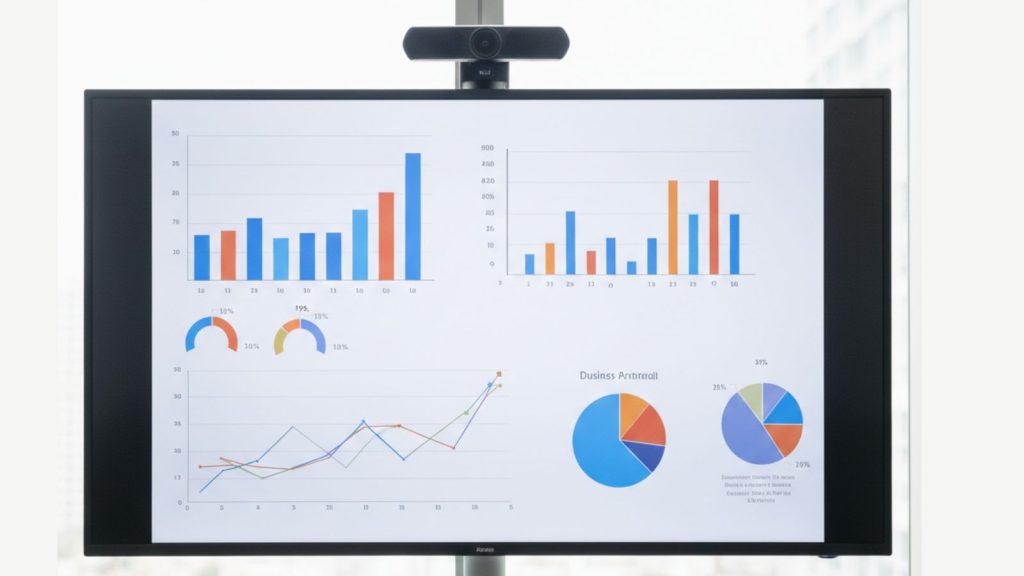
When businesses plan to invest in an Interactive Whiteboard for Corporate Offices, the two most important things they focus on are price and specifications. From my observation, most companies want to ensure they are getting the right performance and long-term value for their budget. The price usually depends on screen size, display quality, touch capability, and built-in system performance.
In Bangladesh, the price of an Interactive Whiteboard for Corporate Offices typically starts from around ৳1,80,000 for entry-level corporate models and can reach up to ৳6,00,000 or more for premium large-size displays. Globally, similar corporate models usually range between $1,500 and $6,000, depending on features and brand reliability. Based on real office usage, most companies prefer mid-range models because they offer the best balance between cost and performance.
Specifications also play a major role in meeting performance. Modern corporate interactive whiteboards usually offer 4K UHD resolution, multi-touch support, built-in Android systems, and wireless connectivity. In my experience, these features make meetings faster and more efficient because teams can present, collaborate, and share content without technical delays.
Another important factor businesses consider is long-term durability and usability. Most interactive whiteboard models for Corporate Offices models are designed for daily professional use and offer 30,000 to 50,000 hours of lifespan. Many companies report that this makes interactive whiteboards a reliable and cost-effective solution compared to traditional meeting tools.
In the following sections, we will break down the exact price ranges, key specifications, and essential features businesses should consider before choosing the right interactive whiteboard.
Price based on size and features
The price of an Interactive Whiteboard for Corporate Offices depends mainly on screen size and the features included in the display. From my observation, most corporate buyers first select the size based on their meeting room, and then compare features like touch performance, built-in system speed, and video conferencing support. In Bangladesh, the starting price for a corporate-grade interactive whiteboard is usually around ৳2,00,000, while premium large-size models can reach ৳6,00,000 or more. Globally, similar business models typically cost between $1,500 and $6,000, depending on brand and configuration.
Screen size has the biggest impact on price because larger displays offer better visibility and are designed for bigger teams. For example, a 65-inch Interactive Whiteboard for Corporate Offices is commonly used in small meeting rooms with 5–8 people and usually costs between ৳2,00,000 and ৳2,80,000. A 75-inch model, which is the most popular choice for corporate offices in Bangladesh, typically costs around ৳2,80,000 to ৳4,20,000. In my experience, this size provides comfortable viewing for medium conference rooms without going beyond budget limits. Larger 86-inch models are designed for boardrooms and training rooms and usually cost between ৳3,80,000 and ৳6,00,000 depending on features.
Features also play a major role in pricing. Basic models usually include 4K UHD resolution, 20-point touch support, and a built-in Android operating system with 4GB RAM and 32GB storage. These models work well for standard meetings and presentations. However, premium versions of Interactive Whiteboard for Corporate Offices include faster processors, 8GB RAM, 64GB or 128GB storage, built-in camera, microphone array, and wireless screen sharing. Based on real corporate usage, these advanced features improve video conferencing quality and reduce the need for additional equipment.
Another factor that affects price is touch technology and display quality. High-end models offer smoother touch response (around 6ms), stronger glass protection, and brightness levels between 400 and 500 nits. From a practical point of view, this makes the display easier to use in bright office environments and ensures long-term durability.
The table below shows realistic price ranges based on size and corporate usage in Bangladesh:
Screen Size | Typical Price (BDT) | Recommended Use | Ideal Team Size |
65-inch | ৳2,00,000 – ৳2,80,000 | Small meeting rooms | 5–8 people |
75-inch | ৳2,80,000 – ৳4,20,000 | Medium conference rooms | 8–15 people |
86-inch | ৳3,80,000 – ৳6,00,000 | Large boardrooms | 15–30 people |
Many business owners report that choosing the right size and features improves meeting efficiency and reduces long-term costs. In my opinion, a 75-inch Interactive Whiteboard for Corporate Offices is the best choice for most companies because it offers excellent visibility, strong performance, and reasonable pricing.
At the end of the day, the right price depends on your office size, meeting requirements, and long-term usage. Investing in the correct size and feature set ensures better collaboration, smoother presentations, and a more professional meeting environment.
Important specifications businesses should consider
When selecting an Interactive Whiteboard for Corporate Offices, specifications determine how smooth, reliable, and useful the device will be in daily meetings. From my observation, many businesses regret choosing lower-spec models because slow performance and poor display quality can affect meeting productivity. The right specifications ensure faster response, clear visuals, and long-term performance without technical problems.
One of the most important specifications is display resolution. Most corporate interactive whiteboards now offer 4K UHD resolution (3840 × 2160), which provides extremely clear text and sharp visuals. In my experience, this makes a big difference when presenting financial reports, business dashboards, or detailed charts. Employees sitting 10–20 feet away can still read small text clearly. Lower resolution displays often look blurry, which can reduce meeting effectiveness.
Another critical specification is RAM and internal storage. Most modern Interactive Whiteboard for Corporate Offices models come with 4GB to 8GB RAM and 32GB to 128GB storage. Based on real corporate usage, 8GB RAM provides much smoother performance, especially when using video conferencing apps like Zoom or Microsoft Teams. Many companies report that higher RAM improves speed and prevents lag during presentations.
Touch performance is also very important for collaboration. Most professional models support 20 to 40 simultaneous touch points, allowing multiple users to write or interact at the same time. From my experience, this is extremely useful during brainstorming sessions because teams can share ideas directly on the screen. Fast touch response, usually around 6 to 8 milliseconds, ensures writing feels smooth and natural.
Brightness and display clarity are equally important, especially in bright office environments. Most Interactive Whiteboard for Corporate Offices models offer brightness between 400 and 500 nits. This ensures the display remains clearly visible without dimming the room lights. In my opinion, higher brightness improves comfort and allows teams to focus better during long meetings.
Another key specification is the built-in operating system and processor. Most corporate interactive whiteboards include Android 11 or Android 13 systems with powerful processors. This allows users to open presentations, run applications, and connect to wireless screen sharing without needing a separate computer. Based on user feedback, this improves meeting efficiency and reduces setup time.
The table below shows recommended specifications for corporate offices:
Specification | Recommended Value | Why it matters in real corporate use |
Resolution | 4K UHD (3840 × 2160) | Clear presentations and sharp visuals |
RAM | 8GB preferred | Smooth performance and multitasking |
Storage | 64GB or higher | Store files and applications easily |
Touch Points | 20–40 points | Multiple users can collaborate |
Brightness | 400–500 nits | Clear visibility in bright rooms |
Response Time | 6–8 ms | Smooth and accurate writing |
Operating System | Android 11 or newer | Fast and reliable performance |
From my experience, businesses that invest in better specifications get more reliable performance and longer lifespan. Many companies report that high-spec Interactive Whiteboard for Corporate Offices models work smoothly for 8–10 years without major issues.
At the end of the day, choosing the right specifications ensures your Interactive Whiteboard for Corporate Offices provides fast performance, clear visuals, and a professional meeting experience. This makes it a practical investment for companies that want to improve collaboration and productivity.
Features needed for corporate meeting rooms
A modern corporate meeting room needs more than just a large screen. The Interactive Whiteboard for Corporate Offices must include features that support fast presentations, smooth collaboration, and professional communication. From my experience, businesses benefit the most when the whiteboard allows teams to present, write, share, and communicate without technical delays. The right features help meetings run smoothly and save valuable time.
One of the most essential features is multi-touch support. Most corporate interactive whiteboards offer 20 to 40 touch points, which allows multiple users to write or interact at the same time. In real meeting situations, this is extremely useful during brainstorming or project planning. For example, team members can add ideas, highlight points, and make changes instantly. From my observation, this improves teamwork and helps teams reach decisions faster.
Wireless screen sharing is another critical feature. Corporate users often need to present directly from laptops, tablets, or mobile devices. A good Interactive Whiteboard for Corporate Offices supports wireless casting, allowing instant screen sharing without cables. Based on user feedback, this reduces setup time and makes meetings more efficient because presenters can switch quickly without reconnecting devices.
Built-in video conferencing support is also very important, especially for hybrid meetings. Many modern interactive whiteboards support Zoom, Microsoft Teams, and Google Meet. This allows companies to conduct meetings with remote employees or international clients directly from the board. In my opinion, this feature improves communication quality and creates a more professional meeting environment.
Display quality is another key feature businesses should consider. Most corporate interactive whiteboards offer 4K UHD resolution and brightness between 400 and 500 nits. This ensures clear visibility even in bright office rooms. Employees sitting 15–20 feet away can easily read presentations without difficulty. Many businesses report that higher display clarity improves presentation effectiveness.
Another useful feature is built-in annotation and note saving. Teams can write directly on the screen and save notes instantly. This helps businesses keep records of meeting discussions and decisions. From a practical point of view, this reduces the need for manual note-taking and improves workflow efficiency.
Connectivity options also make a big difference in daily usability. A reliable Interactive Whiteboard for Corporate Offices usually includes HDMI, USB, USB-C, Wi-Fi, and Bluetooth connectivity. These options allow easy connection with laptops, cameras, and other devices. Based on real office setups, this makes meeting preparation faster and more convenient.
The table below shows the most important features and their real corporate benefits:
Feature | Recommended Value | Real corporate benefit |
Multi-touch support | 20–40 touch points | Multiple users can collaborate |
Wireless screen sharing | Built-in support | Faster and easier presentations |
Video conferencing | Zoom, Teams support | Better remote meeting experience |
Display resolution | 4K UHD | Clear and sharp visuals |
Brightness | 400–500 nits | Visible in bright meeting rooms |
Annotation and saving | Built-in tools | Save meeting notes instantly |
Connectivity | HDMI, USB, Wi-Fi, Bluetooth | Easy device integration |
Many companies report that choosing a full-featured Interactive Whiteboard for Corporate Offices improves meeting efficiency and reduces technical problems. From my experience, businesses that invest in the right features create a more productive and professional meeting environment.
At the end of the day, the best features depend on your business needs and meeting style. The right Interactive Whiteboard for Corporate Offices helps teams collaborate easily, present ideas clearly, and improve overall business communication.
Real-World Meeting Experience and Benefits

In real corporate environments, the biggest advantage of using an Interactive Whiteboard for Corporate Offices is how it improves meeting clarity, speed, and collaboration. From my observation, traditional meetings often waste time due to projector setup, unclear visuals, or difficulty explaining ideas. When businesses switch to an interactive whiteboard, meetings become more organized and easier to manage.
One of the most noticeable improvements is faster meeting startup. With projectors, employees often spend 5–10 minutes connecting cables and adjusting display settings. But with an Interactive Whiteboard for Corporate Offices, meetings can start instantly. Users can open presentations directly from built-in storage, USB, or wireless screen sharing. Based on real office feedback, this reduces preparation time and allows teams to focus more on discussion instead of technical setup.
Another real-world benefit is improved communication and understanding. In my experience, when teams use a large 4K interactive display, everyone in the room can see content clearly, even from distances of 15–20 feet. This helps employees understand charts, reports, and project plans more easily. Many companies report that clearer presentations reduce confusion and improve decision-making speed.
Interactive whiteboards also improve collaboration during meetings. Teams can write notes, edit documents, and highlight important points directly on the screen. From a practical point of view, this makes brainstorming sessions more productive. Employees can visualize ideas instead of explaining everything verbally. Many business users report that meetings become shorter and more effective because ideas are communicated more clearly.
Another important benefit is better support for hybrid meetings. Many companies now work with remote employees or international clients. An Interactive Whiteboard for Corporate Offices allows teams to run video meetings using Zoom or Microsoft Teams directly from the display. This creates a more connected and professional experience. Based on user feedback, remote participants can follow presentations more easily and interact in real time.
Long-term usability is also a major advantage. Most corporate interactive whiteboards offer a lifespan of 30,000 to 50,000 hours, which means they can last around 8–12 years with normal office use. Many business owners report that maintenance costs remain low compared to projectors, which require frequent bulb replacement.
From my experience, businesses that use an Interactive Whiteboard for Corporate Offices notice clear improvements in meeting efficiency, presentation quality, and team collaboration. Meetings become more productive, and employees can share ideas more effectively.
At the end of the day, the real-world benefit of using an Interactive Whiteboard for Corporate Offices is improved communication, faster meetings, and better collaboration. This makes it a valuable investment for companies that want to create a modern and efficient meeting environment.
Meeting productivity and collaboration improvement
One of the biggest advantages of using an Interactive Whiteboard for Corporate Offices is the clear improvement in meeting productivity and team collaboration. From my observation, traditional meetings often take longer because employees struggle to explain ideas using basic whiteboards or static presentations. Interactive whiteboards solve this problem by allowing teams to present, edit, and collaborate in real time on a single screen.
In real corporate environments, meeting efficiency improves significantly when teams can interact directly with the content. For example, instead of explaining a project timeline verbally, managers can display the plan and update it instantly on the screen. Based on business usage, this reduces confusion and helps employees understand tasks faster. Many companies report that meetings become 20% to 30% shorter after switching to an Interactive Whiteboard for Corporate Offices because discussions become clearer and more focused.
Collaboration also becomes much easier with multi-touch support. Most corporate interactive whiteboards support 20 to 40 touch points, which allows multiple team members to write, draw, and share ideas at the same time. In my experience, this is especially useful during brainstorming sessions where teams need to organize ideas quickly. Employees can visually contribute instead of waiting for one person to control the presentation.
Another real benefit is faster decision-making. When teams can see data, charts, and reports clearly on a large 4K display, they can analyze information more effectively. From a practical point of view, this helps businesses avoid unnecessary follow-up meetings. Many managers report that decisions can be finalized during the first meeting because everyone understands the information clearly.
Interactive whiteboards also improve collaboration between departments. For example, marketing, sales, and management teams can review performance reports together and make changes instantly. Based on real office feedback, this improves teamwork and ensures everyone stays aligned with business goals. An Interactive Whiteboard for Corporate Offices makes it easier to share ideas, review progress, and update plans in real time.
Another important productivity benefit is the ability to save and share meeting notes instantly. Instead of writing notes manually, teams can save the content directly from the whiteboard and share it with participants. This helps employees review decisions later and reduces the risk of miscommunication.
From my experience, businesses that use an Interactive Whiteboard for Corporate Offices create more efficient and collaborative meeting environments. Teams communicate better, meetings finish faster, and productivity improves over time.
At the end of the day, improving productivity and collaboration is one of the strongest reasons companies invest in an Interactive Whiteboard for Corporate Offices. It helps teams work smarter, share ideas easily, and achieve better results in less time.
Video conferencing and presentation experience
Video conferencing and presentations are a daily part of modern business operations, and this is where an Interactive Whiteboard for Corporate Offices makes a significant difference. From my experience, traditional meeting setups often require separate devices like laptops, projectors, and external cameras. This not only increases setup time but also creates technical issues during important meetings. With an interactive whiteboard, everything works from one screen, making meetings smoother and more professional.
One of the biggest advantages is built-in video conferencing support. Most corporate interactive whiteboards are fully compatible with platforms like Zoom, Microsoft Teams, and Google Meet. Many models also support external 4K cameras, built-in microphones, and speaker systems. From my observation, this improves communication quality because both video and audio remain clear during meetings. Remote participants can see presentations clearly and interact without delays.
Presentation quality also improves significantly. Most Interactive Whiteboard for Corporate Offices models offer 4K UHD resolution (3840 × 2160), which ensures sharp text and clear visuals. In real meeting environments, this makes financial reports, sales dashboards, and presentations easier to understand. Employees sitting up to 20 feet away can still see content clearly without eye strain. Based on user feedback, this improves engagement and helps teams focus better during presentations.
Wireless screen sharing is another important feature that improves the presentation experience. Employees can connect their laptops or mobile devices instantly without using cables. This allows presenters to switch quickly, saving valuable meeting time. In my opinion, this makes meetings more efficient because there is no interruption between presentations.
Interactive annotation is also very useful during video conferences. Teams can write notes, highlight important points, and explain ideas directly on the screen while remote participants watch in real time. This creates a more interactive experience compared to basic screen sharing. Many companies report that using an Interactive Whiteboard for Corporate Offices improves communication clarity during client presentations and team meetings.
Another real benefit is reduced dependency on multiple devices. With built-in operating systems, RAM (usually 4GB to 8GB), and internal storage, interactive whiteboards can run presentations and conferencing apps directly. From a practical point of view, this reduces technical setup time and makes meetings start faster.
The table below shows how interactive whiteboards improve video conferencing and presentation experience compared to traditional setups:
Feature | Traditional setup | Interactive Whiteboard for Corporate Offices |
Video conferencing | Requires a separate laptop and camera | Built-in or easily integrated |
Presentation clarity | Depends on the projector quality | 4K UHD clear display |
Screen sharing | Cable required | Wireless screen sharing |
Annotation | Limited | Real-time annotation support |
Setup time | 5–10 minutes | 1–2 minutes |
From my experience, businesses that use an Interactive Whiteboard for Corporate Offices see clear improvements in video meeting quality and presentation effectiveness. Meetings become more professional, and communication improves significantly.
At the end of the day, an Interactive Whiteboard for Corporate Offices provides a complete video conferencing and presentation solution. It helps businesses communicate clearly, present professionally, and collaborate efficiently in both in-person and remote meetings.
How to Choose the Best Interactive Whiteboard for Corporate Offices
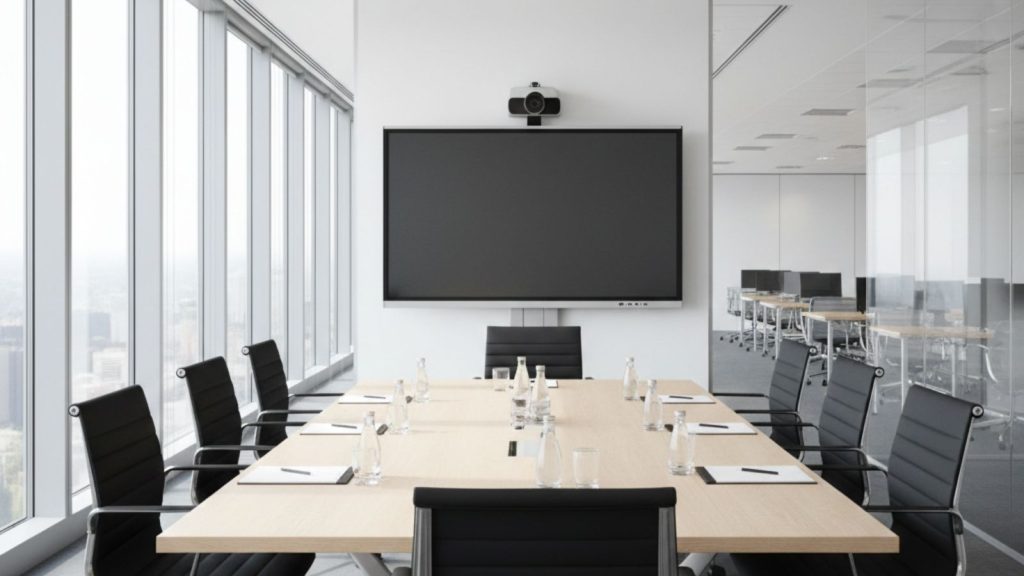
Choosing the right Interactive Whiteboard for Corporate Offices is a critical decision because it directly affects meeting efficiency, collaboration quality, and long-term business performance. From my observation, many companies invest in interactive whiteboards without fully understanding their meeting room requirements, which can lead to poor visibility or performance limitations later.
The best choice depends on several important factors, including meeting room size, display performance, touch capability, and connectivity features. For example, small meeting rooms usually work well with 65-inch models, while medium and large corporate conference rooms require 75-inch or 86-inch displays for clear visibility. Based on real corporate setups, choosing the correct size ensures that everyone in the meeting room can see presentations comfortably.
Specifications and built-in features also play a major role in performance. A reliable Interactive Whiteboard for Corporate Offices should offer 4K resolution, smooth touch response, and wireless screen sharing support. In my experience, businesses that prioritize performance and usability get better long-term value and fewer technical issues during meetings.
Another important factor is the business usage type. Some companies use interactive whiteboards mainly for presentations, while others rely on them for daily video conferencing and collaboration. From a practical point of view, selecting the right model based on usage ensures better productivity and a smoother meeting experience.
In the following sections, we will explain how to choose the right size, features, and budget for your Interactive Whiteboard for Corporate Offices so your business gets the best possible performance and value.
Choosing the right size and features
Choosing the correct size and features is one of the most important steps when buying an Interactive Whiteboard for Corporate Offices. From my experience, many businesses choose a model that is either too small for their meeting room or lacks important features, which affects meeting efficiency later. The right size ensures clear visibility, while the right features improve collaboration and daily usability.
Screen size should always match the meeting room size and viewing distance. For small meeting rooms with 4–8 people, a 65-inch interactive whiteboard usually provides comfortable viewing from distances up to 10–12 feet. Medium conference rooms with 8–15 people work best with 75-inch models because they offer better visibility from up to 15–18 feet. Larger boardrooms with 15–30 people require 86-inch displays so everyone can see presentations clearly. From my observation, most corporate offices prefer 75-inch Interactive Whiteboard for Corporate Offices models because they offer the best balance between price, visibility, and usability.
Display quality is another important feature businesses should consider. Most professional models offer 4K UHD resolution (3840 × 2160), which ensures sharp text and clear images. In real meeting environments, this makes financial reports, project plans, and presentations easier to understand. Brightness between 400 and 500 nits is also recommended because it keeps the screen visible even in bright office lighting.
Touch performance and system specifications also affect the overall experience. Most corporate interactive whiteboards offer 20 to 40 touch points, allowing multiple users to collaborate at the same time. Based on real office usage, models with 8GB RAM and at least 64GB storage provide smoother performance, especially during video conferencing and multitasking. In my opinion, higher RAM ensures faster response and prevents system lag during important meetings.
Connectivity features are equally important. A reliable Interactive Whiteboard for Corporate Offices should support HDMI, USB, Wi-Fi, and wireless screen sharing. These features allow teams to connect laptops, share presentations instantly, and start meetings without delays. Many businesses report that wireless screen sharing improves meeting efficiency and reduces setup time.
The table below shows recommended size and feature combinations based on corporate meeting needs:
Meeting Room Type | Recommended Size | Key Features Needed | Typical Usage |
Small meeting room | 65-inch | 4K resolution, 4GB–8GB RAM, wireless sharing | Team meetings |
Medium conference room | 75-inch | 4K resolution, 8GB RAM, multi-touch support | Presentations, collaboration |
Large boardroom | 86-inch | 4K resolution, high brightness, premium performance | Executive meetings, training |
Many companies report that selecting the right size and features improves meeting clarity and productivity. From my experience, investing in a properly sized Interactive Whiteboard for Corporate Offices ensures better collaboration and long-term reliability.
At the end of the day, the best choice depends on your meeting room size, business usage, and performance needs. Choosing the right size and features ensures your Interactive Whiteboard for Corporate Offices delivers the best possible meeting experience and long-term value.
Choosing based on budget and business needs
Choosing the right Interactive Whiteboard for Corporate Offices based on budget and business needs is essential for getting the best value without overspending. From my observation, many companies either choose the cheapest option and face performance issues later, or overspend on features they don’t actually use. The best approach is to match your budget with your daily meeting requirements and business goals.
For small businesses or startups with limited budgets, entry-level corporate models are usually enough. These typically cost around ৳2,00,000 to ৳2,80,000 in Bangladesh and include 65-inch displays, 4K resolution, and basic collaboration features. In my experience, these models work well for small teams that mainly use the whiteboard for presentations and internal meetings. Many small companies report that even basic Interactive Whiteboard for Corporate Offices models significantly improve meeting clarity compared to projectors.
Medium-sized businesses usually require better performance and larger displays. These companies often choose 75-inch models, which cost around ৳2,80,000 to ৳4,20,000 depending on specifications. Based on real corporate usage, this size is ideal for regular meetings, client presentations, and team collaboration. Businesses that conduct frequent video meetings benefit from models with 8GB RAM, wireless screen sharing, and built-in conferencing support.
Large companies and corporate headquarters usually invest in premium models designed for heavy daily use. These models typically cost between ৳4,00,000 and ৳6,00,000 and include 86-inch displays, faster processors, and advanced collaboration features. From a practical point of view, these high-end Interactive Whiteboard for Corporate Offices models provide better performance, smoother multitasking, and improved long-term reliability.
The table below shows realistic recommendations based on business size and budget:
Business Type | Budget Range (BDT) | Recommended Size |
Small business | ৳2,00,000 – ৳2,80,000 | 65-inch |
Medium business | ৳2,80,000 – ৳4,20,000 | 75-inch |
Large corporate office | ৳4,00,000 – ৳6,00,000 | 86-inch |
Another important factor is long-term value. Higher-quality interactive whiteboards usually last around 8–12 years with normal use. Many businesses report that investing in a reliable Interactive Whiteboard for Corporate Offices reduces maintenance costs and avoids early replacement. In my opinion, it is better to choose a model that meets your future needs instead of upgrading again after a few years.
Business usage type also affects the ideal choice. Companies that conduct daily video meetings should prioritize models with strong system performance and conferencing features. Businesses focused mainly on presentations may not need premium specifications. From my experience, matching features with real usage ensures better efficiency and avoids unnecessary expenses.
At the end of the day, choosing the right Interactive Whiteboard for Corporate Offices depends on your available budget and how your business plans to use it. Selecting the right balance between price and performance ensures long-term productivity, smoother meetings, and better return on investment.
Interactive Whiteboard Buying Guide for Corporate Offices (Final Decision)

Making the final decision to invest in an Interactive Whiteboard for Corporate Offices is an important step because it directly affects meeting efficiency, collaboration quality, and long-term business productivity. From my observation, businesses that carefully evaluate their meeting needs, room size, and daily usage get the best value and performance from their investment.
The final buying decision should focus on selecting the right combination of screen size, performance specifications, and essential collaboration features. For example, small meeting rooms usually work well with 65-inch models, while medium and large conference rooms require 75-inch or 86-inch displays for clear visibility. Choosing the correct size ensures that everyone in the meeting can see presentations comfortably.
Specifications and usability also play a major role in the final selection. A reliable Interactive Whiteboard for Corporate Offices should offer smooth touch performance, clear 4K display quality, and easy connectivity with laptops and conferencing systems. In my experience, businesses that prioritize performance and usability benefit from faster meetings and better collaboration.
Another important factor is long-term reliability and business value. Many companies report that investing in the right interactive whiteboard improves productivity and reduces technical problems during meetings. From a practical point of view, selecting the right model ensures better efficiency and long-term return on investment.
In the following sections, we will explain the key factors and best choices to help you select the most suitable Interactive Whiteboard for Corporate Offices based on your business needs and budget.
Key factors before buying
Before purchasing an Interactive Whiteboard for Corporate Offices, businesses should carefully evaluate a few key factors to ensure they choose the right model for their meeting needs. From my experience, companies that consider room size, specifications, and real usage requirements make better long-term investments and avoid performance issues later. The right decision improves meeting efficiency and ensures reliable performance for years.
One of the first factors to consider is meeting room size and viewing distance. The screen should be large enough so that everyone in the room can see clearly. For example, a 65-inch interactive whiteboard works well for rooms with up to 8 people and viewing distances up to 12 feet. Medium conference rooms with 10–15 people usually require 75-inch models, while large corporate boardrooms need 86-inch displays for proper visibility. From my observation, choosing the wrong size can make presentations difficult to read and reduce meeting effectiveness.
Performance specifications are another important factor. A reliable Interactive Whiteboard for Corporate Offices should include 4K UHD resolution, at least 8GB RAM, and 64GB storage. Based on real office usage, these specifications ensure smooth performance during presentations and video conferencing. Many companies report that higher-spec models provide faster response and fewer technical problems during meetings.
Touch performance and collaboration capability should also be considered. Most corporate interactive whiteboards support 20 to 40 simultaneous touch points. This allows multiple team members to interact with the display at the same time. In my experience, this improves brainstorming sessions and makes meetings more productive.
Connectivity and compatibility are equally important. Businesses should ensure the interactive whiteboard supports HDMI, USB, Wi-Fi, and wireless screen sharing. These features allow easy connection with laptops and conferencing systems. From a practical point of view, better connectivity reduces setup time and improves meeting efficiency.
Durability and lifespan are also key considerations. Most Interactive Whiteboard for Corporate Offices models offer around 30,000 to 50,000 hours of lifespan, which equals approximately 8–12 years of regular business use. Many business owners report that reliable models require minimal maintenance and provide long-term value.
The table below summarizes the most important factors businesses should consider before buying:
Factor | Recommended Value |
Screen size | 65″, 75″, or 86″ based on room size |
Resolution | 4K UHD (3840 × 2160) |
RAM | Minimum 8GB |
Storage | 64GB or higher |
Touch points | 20–40 points |
Lifespan | 30,000–50,000 hours |
Connectivity | HDMI, USB, Wi-Fi |
From my experience, businesses that evaluate these key factors before buying an Interactive Whiteboard for Corporate Offices get better performance and long-term satisfaction. Many companies report improved productivity and smoother meetings after choosing the right model.
At the end of the day, focusing on these important factors ensures that your Interactive Whiteboard for Corporate Offices meets your business needs, improves collaboration, and provides excellent long-term value.
Best choice based on office usage
The best Interactive Whiteboard for Corporate Offices depends mainly on how your business uses meeting rooms daily. From my experience, different types of offices have different requirements, and choosing based on actual usage ensures better performance and long-term value. A company that conducts frequent client presentations will need different features compared to an office that uses the whiteboard mainly for internal discussions.
For small offices with basic meeting needs, a 65-inch interactive whiteboard is usually the best choice. These models typically cost between ৳2,00,000 and ৳2,80,000 and provide 4K resolution, smooth touch response, and wireless screen sharing. In my observation, this size works perfectly for small teams with 5–8 people because everyone can see the screen clearly without needing a larger display. Many small businesses report that using an Interactive Whiteboard for Corporate Offices improves presentation clarity and reduces meeting time.
Medium-sized corporate offices usually require a more powerful and larger display. A 75-inch model is often the best option because it supports better visibility and smoother collaboration. These models usually cost around ৳2,80,000 to ৳4,20,000 depending on specifications. Based on real corporate usage, companies that conduct regular team meetings, project discussions, and client presentations benefit the most from this size. In my opinion, this is the most practical choice for growing businesses.
Large corporate offices and executive boardrooms require premium models designed for heavy daily use. An 86-inch Interactive Whiteboard for Corporate Offices is ideal for meeting rooms with 15–30 people. These models typically cost between ৳4,00,000 and ৳6,00,000 and offer higher brightness, faster processors, and better multitasking performance. From my experience, large companies benefit from these models because they improve meeting visibility and provide smoother video conferencing.
Business usage type also affects the ideal choice. Offices that conduct frequent video conferences should prioritize models with 8GB RAM, built-in conferencing support, and fast wireless connectivity. Companies focused mainly on internal meetings and presentations may not need premium features. Many businesses report that selecting the right Interactive Whiteboard for Corporate Offices based on actual usage improves productivity and reduces unnecessary expenses.
The table below shows the best choice based on office usage:
Office Usage Type | Recommended Size | Recommended Specs | Price Range (BDT) |
Small office meetings | 65-inch | 4K resolution, 4GB–8GB RAM | ৳2,00,000 – ৳2,80,000 |
Regular corporate meetings | 75-inch | 4K resolution, 8GB RAM, wireless sharing | ৳2,80,000 – ৳4,20,000 |
Executive meetings and training | 86-inch | 4K resolution, premium performance | ৳4,00,000 – ৳6,00,000 |
From my observation, most businesses achieve the best balance of performance and cost by choosing the right Interactive Whiteboard for Corporate Offices based on their daily usage. Companies that match the size and specifications with their actual meeting requirements get better performance and long-term reliability.
At the end of the day, the best Interactive Whiteboard for Corporate Offices is the one that fits your office size, meeting frequency, and business goals. Choosing the right model ensures better collaboration, clearer presentations, and improved productivity.
FAQ: Interactive Whiteboard for Corporate Offices (Common Questions and Answers)
Before buying an Interactive Whiteboard for Corporate Offices, businesses often want clear answers about lifespan, maintenance, video conferencing, and daily usability. Based on real corporate usage, these answers help companies choose the right model with confidence.
How long does an interactive whiteboard last in corporate offices?
Most Interactive Whiteboard for Corporate Offices models for corporate offices last between 30,000 and 50,000 hours. With average office usage of 6–8 hours per day, this equals approximately 8 to 12 years. Many companies report reliable performance for long periods without major maintenance.
Does an interactive whiteboard require a computer to operate?
No, most modern Interactive Whiteboard for Corporate Offices models come with a built-in Android operating system, RAM, and storage. This allows users to open presentations, run apps, and conduct meetings directly without connecting an external computer.
Can interactive whiteboards be used for video conferencing?
Yes, Interactive Whiteboard for Corporate Offices fully supports video conferencing platforms like Zoom, Microsoft Teams, and Google Meet. Many models allow camera and microphone integration, making them ideal for hybrid meetings and remote collaboration.
What is the best screen size for a medium corporate meeting room?
For medium meeting rooms with 8–15 people, a 75-inch Interactive Whiteboard for Corporate Offices is usually the best choice. It provides clear visibility from 15–18 feet distance and offers a good balance between price and performance.
Do interactive whiteboards reduce meeting time?
Yes, many businesses report that using an Interactive Whiteboard for Corporate Offices reduces meeting time by 20%–30%. This happens because presentations are clearer, collaboration is faster, and teams can share ideas more efficiently.
Is the maintenance cost high for interactive whiteboards?
No, the maintenance cost for an Interactive Whiteboard for Corporate Offices is relatively low. Unlike projectors, there are no bulbs to replace. Most businesses only need occasional software updates and basic cleaning.
Can multiple users write on the interactive whiteboard at the same time?
Yes, most Interactive Whiteboard for Corporate Offices models support 20 to 40 simultaneous touch points. This allows multiple users to write, draw, and collaborate at the same time, which improves teamwork during meetings.