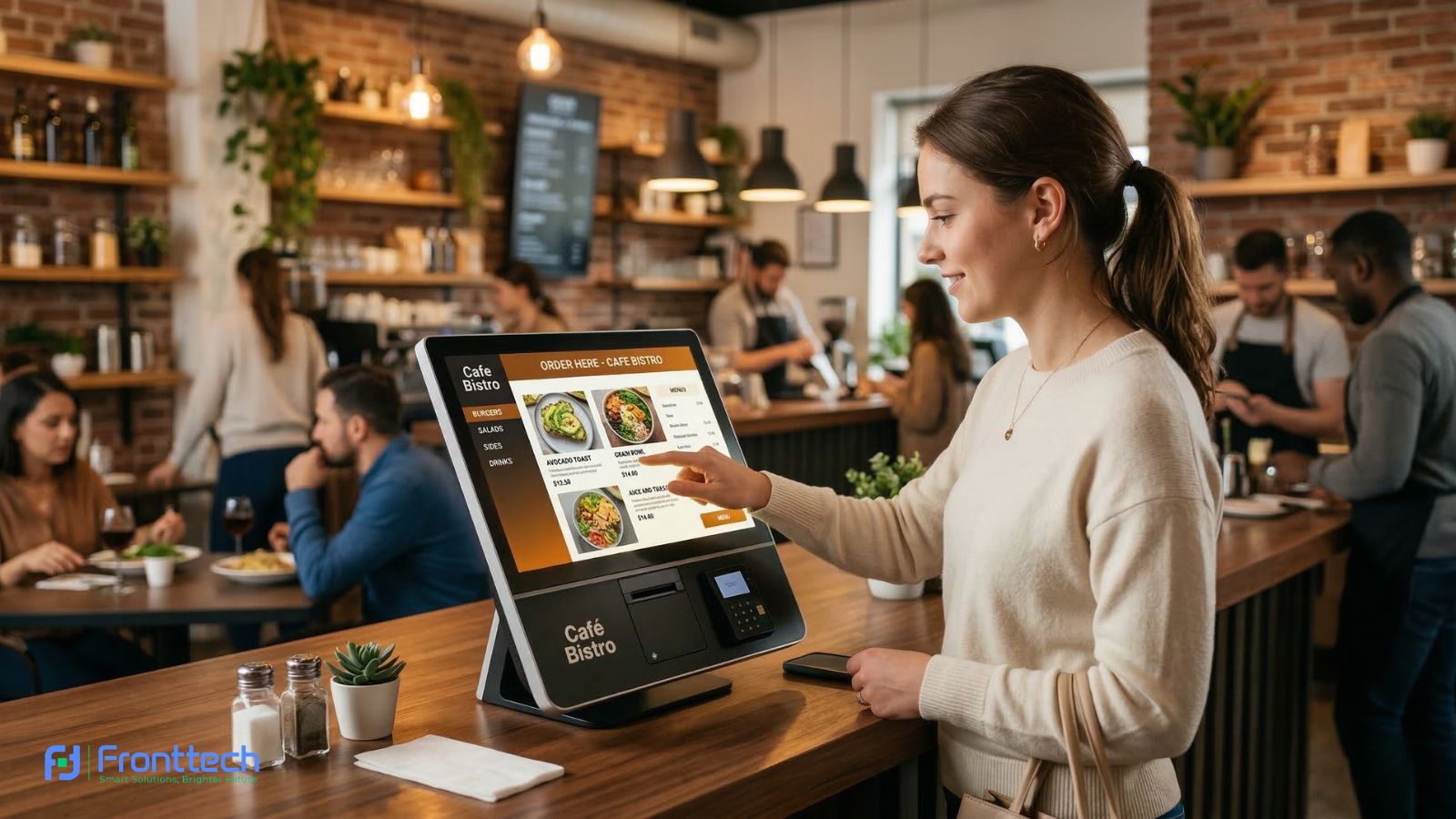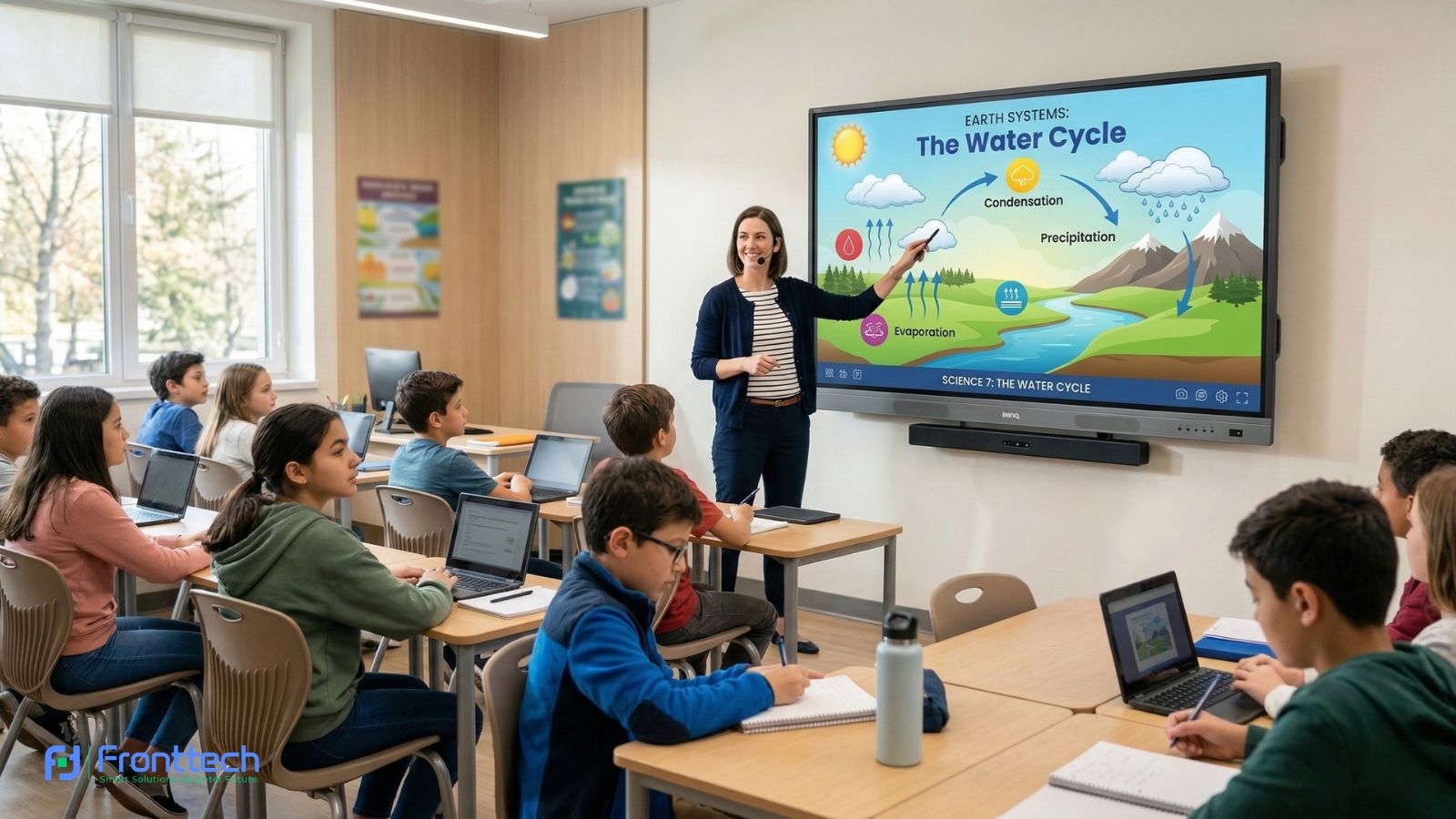


Choosing the right Interactive Whiteboard is no longer just about adding a digital screen to a classroom or office—it’s about improving how people teach, learn, and collaborate every single day. From my experience, many buyers feel overwhelmed because price lists, technical specifications, and sales claims don’t clearly explain what actually matters in real use.
This buying guide is written to simplify that decision. It focuses on two things most buyers care about: price and practical specifications. Instead of throwing technical terms at you, the goal here is to explain what those specs really mean when the board is used daily in classrooms or professional environments. I’ve seen cases where a board looks great on paper but feels uncomfortable or inefficient after a few weeks of use—and that’s exactly what this guide aims to help you avoid.
In classrooms, an Interactive Whiteboard needs to be easy for teachers to operate, clear for students sitting at the back, and durable enough to handle daily use. In offices, the priorities shift toward smooth collaboration, quick connectivity, and reliable performance during meetings. Based on user observations, the best boards are not the most expensive ones, but the ones that match the space, usage pattern, and user skill level.
Throughout this guide, we’ll break down how pricing works, which specifications actually improve the experience, and how to balance budget with long-term value. If you ask me, a good Interactive Whiteboard purchase feels natural to use, stays reliable over time, and supports real work instead of complicating it. At the end of the day, the right choice depends on how well the board fits your daily needs—not how impressive it looks in a product brochure.
What Is an Interactive Whiteboard?
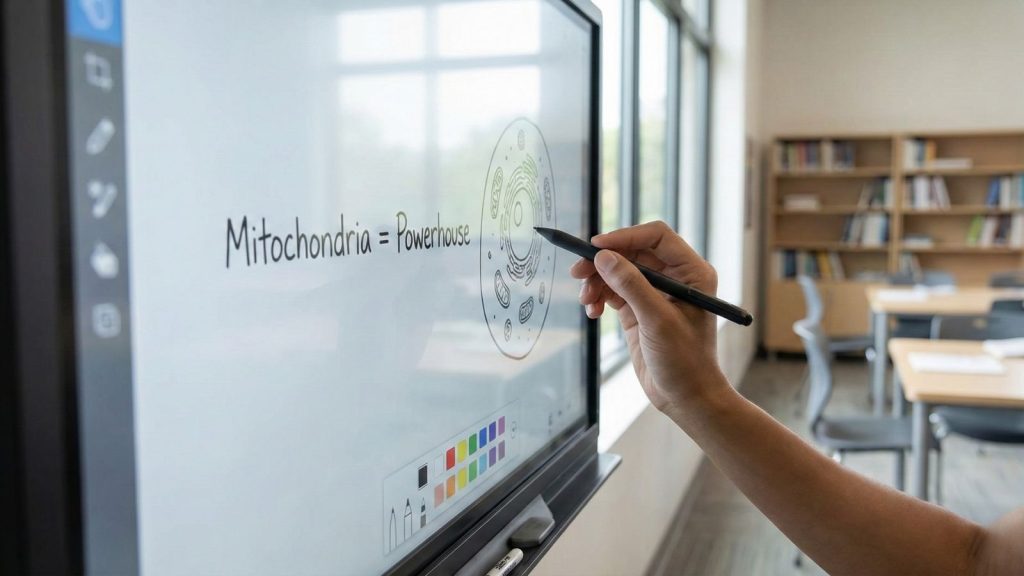
An Interactive Whiteboard is a large digital display that allows users to interact directly with content using touch, a stylus, or sometimes even gestures. Instead of just writing with markers on a traditional board, you can open files, browse the web, write notes digitally, play videos, and save everything for later use. From my experience, this simple shift—from static writing to interactive content—changes how lessons and meetings actually flow.
In real classroom and office environments, an Interactive Whiteboard often becomes the central tool rather than just a display. Teachers use it to explain complex topics visually, while trainers and managers rely on it to present ideas, annotate documents, and collaborate in real time. What I’ve noticed is that people pick it up faster than expected, especially when the interface feels similar to a tablet or smartphone.
At its core, an Interactive Whiteboard combines a display, a touch system, and software into one working surface. This means whatever you do on the board can be shared, saved, or even controlled remotely. For many users, the biggest benefit isn’t the technology itself, but how naturally it fits into daily teaching, presentations, and discussions without making things feel complicated.
How an interactive whiteboard works
An Interactive Whiteboard works by combining a digital display with a touch-sensing layer and built-in software that responds instantly to user input. When you touch the screen with a finger or stylus, the system detects that input and translates it into an on-screen action—just like using a large tablet. From my observation, this direct interaction is what makes the experience feel natural, even for first-time users.
In most real-world setups, the board runs on an internal operating system or connects to an external computer. Whatever is displayed—slides, documents, videos, or web pages—can be written on, moved, zoomed, or erased in real time. Based on user feedback, teachers and presenters quickly adapt because the response time is smooth and there’s no noticeable lag during normal use.
Behind the scenes, sensors track touch points and send signals to the software, which then processes commands like drawing, selecting, or opening files. In daily use, this means you don’t have to switch between tools or devices. If you ask me, the biggest advantage of how an Interactive Whiteboard works is that it keeps attention focused on the screen while allowing ideas to flow naturally through touch and interaction, rather than interrupting the session with technical steps.
Traditional board vs interactive whiteboard
When comparing a traditional board with an Interactive Whiteboard, the real value difference becomes clear once you look beyond basic writing. A traditional board is cheap, simple, and needs almost no training. From my experience, it still works fine for quick explanations or very small classrooms. But the limitation is obvious—once the board is wiped, the content is gone, and there’s no way to reuse or share that information properly.
An Interactive Whiteboard adds value by turning the board into a reusable teaching and collaboration tool. In real classrooms, I’ve seen teachers save lesson notes and reuse them for multiple sections without rewriting everything. In offices, meeting outcomes don’t disappear after the session ends—notes, diagrams, and decisions can be shared instantly. Based on user feedback, this alone saves a noticeable amount of time every week.
To make the difference clearer, here’s a practical comparison that reflects real-world use rather than marketing claims:
Feature | Traditional Board | Interactive Whiteboard |
Initial cost | Very low | Higher upfront cost |
Content saving | Not possible | Notes and sessions can be saved |
Multimedia support | None | Videos, images, web, apps |
User engagement | Passive | High, interactive |
Reusability | Must rewrite every time | Reuse and edit content |
Long-term value | Limited | Strong over long-term use |
Maintenance | Almost none | Software updates + basic care |
From my observation, the biggest real value of an Interactive Whiteboard is not the technology itself, but how it reduces repeated work and improves clarity. Teachers don’t have to rewrite the same lesson, and teams don’t need follow-up meetings just to clarify points. If you ask me, traditional boards still make sense for basic needs, but once learning quality, efficiency, and long-term usability matter, the interactive option clearly delivers more practical value.
Interactive Whiteboard Price
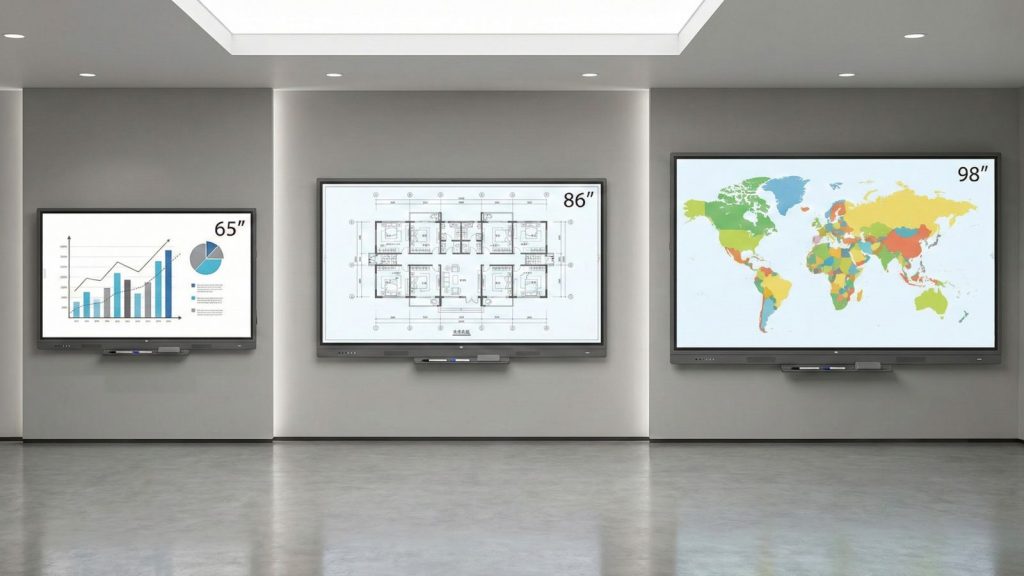
The price of an Interactive Whiteboard varies widely because it depends on more than just screen size. In real buying scenarios, factors like usage environment, durability, touch accuracy, and long-term reliability play a major role in determining cost. Many buyers focus only on the upfront price, but from my observation, that approach often leads to higher expenses later.
This section explains how Interactive Whiteboard pricing works in practical terms. We’ll briefly look at general price positioning, what you typically get at different budget levels, and why the “right price” depends on how and where the board will be used—whether in a classroom, training room, or corporate meeting space.
Interactive whiteboard price based on screen size
Screen size plays a bigger role in Interactive Whiteboard pricing than most buyers initially expect. From my experience, the cost difference isn’t only about getting a larger display—it’s about visibility, comfort, and how effectively people can interact with the board during real use. I’ve seen many buyers overspend on size without gaining real benefits, while others undersize and regret it later.
In daily classroom use, a smaller screen can feel perfectly fine until students at the back start struggling to read text or see details. In corporate spaces, the issue is similar—if participants need to zoom in constantly or walk closer to the screen, productivity drops. Based on user feedback, the “right size” often saves more time and effort than any advanced feature.
Here’s a real-world oriented size vs value breakdown, not marketing talk:
Screen Size Range | Typical Use Case | Real-World Value | Price Impact |
65″ – 75″ | Small classrooms, meeting rooms | Easy to install, low power use, good for close viewing | Lowest |
86″ | Standard classrooms, training rooms | Best balance of visibility and interaction | Medium |
98″ | Large classrooms, boardrooms | Comfortable viewing from the back of the room | High |
100″+ | Auditoriums, halls | Strong presence, but needs space & planning | Very high |
From my observation, 86″ is where most buyers feel they get the best return on money. It’s large enough for group interaction but doesn’t create installation or space issues. Jumping above 98″ usually increases price sharply, not because of size alone, but due to stronger panels, better touch accuracy requirements, and structural support needs.
If you ask me, the real value comes from matching screen size with room depth and audience size. A properly sized Interactive Whiteboard feels effortless to use, while an oversized or undersized one quietly becomes a daily frustration—even if it looks impressive on day one.
Classroom vs corporate interactive whiteboard price
When comparing Interactive Whiteboard prices for classrooms versus corporate environments, the difference isn’t just about dollar numbers—it’s about how the board will be used day to day. From my observation working with schools and businesses, each environment has distinct needs, and those needs influence what buyers are really paying for.
In classrooms, boards are generally used for teaching lessons, explaining concepts, showing videos, and occasional student interaction. Teachers usually want something reliable, easy to use, and visible from all parts of the room. In corporate settings, the board is expected to serve meetings, video conferences, collaborative planning sessions, and sometimes even interactive training with remote participants. These extra demands often require better software compatibility, smoother touch response, and more robust connectivity—which naturally affects price.
To understand the real difference, the table below reflects typical pricing patterns based on actual market feedback and usage expectations:
Environment | Common Expectations | Typical Features | Price Tendency |
Classroom | Basic lesson interaction, teacher-led use | Standard touch accuracy, basic software, student-friendly UI | Moderate |
Corporate | Presentations, remote collaboration, and team brainstorming | Advanced software integration, video conferencing support, multi-site sharing | Higher |
From my experience, classroom models tend to be priced lower because they focus on essential interactive functions that teachers need most. These boards often come with education-friendly software and a straightforward setup, which keeps costs reasonable for schools with tight budgets.
Corporate boards, on the other hand, often include additional software support, better connectivity options (like wireless casting, Bluetooth peripherals, and USB-C integration), and smoother multi-user touch responsiveness. Based on user feedback, these features make collaborative work much easier, but they do contribute to a higher price tag.
If you ask me, the choice shouldn’t be led by price alone. Think about how often the board will be used, how many people will interact with it at once, and whether you need advanced collaboration tools. For many buyers, paying a bit more for a corporate-grade Interactive Whiteboard makes sense when the daily use involves meetings, remote teams, and frequent content sharing. Meanwhile, a well-chosen classroom model offers excellent value for everyday teaching needs without unnecessary bells and whistles.
Factors that affect the interactive whiteboard price
The price of an Interactive Whiteboard is influenced by several practical factors that directly affect daily usability and long-term reliability. From my experience, buyers often focus on screen size first, but the real cost differences usually come from what’s built behind the screen and how the board is expected to perform over the years of use.
One major factor is touch technology and accuracy. Boards designed for basic single-user interaction cost less, while models that support fast, multi-user touch with smooth response are priced higher. In real classrooms, this affects how naturally teachers and students can write together. In offices, it determines whether brainstorming feels fluid or frustrating.
Another key factor is build quality and durability. Boards made for heavy daily use—especially in schools—often include stronger glass, better heat management, and longer-rated components. Based on user feedback, cheaper models may work fine initially but tend to develop touch calibration or display issues over time, which increases total ownership cost.
Here’s a practical breakdown of the most common price drivers:
Factor | How It Affects Price | Real-World Impact |
Touch technology | Infrared < Capacitive | Multi-user accuracy & smooth writing |
Display quality | HD < 4K, brightness level | Readability from distance |
Software & OS | Basic tools vs full ecosystem | Ease of teaching & collaboration |
Connectivity | Limited ports vs wireless sharing | Flexibility in meetings & classes |
Build & durability | Standard vs heavy-duty | Long-term reliability |
Brand & support | Limited vs strong local support | Downtime & maintenance cost |
From my observation, software support is an often-overlooked factor. Boards with stable updates, local language support, and reliable after-sales service usually cost more upfront, but they reduce headaches later. Many owners report that having quick technical support saves more time than any extra feature.
If you ask me, the smartest way to judge an interactive whiteboard price is to think in terms of total value, not just purchase cost. A slightly higher-priced board that runs smoothly, stays accurate, and receives regular updates often turns out to be the cheaper option over its full lifespan.
Interactive Whiteboard Specifications Explained
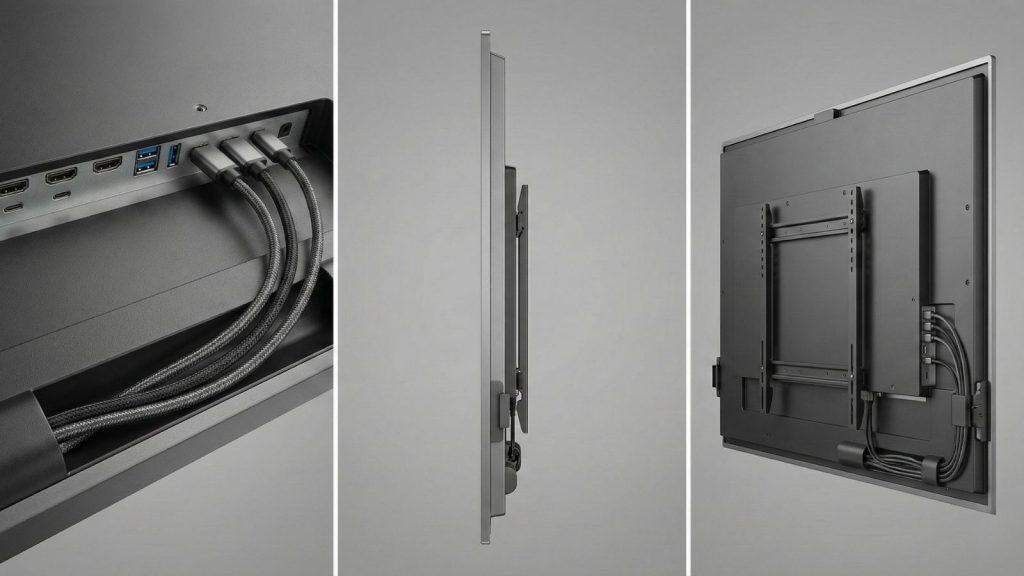
Understanding Interactive Whiteboard specifications can feel overwhelming at first because spec sheets often list technical terms without explaining what they actually mean in daily use. From my experience, most buyers don’t need the highest numbers on paper—they need specifications that match how the board will be used every day, whether in a classroom or a professional workspace.
This section breaks down Interactive Whiteboard specifications in a practical, easy-to-understand way. Instead of focusing on marketing language, we’ll explain what each key specification really does, why it matters, and how it affects real-world performance. The goal here is to help you read specs with confidence, so you can choose a board that feels smooth, reliable, and comfortable to use long after installation—not just impressive at first glance.
Screen size and resolution
Screen size and resolution are two specifications that directly affect how comfortable an Interactive Whiteboard feels in daily use. From my observation, these aren’t just visual numbers on a spec sheet—they decide whether text is easy to read from the back of the room and whether writing looks clean or slightly blurry during lessons or meetings.
Screen size determines how many people can clearly see and interact with the board at once. In classrooms, a board that’s too small forces students to strain their eyes, while in offices, it often leads to constant zooming during presentations. Resolution, on the other hand, controls sharpness. Based on user feedback, Full HD works for basic use, but 4K resolution makes text, diagrams, and small details noticeably clearer, especially on larger screens.
Here’s a practical way to think about size and resolution together:
Screen Size | Recommended Resolution | Real-World Experience |
65″–75″ | Full HD or 4K | Fine for close viewing and small rooms |
86″ | 4K | Clear text and smooth writing from any seat |
98″+ | 4K (essential) | Sharp visuals even from long distances |
From my experience, resolution matters more as the screen gets bigger. A large board with low resolution quickly feels outdated because text and lines lose sharpness. Many teachers and presenters report that once they switch to 4K, going back feels uncomfortable.
If you ask me, the best approach is balance. Choose a screen size that fits the room, then make sure the resolution supports that size properly. A well-matched Interactive Whiteboard feels easy on the eyes, keeps attention focused, and makes both writing and visuals look naturally clear throughout the day.
Touch technology (infrared vs capacitive)
Touch technology is one of the most important specifications that shapes how an Interactive Whiteboard actually feels during use. On paper, infrared and capacitive touch may sound similar, but in real environments, the difference becomes obvious within the first few days. From my experience, this is where many buyers either feel satisfied or slightly frustrated after installation.
Infrared touch uses sensors around the screen frame to detect touch. It’s widely used because it’s reliable, cost-effective, and works with fingers, stylus pens, or even gloves. In classrooms, this flexibility is a big advantage—teachers don’t have to worry about special pens or precise touch points. Based on user feedback, infrared boards perform well for writing, drawing, and basic multi-touch interaction, especially when many people use the board daily.
Capacitive touch, similar to what you find on smartphones, offers higher precision and a smoother feel. In corporate environments, this technology shines during detailed annotations, design work, or fast multi-user interaction. The writing feels closer to pen-on-paper, and touch response is more accurate near the edges. However, from my observation, capacitive boards are more expensive and slightly more sensitive to environmental conditions, such as moisture or static.
Here’s a simple real-world comparison to make the difference clear:
Touch Type | Best Use Case | Real Experience | Price Impact |
Infrared | Classrooms, training rooms | Durable, flexible, easy to use | Lower |
Capacitive | Corporate meetings, design work | Smoother, more precise touch | Higher |
In my opinion, infrared touch makes more sense for most educational settings because it’s forgiving and cost-efficient. Capacitive touch is worth the extra cost when precision and premium interaction matter more than budget. Choosing the right touch technology ensures your Interactive Whiteboard feels natural to use every single day, not just impressive during a demo.
Operating system and software support
The operating system and software support of an Interactive Whiteboard play a quiet but powerful role in how smooth daily use feels. From my experience, this is the area where users either feel confident using the board every day or slowly start avoiding its advanced features because things feel complicated.
Most modern interactive boards come with a built-in operating system, usually Android-based. In real classrooms, this makes a big difference because teachers can turn on the board and start teaching immediately without connecting a laptop. Opening apps, whiteboarding, playing videos, or accessing cloud files feels straightforward. Based on user feedback, this plug-and-play experience saves time, especially during short class periods.
Software support matters just as much as the operating system itself. Boards that receive regular updates tend to stay stable, secure, and compatible with popular tools like presentation software or online meeting platforms. I’ve noticed that when updates stop or software feels outdated, even good hardware starts to feel slow and limiting. In corporate environments, compatibility with screen sharing, video conferencing, and collaboration tools often determines whether meetings run smoothly or get interrupted by technical issues.
Another practical point is ease of learning. A clean interface and simple tools encourage people to actually use the features instead of falling back to old habits. From my observation, boards with well-designed whiteboarding and annotation software get used far more than those with complex menus and confusing settings.
If you ask me, choosing an Interactive Whiteboard with a stable operating system and strong software support is about long-term comfort. Hardware may look impressive on day one, but it’s the software experience that decides whether the board remains useful and enjoyable years down the line.
Connectivity ports (HDMI, USB, Wi-Fi, Bluetooth)
Connectivity options decide how flexible an Interactive Whiteboard feels in real-life use. From my experience, even a high-quality board can feel restrictive if it doesn’t connect easily with laptops, cameras, speakers, or the internet. This is one area where small details make a big daily difference.
HDMI ports are still the backbone of most setups. In classrooms, teachers often rely on HDMI to quickly connect a laptop and mirror content without delays. In offices, it’s the fastest way to start a presentation. Based on user feedback, having at least two HDMI ports helps avoid constant cable swapping during meetings or classes.
USB ports support touch input, external storage, cameras, and peripherals. In real use, USB makes it easy to plug in a flash drive, use a document camera, or connect interactive tools. I’ve noticed that boards with front-facing USB ports are far more convenient because users don’t have to reach behind the display repeatedly.
Wireless options like Wi-Fi and Bluetooth add another layer of comfort. Wi-Fi allows screen sharing, cloud access, and software updates without cables. Bluetooth is commonly used for connecting speakers, microphones, or keyboards. From my observation, wireless connectivity reduces clutter and makes collaborative sessions feel smoother, especially in corporate environments where multiple people share content.
If you ask me, the best Interactive Whiteboard setup balances wired and wireless connections. HDMI and USB provide reliability, while Wi-Fi and Bluetooth offer flexibility. When these options work together seamlessly, the board fits naturally into daily teaching or meeting routines instead of feeling like a technical hurdle.
Interactive Whiteboard Buying Guide

An Interactive Whiteboard Buying Guide helps turn confusion into clarity by showing what actually matters before making a purchase. From my experience, many buyers jump straight to brand names or prices without clearly defining their needs, which often leads to mismatched choices. This section is meant to give a clear direction before diving into detailed checklists or comparisons.
Here, the focus is on how to approach buying an Interactive Whiteboard in a practical way—considering usage environment, user type, and long-term value rather than short-term attraction. Instead of overwhelming details, this part sets the foundation for making a smart, confident decision that fits classrooms and offices in real-world conditions.
How to choose the right interactive whiteboard size
Choosing the right Interactive Whiteboard size is less about picking the biggest screen and more about matching the board to the room and the people using it. From my experience, size mistakes are one of the most common reasons users feel uncomfortable after installation, even when the board itself is high quality.
The first thing to consider is viewing distance. In classrooms, students sitting at the back should be able to read text without squinting. In offices, everyone in the meeting room should clearly see shared content without zooming in repeatedly. Based on user feedback, medium-to-large sizes feel more natural when the room depth increases, while oversized boards in small rooms can actually feel overwhelming.
Another practical factor is interaction space. A larger Interactive Whiteboard gives more room for writing, drawing, and multi-user interaction, which is helpful for group activities or brainstorming. However, from my observation, if the board is too wide for the wall or too high to reach comfortably, it reduces usability rather than improving it.
If you ask me, the right size choice comes from balance. Measure your room, think about how many people will use the board at once, and consider how often users need to interact with the screen. When size matches space and usage, an Interactive Whiteboard feels easy, comfortable, and effective in everyday use.
Classroom vs office buying checklist
When choosing an Interactive Whiteboard, a real buying checklist saves money, time, and long-term frustration. From my experience, many buyers regret their choice not because the board was “bad,” but because it was right for the wrong environment. A classroom board and an office board may look similar, but their real-world demands are very different.
In classrooms, the board is used every single day, often for long hours. Teachers need stability, fast response, and zero complexity. In offices, usage may be less frequent, but expectations are higher—smooth collaboration, quick sharing, and professional performance matter more. Based on user feedback, ignoring this difference is one of the biggest buying mistakes.
Here’s a practical, real-world checklist that actually helps buyers decide correctly:
Buying Factor | Classroom Priority | Office Priority | Why It Matters in Real Use |
Ease of use | Very high | Medium | Teachers need instant operation without tech help |
Touch durability | Very high | Medium | Daily writing by multiple users |
Screen clarity | High | High | Students & teams must see clearly from a distance |
Multi-user touch | Medium | High | Group collaboration vs teacher-led use |
Wireless sharing | Low–Medium | Very high | Meetings depend on fast content sharing |
Software simplicity | Very high | Medium | Teachers avoid complex menus |
Video conferencing | Low | Very high | Essential for hybrid meetings |
Maintenance tolerance | Very low | Medium | Classrooms can’t afford downtime |
Learning curve | Very low | Medium | Teachers need confidence, not training |
From my observation, classroom buyers get the best value from boards that “just work”, even if they lack premium features. Teachers care more about reliability than innovation. Office buyers, on the other hand, quickly feel limited if collaboration tools are missing—even if the board is cheaper.
Budget vs premium interactive whiteboards
A budget Interactive Whiteboard is mainly chosen for affordability and basic daily use. In the current market, these boards usually cost $600–$1,500 and are commonly available in 65″–75″ sizes. From my experience, they work fine for writing, showing slides, and playing videos in small classrooms or training rooms. However, touch response is usually basic, software updates are limited, and heavy daily use can reveal small delays or calibration issues over time.
A premium Interactive Whiteboard costs more upfront, typically $3,000–$8,000+, and is usually available in 86″–98″+ sizes. In real classrooms and offices, these boards feel smoother and more reliable. Users often notice faster touch response, better multi-user interaction, stronger build quality, and stable built-in software. Based on user feedback, premium boards create fewer interruptions during classes or meetings and stay consistent even after long-term use.
Here’s a clear, real-world price and value comparison:
Aspect | Budget Interactive Whiteboard | Premium Interactive Whiteboard |
Price range | $600 – $1,500 | $3,000 – $8,000+ |
Common sizes | 65″ – 75″ | 86″ – 98″+ |
Touch performance | Basic | Very smooth |
Software support | Limited | Regular updates |
Best for | Light daily use | Heavy daily use |
Long-term value | Medium | High |
From my observation, budget boards make sense when usage is simple, and budgets are tight. But if the Interactive Whiteboard will be used every day by many users, a premium model often proves more economical over time because it lasts longer and avoids daily frustration.
Mistakes buyers should avoid
One common mistake buyers make when choosing an Interactive Whiteboard is focusing only on the lowest price. From my experience, this often leads to disappointment later when the board feels slow, unreliable, or unsuitable for daily use. A cheaper option may look attractive at first, but if it struggles with regular teaching or meetings, the hidden cost shows up quickly.
Another mistake is ignoring the room size and viewing distance. I’ve seen boards installed in classrooms or offices where the screen was either too small to read clearly or too large for comfortable interaction. Based on real use, a poorly sized Interactive Whiteboard reduces clarity and makes people avoid using its features.
Many buyers also overlook software support and updates. A board with weak or outdated software can feel frustrating, even if the hardware is good. From my observation, a lack of updates leads to compatibility issues with common apps and devices, especially in offices that rely on screen sharing and online meetings.
Finally, skipping after-sales support is a costly error. Buyers sometimes choose a board without checking local service availability or warranty terms. When issues arise, delays in support can interrupt classes or meetings. If you ask me, avoiding these mistakes comes down to one thing—buying an Interactive Whiteboard that fits real usage needs, not just the spec sheet or the price tag.
FAQs About Interactive Whiteboards
Before making a final decision, buyers often have a few practical questions in mind. This section answers the most common Interactive Whiteboard questions in a clear, direct way, based on real usage and everyday experience—not marketing claims.
Is an Interactive Whiteboard worth the price?
Yes, if it is used regularly. In classrooms, it improves engagement and saves teaching time. In offices, it speeds up meetings and collaboration. For occasional use, the value is lower.
How long does an Interactive Whiteboard last?
On average, 5–8 years with normal use. Boards with good software support and proper care often last longer.
Can teachers or staff use it without technical skills?
Yes. Most users learn basic functions within a few days. If someone can use a smartphone or a laptop, they can use an Interactive Whiteboard.
Does an Interactive Whiteboard need frequent maintenance?
No. Regular cleaning and software updates are usually enough. Hardware issues are rare with proper use.
Is the internet required to use an Interactive Whiteboard?
No. Basic functions work offline. The Internet is only needed for online apps, updates, and cloud features.
Which is better for daily use—budget or premium models?
For light or occasional use, budget models are fine. For daily, heavy use, premium models offer better long-term reliability.
At the end of the day, these FAQs help clarify whether an Interactive Whiteboard fits your real needs, budget, and usage style—so you can decide with confidence.