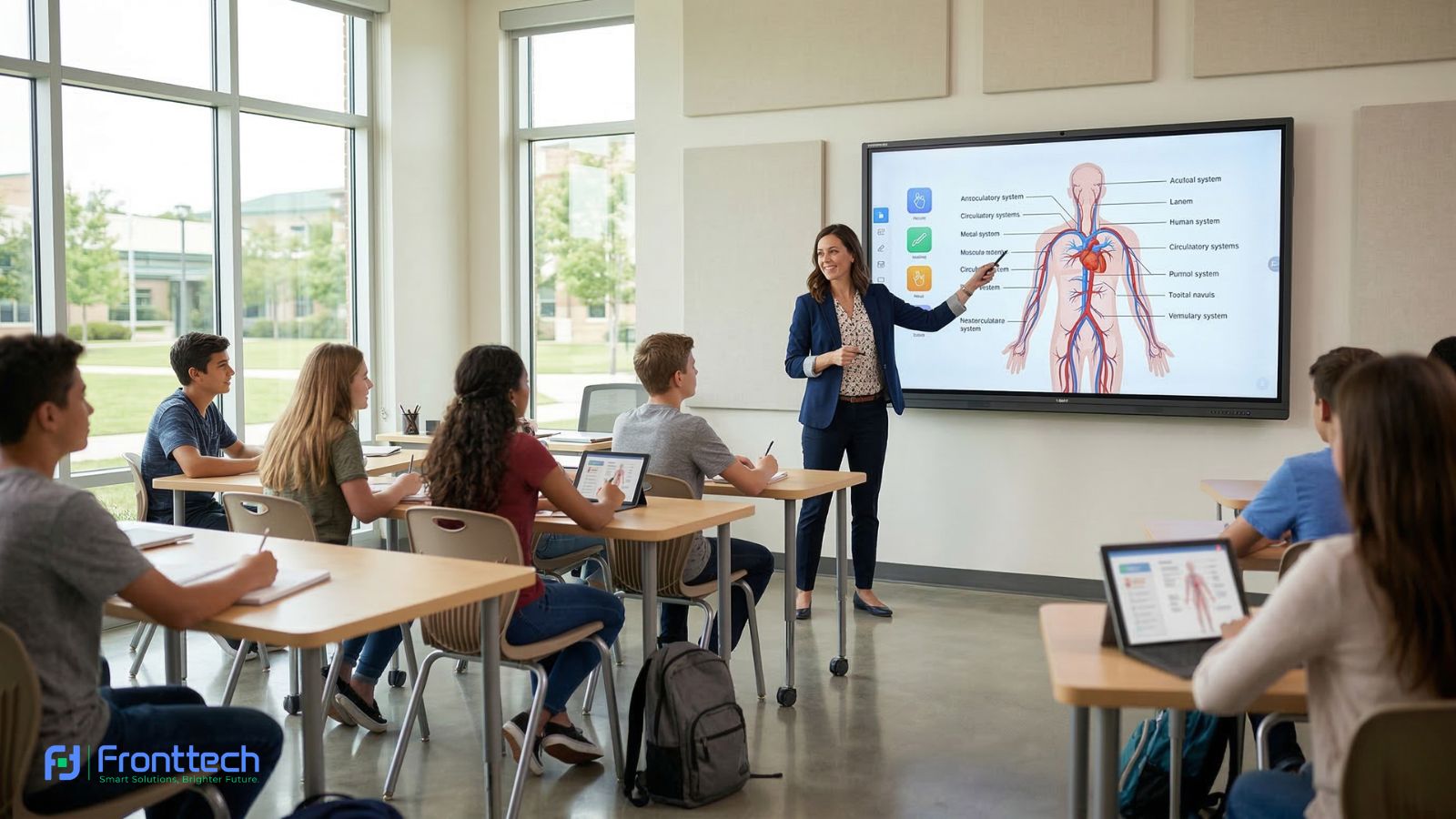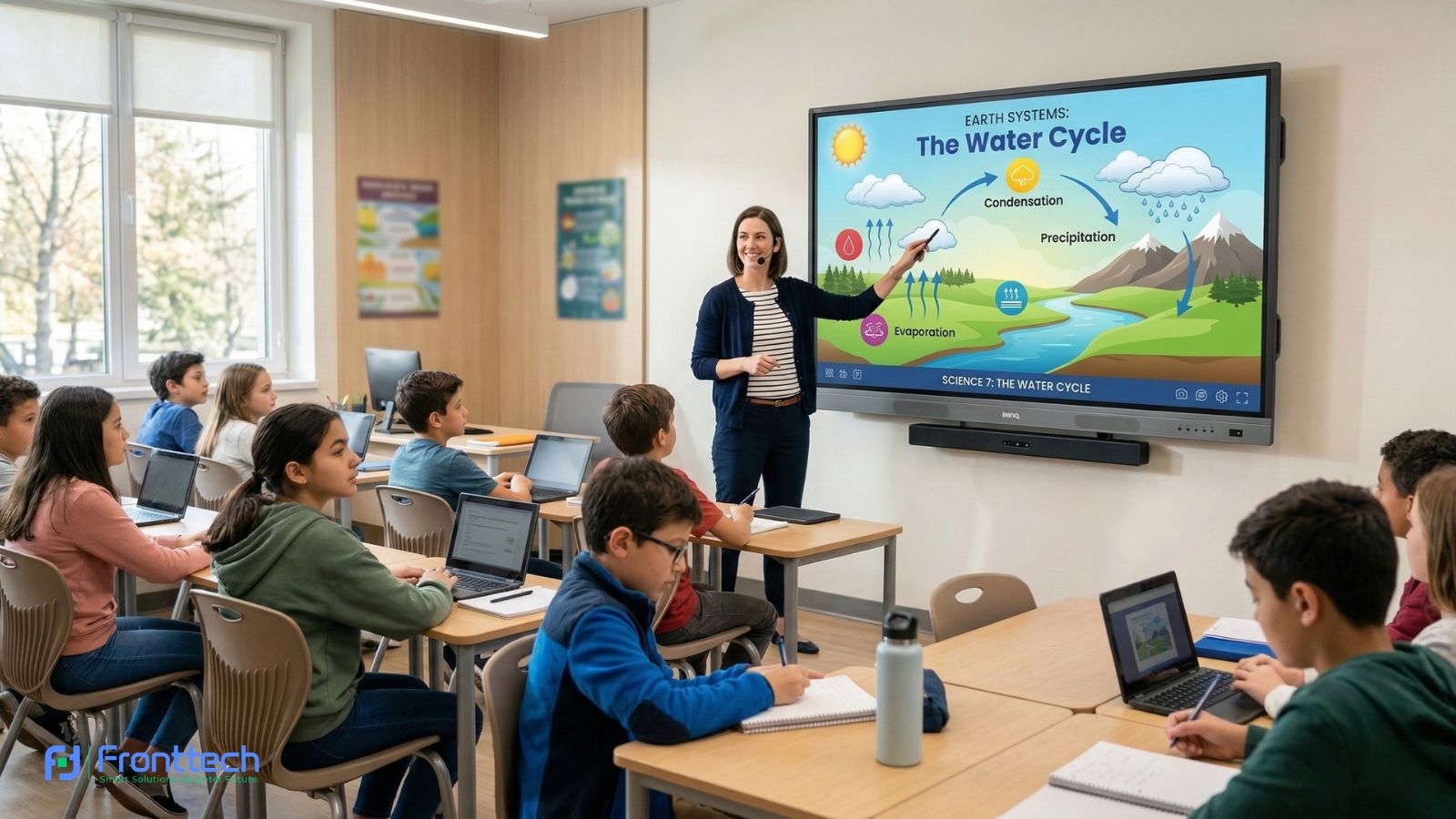

Choosing the right Interactive Whiteboard for schools is an important decision because it directly affects teaching efficiency, student interaction, and long-term classroom performance. From my observation, schools that select the correct model based on classroom needs experience smoother teaching and fewer technical problems over time. A well-chosen interactive whiteboard becomes a reliable teaching tool that supports daily classroom activities without interruptions.
One of the most important considerations is selecting a model with balanced performance and reliable features. Interactive whiteboards with faster system performance, clear display quality, and accurate touch response provide a better teaching experience. In real classroom use, teachers need a system that starts quickly, runs smoothly, and allows them to open lesson content without delays. Choosing a model with proper specifications ensures consistent performance during daily teaching.
Long-term maintenance is another key factor schools should consider before buying an interactive whiteboard. Regular cleaning, proper shutdown, and periodic software updates help maintain system stability and extend device lifespan. Based on classroom experience, interactive whiteboards that receive basic maintenance can perform reliably for many years without major technical issues.
Durability also plays an important role in long-term value. Interactive whiteboards designed for classroom environments are built to handle continuous daily use. Schools that invest in durable and well-built models experience fewer maintenance problems and better long-term reliability. In my opinion, choosing a reliable interactive whiteboard reduces overall maintenance costs and protects the school’s investment.
Another important factor is selecting the right model based on classroom size and teaching requirements. Different classrooms require different screen sizes and performance levels. Choosing a model that matches classroom capacity ensures clear visibility and comfortable interaction for both teachers and students.
At the end of the day, buying the right Interactive Whiteboard requires focusing on performance, durability, maintenance, and classroom suitability. Schools that make informed decisions benefit from better teaching efficiency, improved student engagement, and long-term classroom success.
Maintenance & Long-Term Use in Schools
Proper maintenance plays a critical role in ensuring that an Interactive Whiteboard continues to perform smoothly over many years of classroom use. Regular care, software updates, and correct daily handling help maintain touch accuracy, display clarity, and overall system stability. From a real classroom perspective, interactive whiteboards that receive basic maintenance usually provide consistent performance without major technical problems.
This section explains how schools can maintain an interactive whiteboard properly, including daily cleaning, system care, and long-term reliability practices. From my observation, schools that follow simple maintenance routines experience fewer performance issues and extend the lifespan of their interactive whiteboard significantly.
Long-term usability also depends on how the board is used and maintained in the classroom environment. Proper care ensures stable performance, reduces repair costs, and protects the school’s technology investment. In the following sections, we will explain daily maintenance, software care, and practical steps to ensure the long-term reliability of an Interactive Whiteboard in school environments.
Daily & Weekly Care
Regular daily and weekly care is essential to keep an Interactive Whiteboard working smoothly and maintain clear display quality. From a real classroom perspective, interactive whiteboards are used multiple times every day, so basic maintenance helps prevent performance issues and extends the device’s lifespan. In my opinion, simple care routines can keep the system reliable for many years without needing costly repairs.
Daily care mainly involves keeping the screen clean and free from dust and fingerprints. Since teachers and students interact with the screen using touch, fingerprints naturally accumulate over time. Based on classroom experience, wiping the interactive whiteboard gently with a soft microfiber cloth at the end of each day helps keep the display clear and the touch response accurate. This improves visibility and ensures smooth writing performance during lessons.
Another important daily practice is proper shutdown. Instead of turning off the power directly, teachers should use the system’s normal shutdown option. From my observation, proper shutdown helps protect the internal system and prevents software errors. This also ensures that the interactive whiteboard starts quickly and runs smoothly the next day.
Weekly care focuses on checking system performance and physical condition. Teachers or IT staff should inspect the interactive whiteboard for dust buildup around ventilation areas. Dust accumulation can affect cooling and long-term hardware reliability. Cleaning ventilation areas gently helps maintain stable performance.
It is also helpful to check touch accuracy weekly. If writing feels slightly misaligned, running the built-in calibration tool restores accurate touch response. Many teachers report that regular calibration keeps writing smooth and improves overall usability.
Another practical step is checking cable connections and power stability. Loose cables or unstable connections can affect performance. Ensuring proper connections helps maintain reliable operation.
From a real classroom maintenance perspective, these simple care routines take only a few minutes but make a significant difference in long-term usability. Interactive whiteboards that receive regular care often perform reliably for 6–10 years without major issues.
At the end of the day, consistent daily and weekly maintenance ensures that an Interactive Whiteboard remains reliable, responsive, and ready for classroom teaching. Proper care protects the investment and provides a better teaching experience for both teachers and students.
Software Updates & Calibration
Software updates and regular calibration are essential to keep an Interactive Whiteboard running smoothly and accurately in daily classroom use. From a practical teaching perspective, the operating system and built-in teaching software need updates to maintain system stability, improve performance, and fix minor bugs. Without proper updates, the interactive whiteboard may become slower or less responsive over time.
Software updates usually improve system speed, compatibility, and security. Most modern interactive whiteboards running Android 11 or Android 13 receive periodic updates that enhance performance and add new features. From my observation, interactive whiteboards that receive regular updates start faster, open apps more smoothly, and handle teaching tasks more efficiently. Many schools report fewer system issues after keeping their software up to date.
Updating the system is usually a simple process. Teachers or IT staff can check for updates through the system settings when the interactive whiteboard is connected to the internet. In my opinion, checking for updates once every 1–2 months is enough to maintain stable performance. This ensures that the system remains optimized for daily classroom use.
Calibration is another important part of maintenance. Calibration ensures that touch input matches the exact position on the screen. Over time, slight misalignment can occur due to regular use or environmental changes. Based on classroom experience, running the built-in calibration tool restores accurate touch response within a few minutes.
Touch calibration is especially important when teachers notice writing does not appear exactly where they touch. After calibration, writing feels smooth and precise again. Many teachers report that regular calibration improves writing comfort and teaching accuracy.
Another benefit of software updates is improved compatibility with education software. Updated systems support newer apps, improved wireless connectivity, and better integration with classroom tools. This makes the interactive whiteboard more reliable and easier to use.
From a real classroom maintenance perspective, software updates and calibration help prevent performance problems and ensure consistent operation. Interactive whiteboards that receive regular software maintenance typically perform reliably for many years.
At the end of the day, keeping the Interactive Whiteboard updated and properly calibrated ensures accurate touch response, stable performance, and a better classroom teaching experience.
Ensuring Long-Term Durability
Ensuring long-term durability of an Interactive Whiteboard is essential because schools expect this investment to perform reliably for many years. From a real classroom perspective, most high-quality interactive whiteboards can last 6 to 10 years, but this depends heavily on usage habits, environment, and basic maintenance practices. In my opinion, durability is not only about hardware quality—it also depends on how the system is used and maintained daily.
One of the most important factors is proper daily usage. Teachers should avoid using sharp or hard objects on the screen, as modern interactive whiteboards are designed for finger or stylus input only. Based on classroom experience, using proper touch methods protects the display surface and maintains accurate touch response over time. Many schools report fewer screen issues when teachers follow correct usage practices.
Environmental conditions also affect long-term durability. Interactive whiteboards perform best in classrooms with controlled temperature and minimal dust exposure. From my observation, excessive dust buildup can affect internal cooling and reduce hardware lifespan. Keeping the classroom environment clean and ensuring proper ventilation helps maintain system performance.
Power protection is another key factor. Voltage fluctuations and sudden power loss can damage internal components. Using a voltage stabilizer or UPS protects the interactive whiteboard from electrical problems. Many schools that use proper power protection experience fewer hardware failures over time.
Regular system care also improves durability. Keeping the screen clean, updating the software, and ensuring stable installation all contribute to long-term reliability. Interactive whiteboards that receive regular maintenance usually maintain smooth performance even after several years of use.
Another important factor is choosing proper installation and avoiding unnecessary movement. Wall-mounted interactive whiteboards tend to last longer because they remain stable and protected. Mobile setups are also durable when handled carefully and moved properly.
From a practical standpoint, interactive whiteboards designed for classroom use are built for continuous daily operation. Based on user feedback, models with strong build quality and proper maintenance often remain fully functional well beyond their expected lifespan.
At the end of the day, ensuring the durability of an Interactive Whiteboard depends on proper usage, stable power, clean environment, and regular maintenance. Schools that follow these simple practices can maximize the lifespan of their interactive whiteboard and ensure reliable classroom performance for many years.
Interactive Whiteboard Buying Guide for Schools
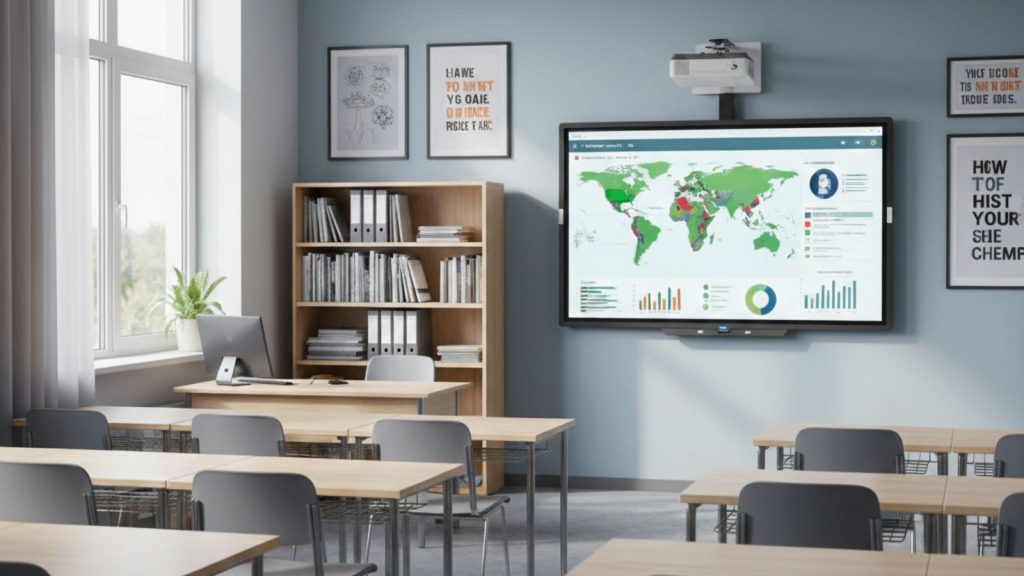
Choosing the right Interactive Whiteboard for schools requires careful evaluation of classroom needs, performance requirements, and long-term usability. From a real classroom perspective, the best interactive whiteboard is not always the most expensive one—it is the one that fits the classroom size, supports daily teaching smoothly, and remains reliable for many years. Making the right decision helps schools avoid performance issues and unnecessary upgrade costs later.
This buying guide explains the most important factors schools should consider before purchasing an interactive whiteboard, including screen size, system performance, touch accuracy, and installation suitability. From my observation, schools that focus on practical usability rather than only price achieve better teaching efficiency and long-term value.
Another important consideration is the daily usage level. Interactive whiteboards used for multiple classes every day require stronger hardware and better durability. Based on classroom experience, choosing the right specifications ensures smooth lesson delivery, faster response, and fewer technical interruptions.
In the following sections, we will explain how to choose the right interactive whiteboard model, what features are essential for classroom use, and what common buying mistakes schools should avoid. This will help schools make a confident and informed Interactive Whiteboard purchasing decision.
How to Choose the Right Model
Choosing the right Interactive Whiteboard model for a school depends on classroom size, daily usage, and system performance. From my observation, many schools focus only on price, but performance and usability matter more in long-term classroom use. The right model should start quickly, respond smoothly to touch, and handle teaching apps without delay.
The first thing schools should consider is system performance. Interactive whiteboards with at least 4GB RAM and a modern processor provide stable performance for daily teaching. However, if the board will be used continuously across multiple classes, choosing a model with 8GB RAM and a faster processing speed ensures smoother operation. Based on classroom experience, higher-performance systems open lesson files faster and reduce waiting time during teaching.
Screen size should match classroom size. In smaller classrooms, a 65-inch interactive whiteboard provides sufficient visibility. Medium classrooms benefit most from a 75-inch model, while large classrooms require an 86-inch display for clear viewing from the back. In my opinion, choosing the correct size improves student visibility and teaching comfort more than any other feature.
Touch response quality is another important factor. A good interactive whiteboard should provide smooth writing without delay. From practical teaching use, boards with faster touch response allow teachers to write naturally, which improves lesson flow. Accurate touch detection also helps students interact comfortably during classroom activities.
Software support and ease of use also matter. Interactive whiteboards with built-in Android systems allow teachers to open lesson files, use teaching apps, and access online content directly. This reduces dependence on external devices and makes daily teaching easier. Many teachers prefer systems that are simple to use and require minimal setup.
Connectivity options should also be considered. Interactive whiteboards with HDMI, USB, WiFi, and LAN connectivity allow teachers to connect devices and access lesson materials easily. From classroom experience, better connectivity improves flexibility and reduces setup time.
Durability is another key factor. Interactive whiteboards designed for classroom use should have strong display panels and reliable internal components. Based on real usage patterns, well-built interactive whiteboards can perform reliably for 6–10 years with proper maintenance.
From a real decision-making perspective, schools should focus on performance, screen size, touch quality, and long-term reliability when choosing an interactive whiteboard model. In my opinion, selecting a balanced model with good specifications ensures smooth teaching and avoids performance issues later.
At the end of the day, the right Interactive Whiteboard model depends on classroom needs and usage level. Choosing a reliable and well-performing model ensures a better teaching experience and long-term value for schools.
Classroom Size & Student Count Consideration
Choosing the correct Interactive Whiteboard size based on classroom size and total student count is essential for clear visibility and effective teaching. From my observation, many schools make the mistake of selecting a smaller screen to reduce initial cost, but this often creates visibility problems for students sitting in the back rows. When students cannot clearly see lesson content, teaching effectiveness decreases, and student engagement becomes lower.
In smaller classrooms with around 10 to 20 students, a 65-inch interactive whiteboard usually provides sufficient visibility. Since students sit closer to the board, lesson content such as text, diagrams, and presentations remains clearly visible. This size works well for compact classrooms where viewing distance is limited.
For standard classrooms with 20 to 40 students, a 75-inch interactive whiteboard is the most practical option. Based on real classroom experience, this size provides enough display space for clear lesson delivery while maintaining comfortable viewing for all students. In my opinion, this size offers the best balance between performance, usability, and long-term classroom suitability.
Larger classrooms with 40 to 70 students require an 86-inch interactive whiteboard to maintain proper visibility. Larger screens ensure that students sitting at the back can read text and understand visual content without difficulty. This improves overall lesson clarity and reduces the need for repeated explanations.
Here is a practical classroom-size recommendation table based on real classroom conditions:
Classroom Type | Student Count | Recommended Interactive Whiteboard Size | Practical Classroom Benefit |
Small classroom | 10–20 students | 65 inch | Suitable for a shorter viewing distance |
Standard classroom | 20–40 students | 75 inch | Best balance of visibility and usability |
Large classroom | 40–70 students | 86 inch | Ensures clear visibility from back rows |
Training room / large hall | 70+ students | 86–98 inch | Maximum visibility and group interaction |
Viewing distance also affects screen selection. From a practical standpoint, students sitting more than 6–8 meters away benefit significantly from larger interactive whiteboards. Larger screens improve readability and help students stay focused during lessons.
Student interaction becomes easier when the screen size matches the classroom capacity. Larger interactive whiteboards provide more writing space, allowing teachers to explain topics clearly and students to participate comfortably.
At the end of the day, choosing the right Interactive Whiteboard size based on classroom size and student count ensures better lesson clarity, improved student participation, and a more effective teaching experience.
Must-Have Features for Schools
When buying an Interactive Whiteboard for schools, it is important to focus on features that directly improve teaching performance, usability, and long-term reliability. From my observation, schools that choose models with the right core features experience smoother teaching and fewer technical problems. The goal is not to buy the most expensive model, but to choose an interactive whiteboard that supports daily classroom needs without slowing down or causing interruptions.
One of the most essential features is a clear and sharp display. An interactive whiteboard with 4K resolution ensures that text, diagrams, and lesson materials appear clear and easy to read. This is especially important in classrooms where students sit at different distances. Based on classroom experience, clear visuals help students understand lessons faster and reduce confusion.
Touch response quality is another critical feature. A good interactive whiteboard should respond instantly when teachers write or students interact with the screen. Smooth touch response makes writing feel natural and prevents delays during teaching. In my opinion, fast and accurate touch performance improves teaching confidence and classroom flow.
System performance also plays a major role. Interactive whiteboards with sufficient RAM and processing speed open apps quickly and run smoothly throughout the day. Teachers often use presentations, videos, and teaching apps during lessons, so stable system performance ensures uninterrupted teaching. From practical classroom use, faster systems save time and reduce frustration.
Built-in teaching software is also very important. Interactive whiteboards with integrated whiteboard apps allow teachers to write, highlight, and save lesson content easily. This helps teachers organize lessons and reuse materials when needed. Many teachers report that built-in teaching tools improve daily teaching efficiency.
Connectivity support is another must-have feature. Interactive whiteboards should support HDMI, USB, WiFi, and LAN connections so teachers can connect laptops, open lesson files, and access internet resources easily. From real classroom experience, better connectivity makes lesson delivery more flexible and efficient.
Durability is equally important for schools. Interactive whiteboards designed for classroom environments are built to handle daily use and continuous interaction. Strong build quality ensures stable performance and reduces long-term maintenance problems.
From a real decision-making perspective, schools should focus on display clarity, touch performance, system speed, software support, connectivity, and durability when choosing an interactive whiteboard. These features ensure reliable daily use and better classroom performance.
At the end of the day, selecting an Interactive Whiteboard with the right features ensures smoother teaching, better student interaction, and long-term value for schools.
Buying Mistakes to Avoid
Buying the wrong Interactive Whiteboard can create long-term problems such as slow performance, poor visibility, and limited usability in the classroom. From my observation, many schools focus only on price and ignore important factors like system performance, screen size, and long-term reliability. Avoiding these common mistakes helps schools make a better investment and ensures a smoother teaching experience.
One of the most common mistakes is choosing the wrong screen size. Some schools select smaller interactive whiteboards to reduce cost, but this creates visibility issues for students sitting in the back rows. In real classroom use, students need clear visibility to understand lesson content properly. Selecting the correct screen size based on classroom capacity ensures better learning outcomes.
Another mistake is ignoring system performance. Interactive whiteboards with low RAM or slower processors may work initially, but can become slow over time. Based on classroom experience, slow system response interrupts lesson flow and wastes valuable teaching time. In my opinion, choosing an interactive whiteboard with balanced performance ensures smoother operation and better long-term usability.
Many schools also overlook touch response quality. Poor touch accuracy makes writing difficult and reduces teaching efficiency. From practical classroom use, smooth and accurate touch response improves writing comfort and student interaction. Testing touch performance before purchasing helps avoid this problem.
Connectivity is another area where mistakes happen. Some interactive whiteboards have limited connectivity options, which restrict teachers from connecting devices or accessing online resources. Interactive whiteboards with proper HDMI, USB, WiFi, and LAN support provide better classroom flexibility.
Another serious mistake is ignoring installation and classroom setup requirements. Even a good interactive whiteboard cannot perform properly if installed incorrectly or placed in an unsuitable location. Proper installation planning ensures better usability and long-term reliability.
Some schools also do not consider long-term durability. Choosing lower-quality models may reduce initial cost but can lead to performance issues after a few years. From my observation, investing in a reliable interactive whiteboard reduces maintenance problems and improves long-term value.
Finally, many buyers do not consider teacher usability. Interactive whiteboards should be easy to use and require minimal setup. Complex systems can slow down teaching and reduce efficiency. Simple and user-friendly systems provide a better classroom experience.
From a real decision-making perspective, avoiding these mistakes helps schools choose the right Interactive Whiteboard that delivers reliable performance and long-term value.
At the end of the day, selecting the right Interactive Whiteboard requires focusing on classroom needs, performance, usability, and durability. Schools that avoid common buying mistakes achieve better teaching efficiency and protect their technology investment.
Frequently Asked Questions About Interactive Whiteboard Buying & Maintenance for Schools
Before purchasing an Interactive Whiteboard, schools often have important questions about choosing the right model, maintenance requirements, and long-term value. From real classroom experience, understanding these factors helps schools avoid buying mistakes and ensures reliable performance for many years. The following answers cover the most important buying and maintenance questions.
How do schools choose the right Interactive Whiteboard model?
Schools should choose an Interactive Whiteboard based on classroom size, student count, and daily usage needs. A model with clear display, smooth touch response, and stable system performance ensures better teaching efficiency and long-term usability.
What features are most important when buying an Interactive Whiteboard?
The most important features include clear display quality, fast touch response, reliable system performance, built-in teaching software, and proper connectivity options. These features ensure smooth classroom teaching and easy lesson management.
How long does an Interactive Whiteboard last in schools?
A good quality Interactive Whiteboard usually lasts between 6 and 10 years with proper maintenance. Regular cleaning, proper shutdown, and stable power supply help maintain long-term performance.
Does an Interactive Whiteboard require regular maintenance?
Yes, basic maintenance such as cleaning the screen, updating the software, and checking system performance helps ensure smooth operation. These simple steps improve reliability and extend the lifespan of the interactive whiteboard.
Is it better to buy a budget or premium Interactive Whiteboard?
Budget interactive whiteboards are suitable for basic classroom use, while premium models provide faster performance, smoother touch response, and better long-term reliability. Schools should choose based on usage level and classroom requirements.
Can an Interactive Whiteboard work without frequent repairs?
Yes, a well-built Interactive Whiteboard can work reliably for many years without major repairs if used properly and maintained regularly. Choosing a durable model improves long-term value.
Is buying an Interactive Whiteboard a good long-term investment for schools?
Yes, an Interactive Whiteboard improves teaching efficiency, enhances student engagement, and provides long-term classroom benefits. Schools that invest in the right model experience better teaching performance and reduced maintenance issues.